EULA - End User License Agreement
About this form
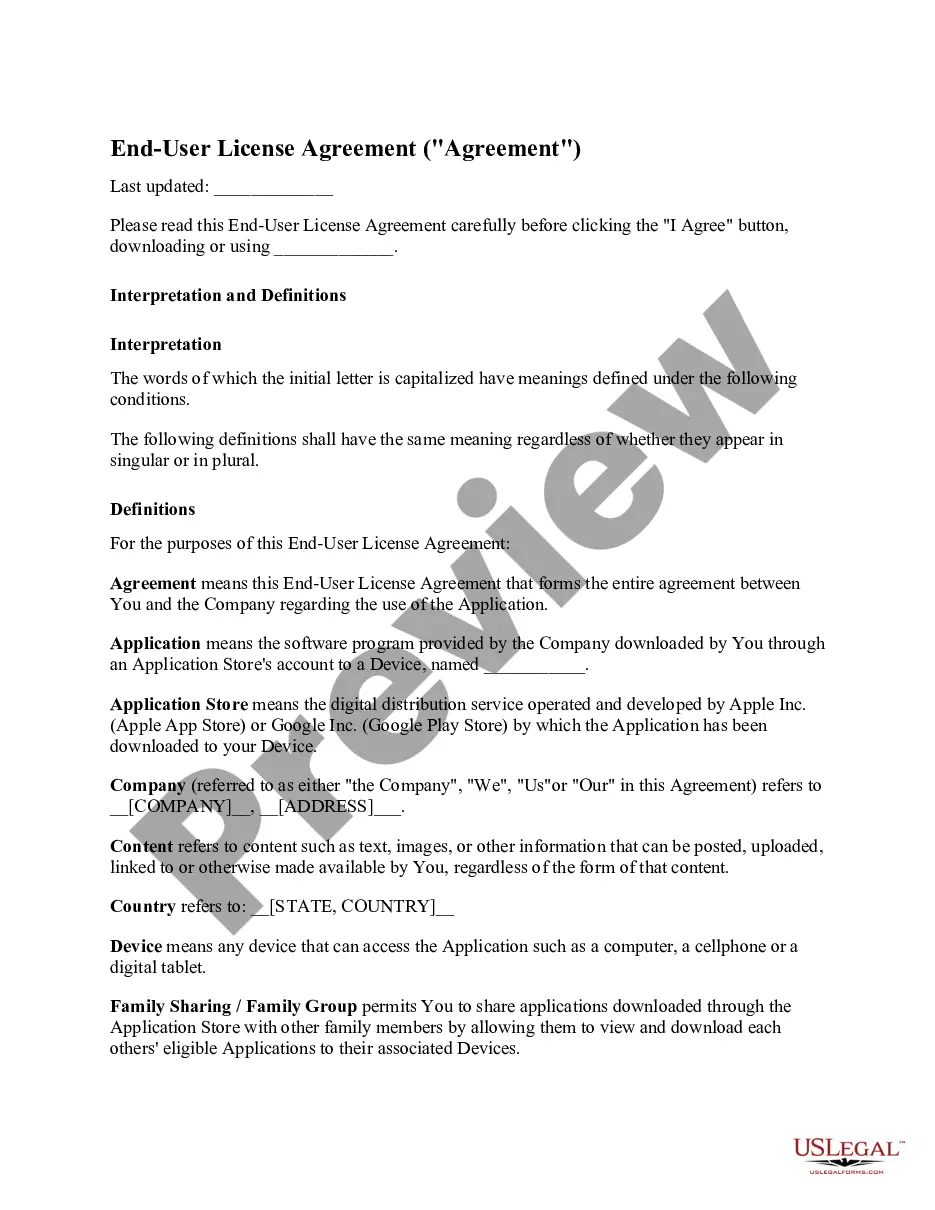
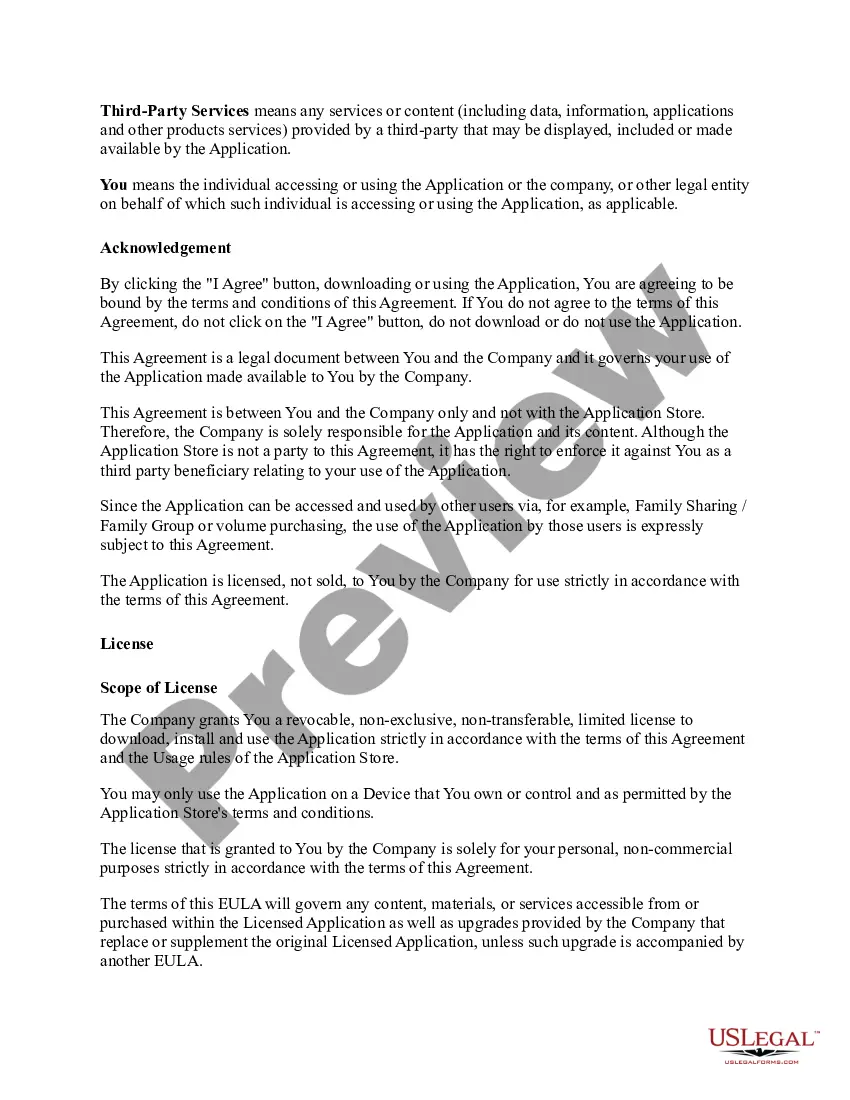
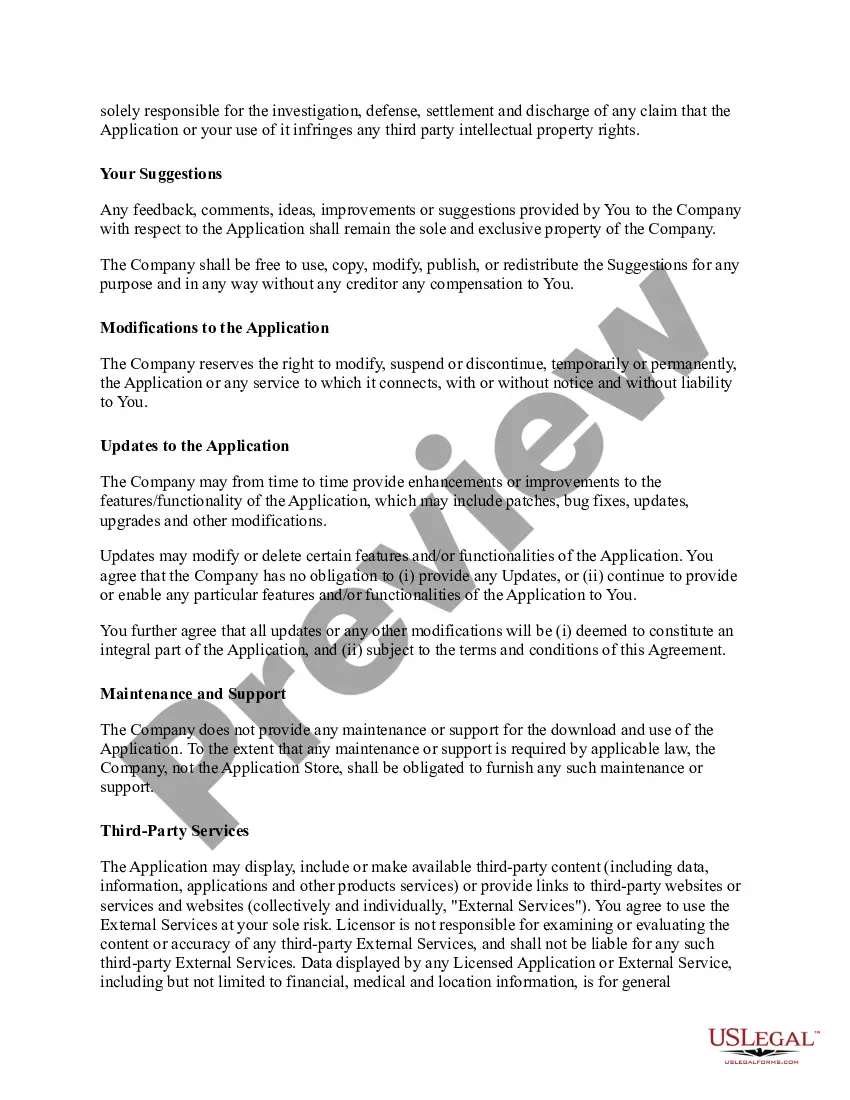
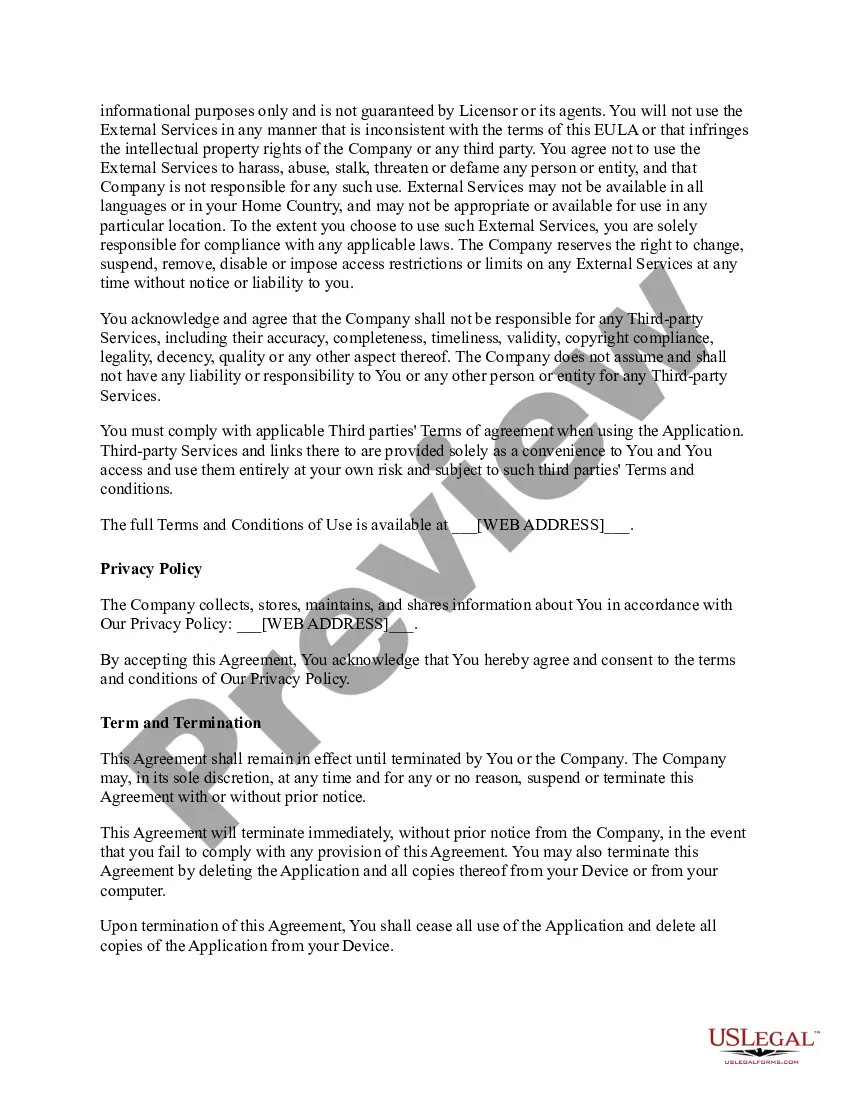
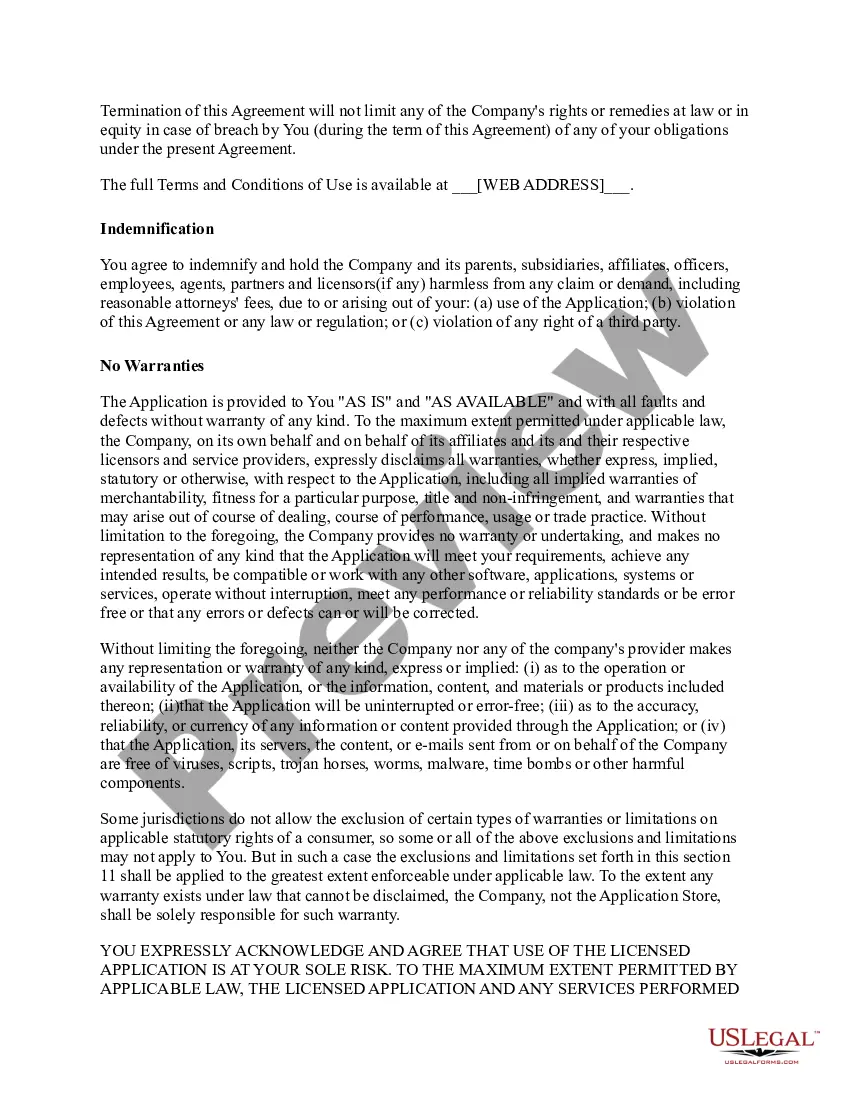
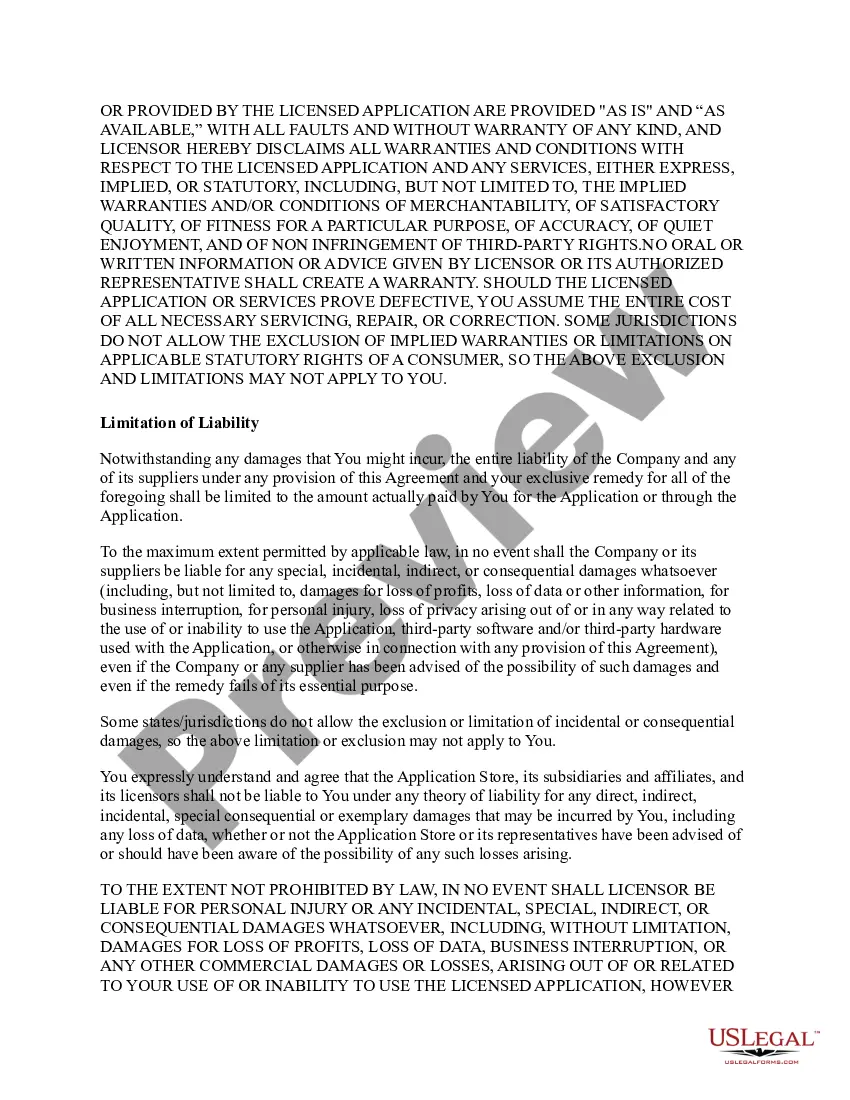
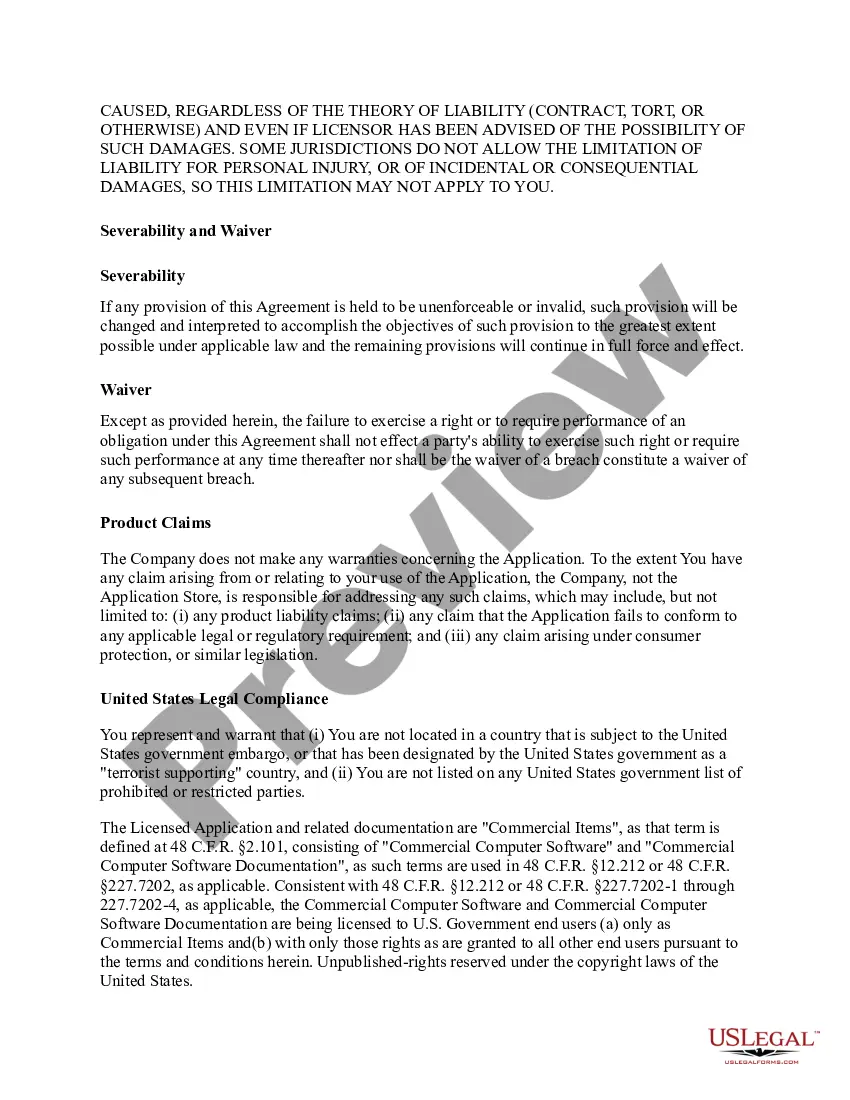
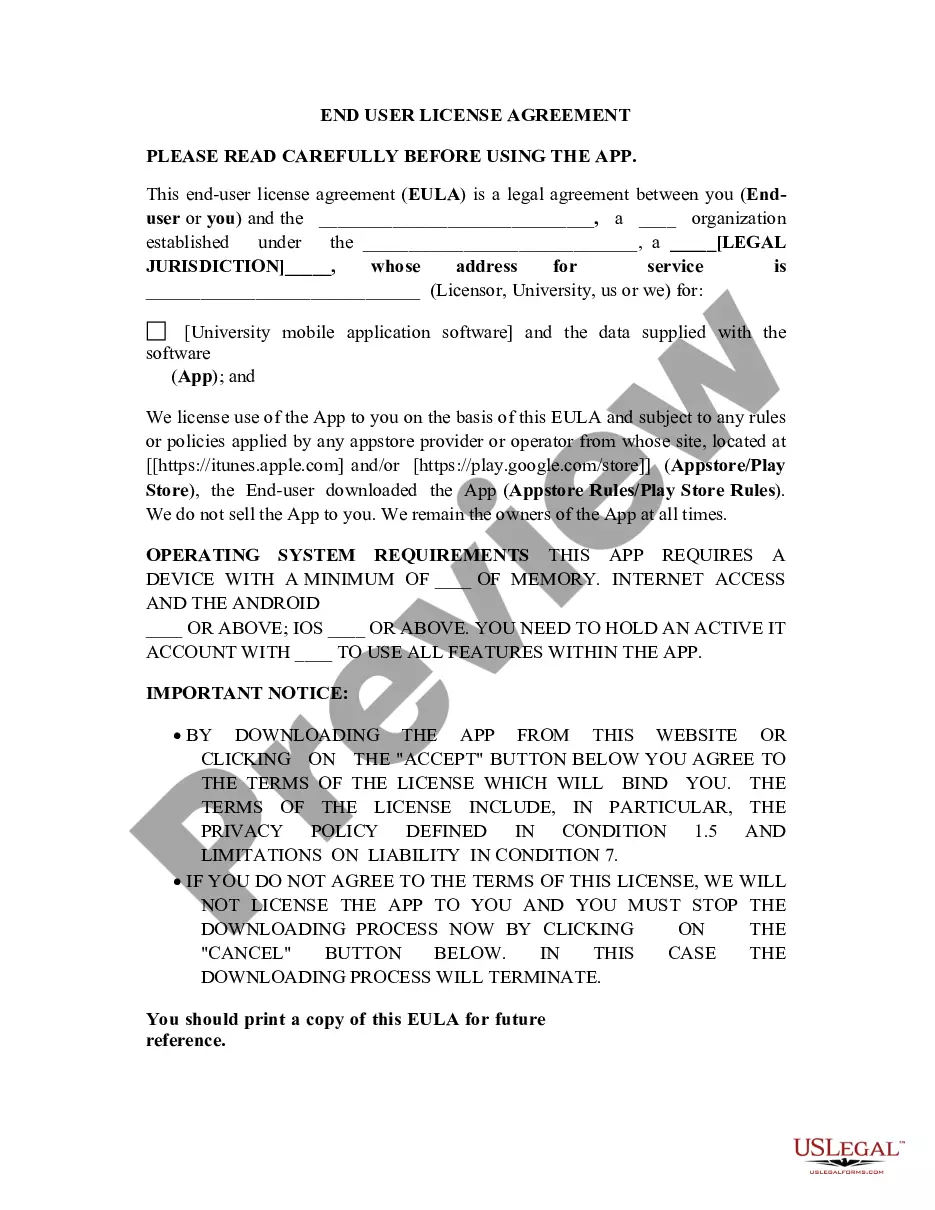
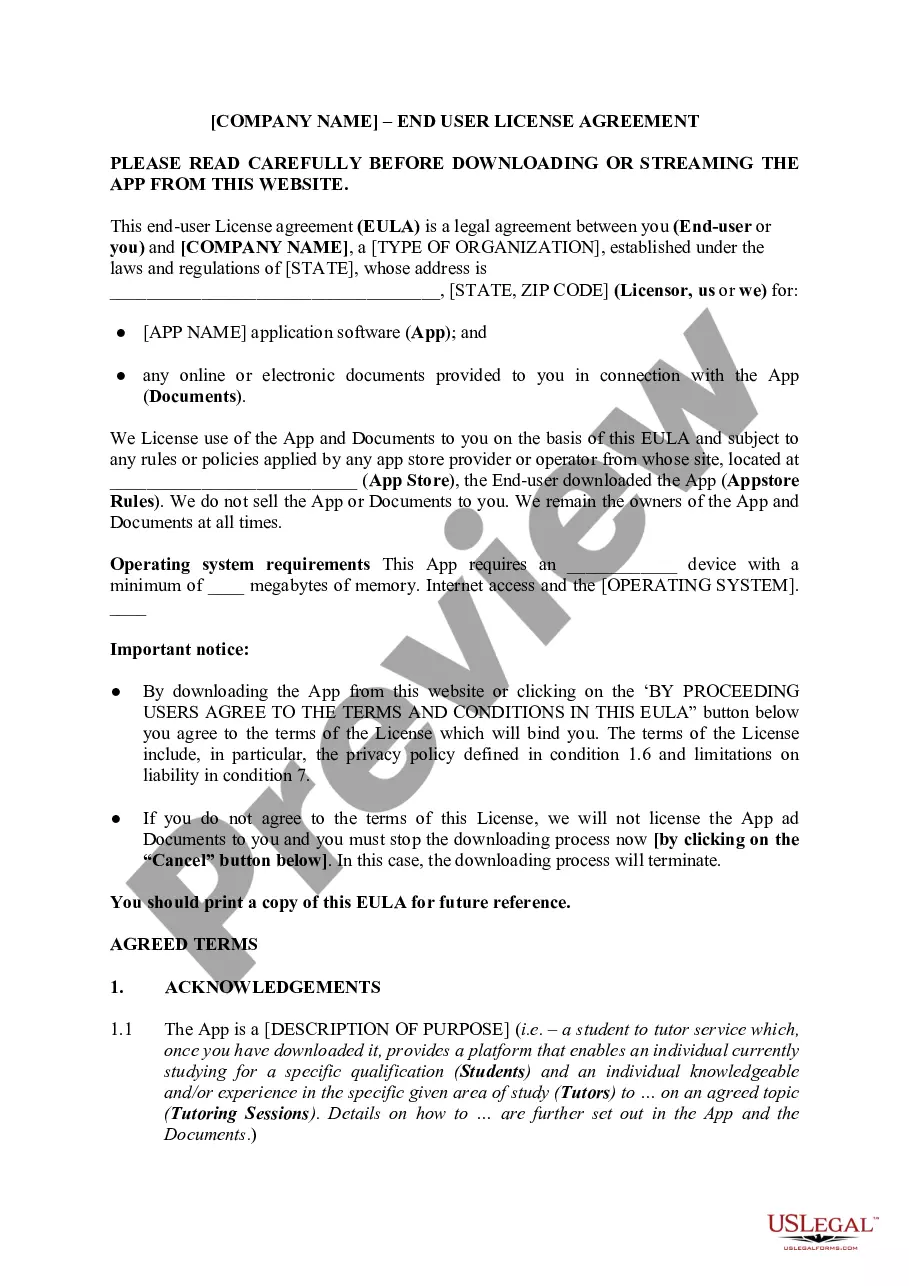
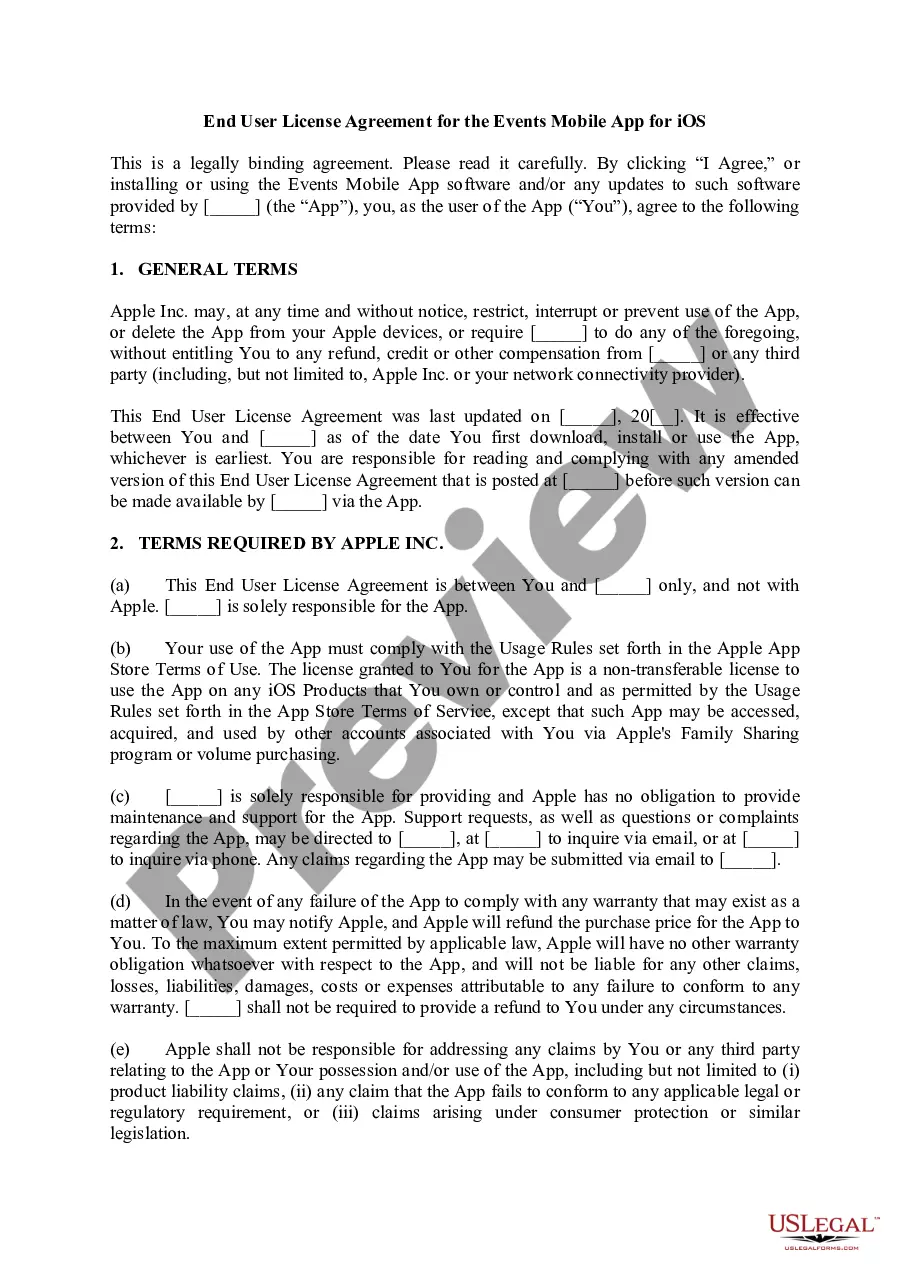
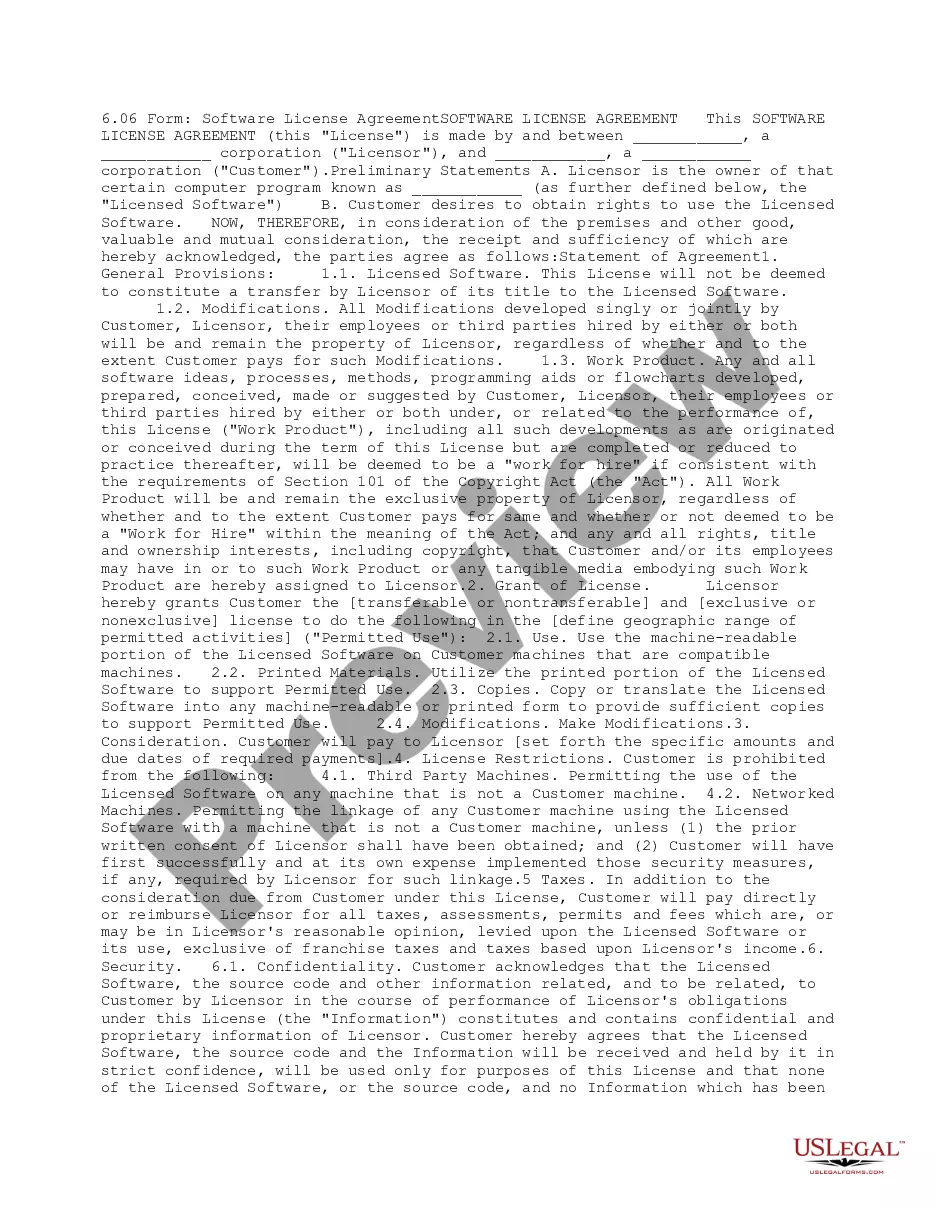
An End User License Agreement (EULA) is a legal document that outlines the terms under which a user may access and utilize a software application. This agreement is established between a software developer or vendor and the end user. It defines the rights and restrictions associated with the software, differentiating it from other legal forms by focusing specifically on software usage terms and licensing. A typical EULA includes definitions, license grants, usage limitations, copyright notices, and warranty disclaimers, ensuring clarity around the use of the software.
Key components of this form
- Definitions: Clarifies key terms used in the agreement.
- License Grant: Specifies the nature of the userâs rights regarding the software.
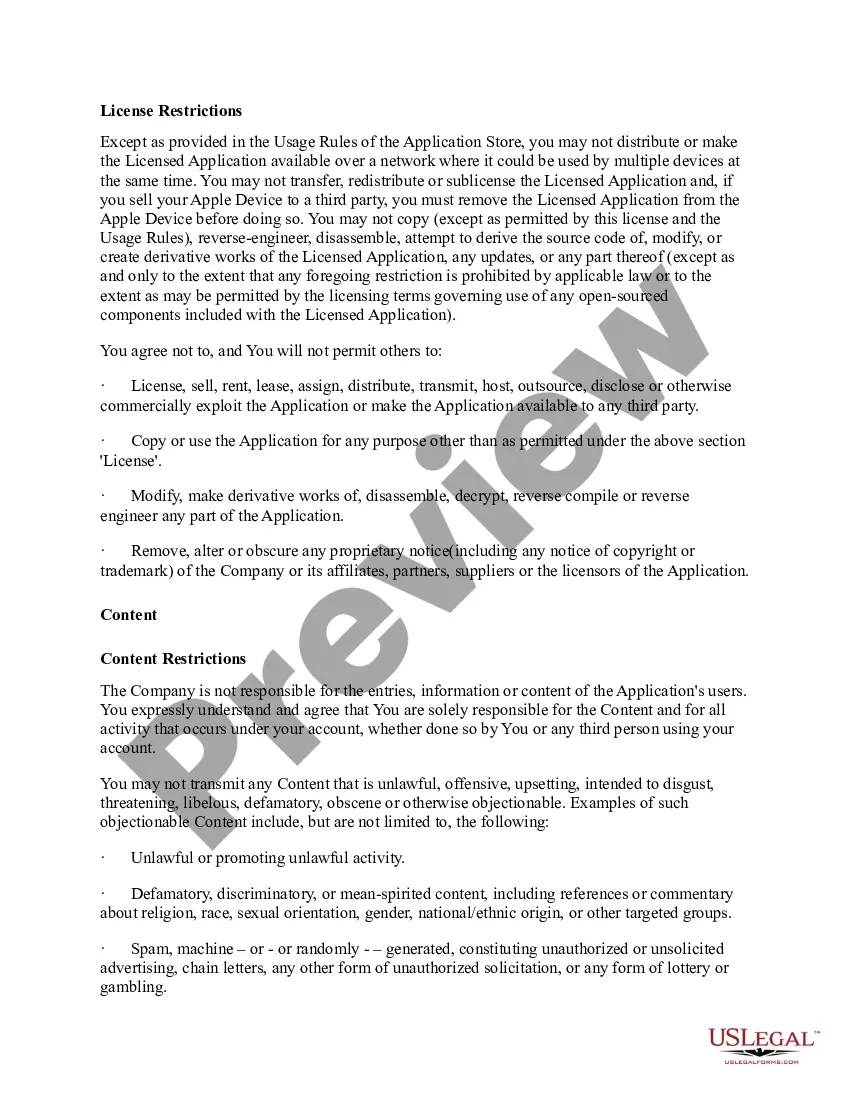
- Limitations on Use: Outlines what users are prohibited from doing with the software.
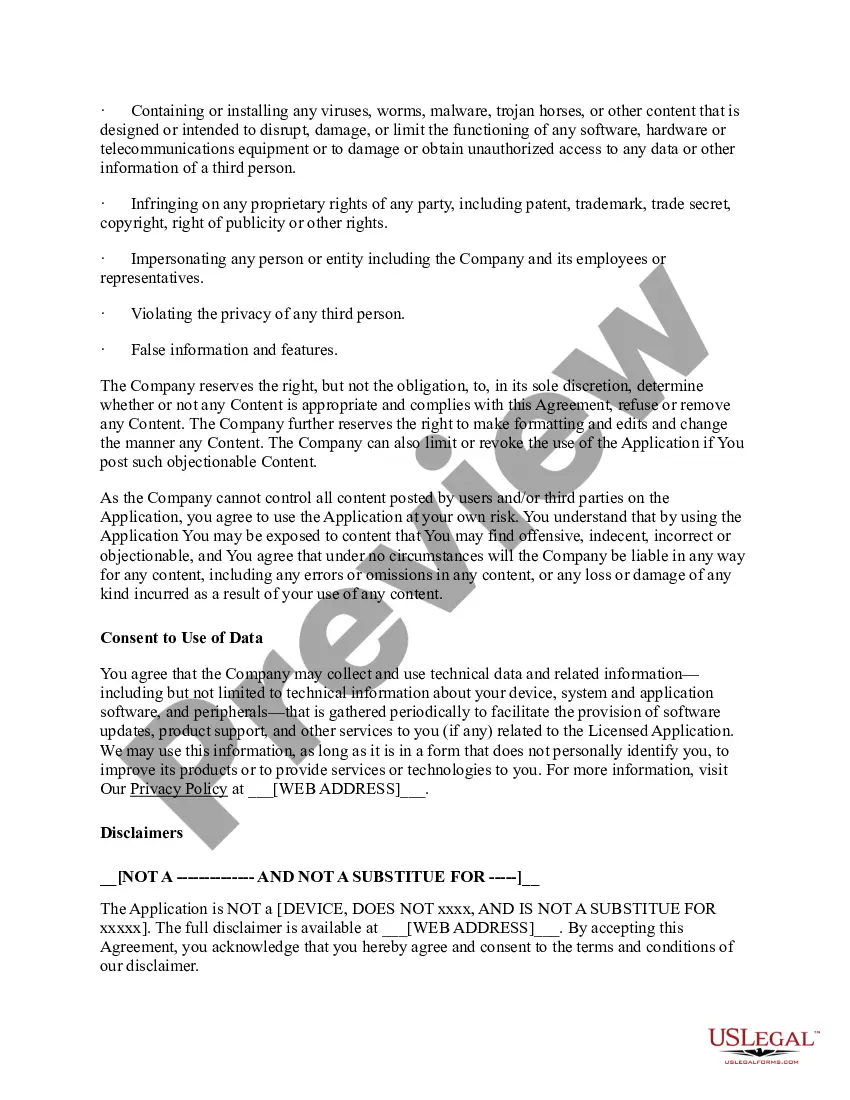
- Content Restrictions: Addresses user responsibility regarding any content shared or created.
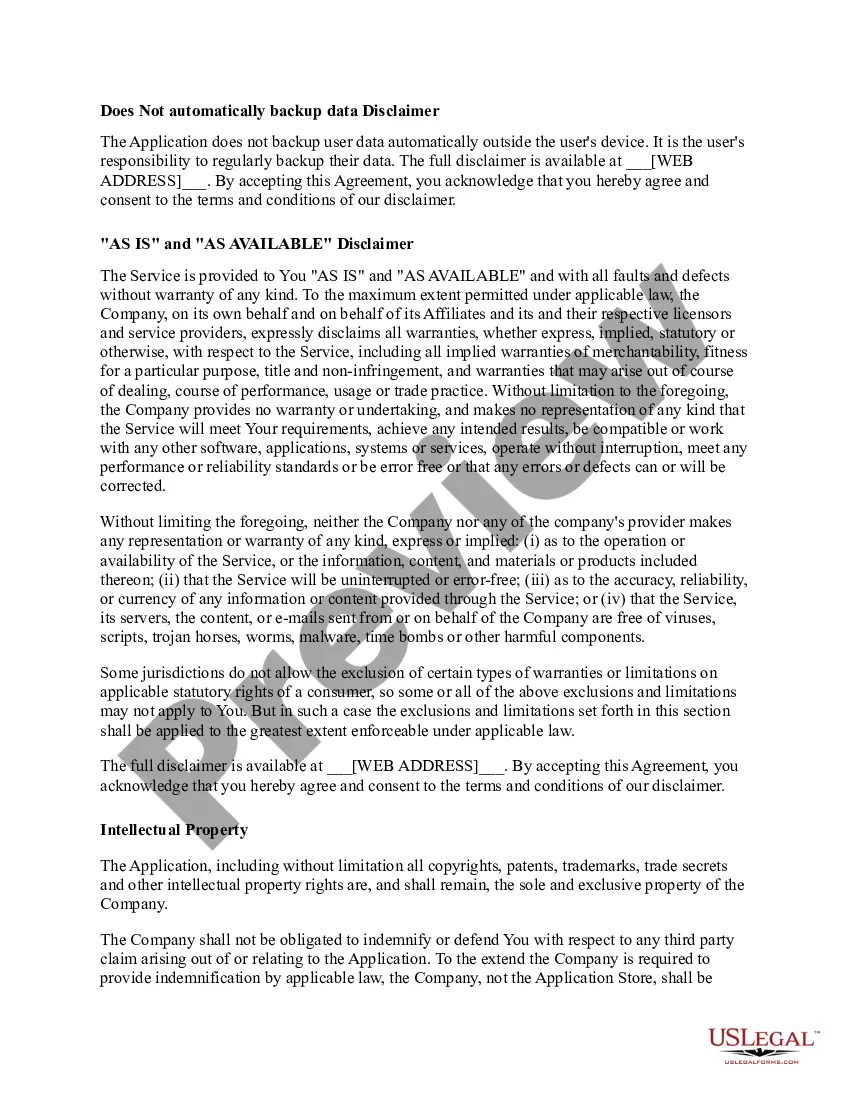
- Disclaimers: States the company's lack of warranty and the "as is" nature of the service.

Common use cases
You should use an End User License Agreement when distributing software to ensure that users understand their rights and obligations. It's particularly important for software developers and vendors who offer applications through various platforms, including those that might be downloaded from an App Store. This document helps protect the creator's intellectual property while informing users of allowable usage. It is essential if you are releasing software that will be shared or sold to several users, ensuring compliance with usage limitations and legal frameworks.
Who needs this form
- Software developers who create applications for commercial distribution.
- Vendors providing software products to end users.
- Companies that create proprietary software requiring clear user guidelines.
- Independent software creators looking to protect their intellectual property.
How to complete this form
- Identify the parties involved, including the name and address of the software company.
- Clearly define the software application being licensed, including its name and version.
- List the specific rights granted to the user under the license.
- Outline the restrictions on use to prevent unauthorized distribution or modification.
- Include a section for the user to acknowledge their acceptance of the agreement by signing or clicking "I Agree."
Notarization requirements for this form
Notarization is not commonly needed for this form. However, certain documents or local rules may make it necessary. Our notarization service, powered by Notarize, allows you to finalize it securely online anytime, day or night.
Get your form ready online
Our built-in tools help you complete, sign, share, and store your documents in one place.
Make edits, fill in missing information, and update formatting in US Legal Forms—just like you would in MS Word.
Download a copy, print it, send it by email, or mail it via USPS—whatever works best for your next step.
Sign and collect signatures with our SignNow integration. Send to multiple recipients, set reminders, and more. Go Premium to unlock E-Sign.
If this form requires notarization, complete it online through a secure video call—no need to meet a notary in person or wait for an appointment.
We protect your documents and personal data by following strict security and privacy standards.

Make edits, fill in missing information, and update formatting in US Legal Forms—just like you would in MS Word.

Download a copy, print it, send it by email, or mail it via USPS—whatever works best for your next step.

Sign and collect signatures with our SignNow integration. Send to multiple recipients, set reminders, and more. Go Premium to unlock E-Sign.

If this form requires notarization, complete it online through a secure video call—no need to meet a notary in person or wait for an appointment.

We protect your documents and personal data by following strict security and privacy standards.
Avoid these common issues
- Failing to include important definitions that clarify terms for users.
- Not specifying the permitted uses of the software, leading to potential misinterpretation.
- Omitting user obligations which can result in liability for the software developer.
- Using vague language that does not fully protect the developer's intellectual property.
Why use this form online
- Convenience of immediate access and use without a need for printing and mailing.
- Editability allows for tailoring the agreement to specific software or company needs.
- Reliable storage of the agreement electronically for easy future reference and compliance.
Legal use & context
- This EULA is legally binding once accepted by the user, establishing the terms of software use.
- It provides a framework for resolving any user disputes regarding software misconduct.
- Users should be informed of the implications of accepting the EULA, especially regarding intellectual property rights.