Utah Amendment to Living Trust
What is this form?
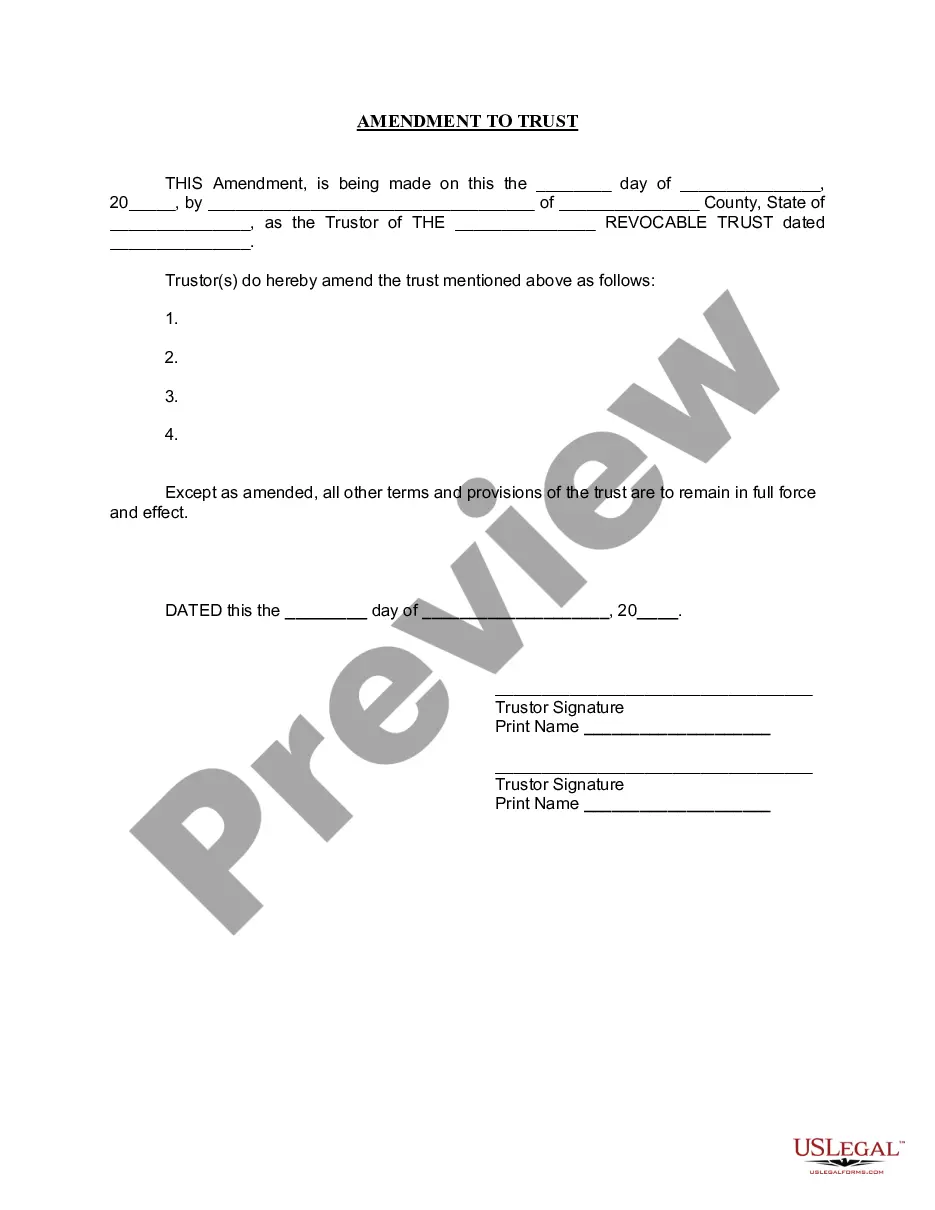
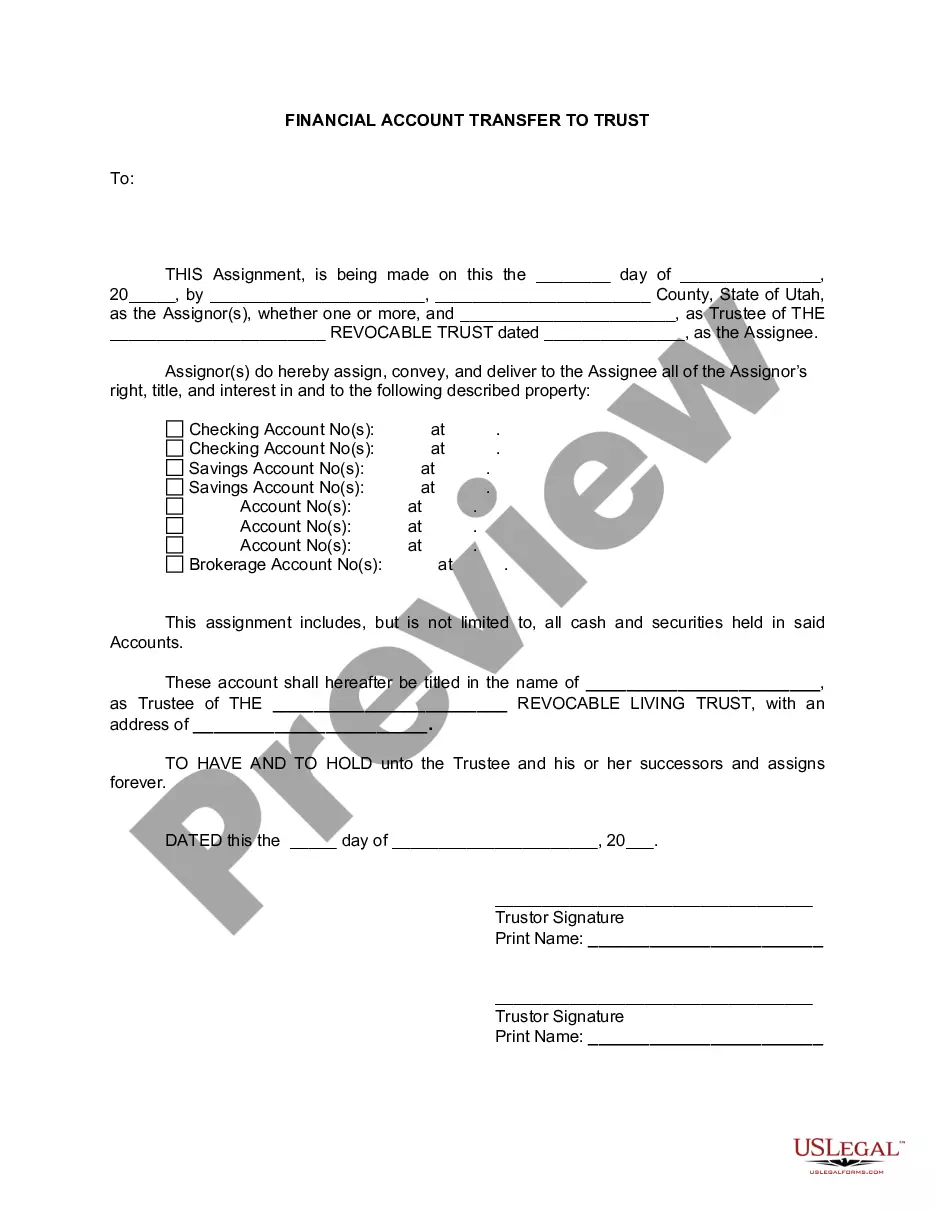
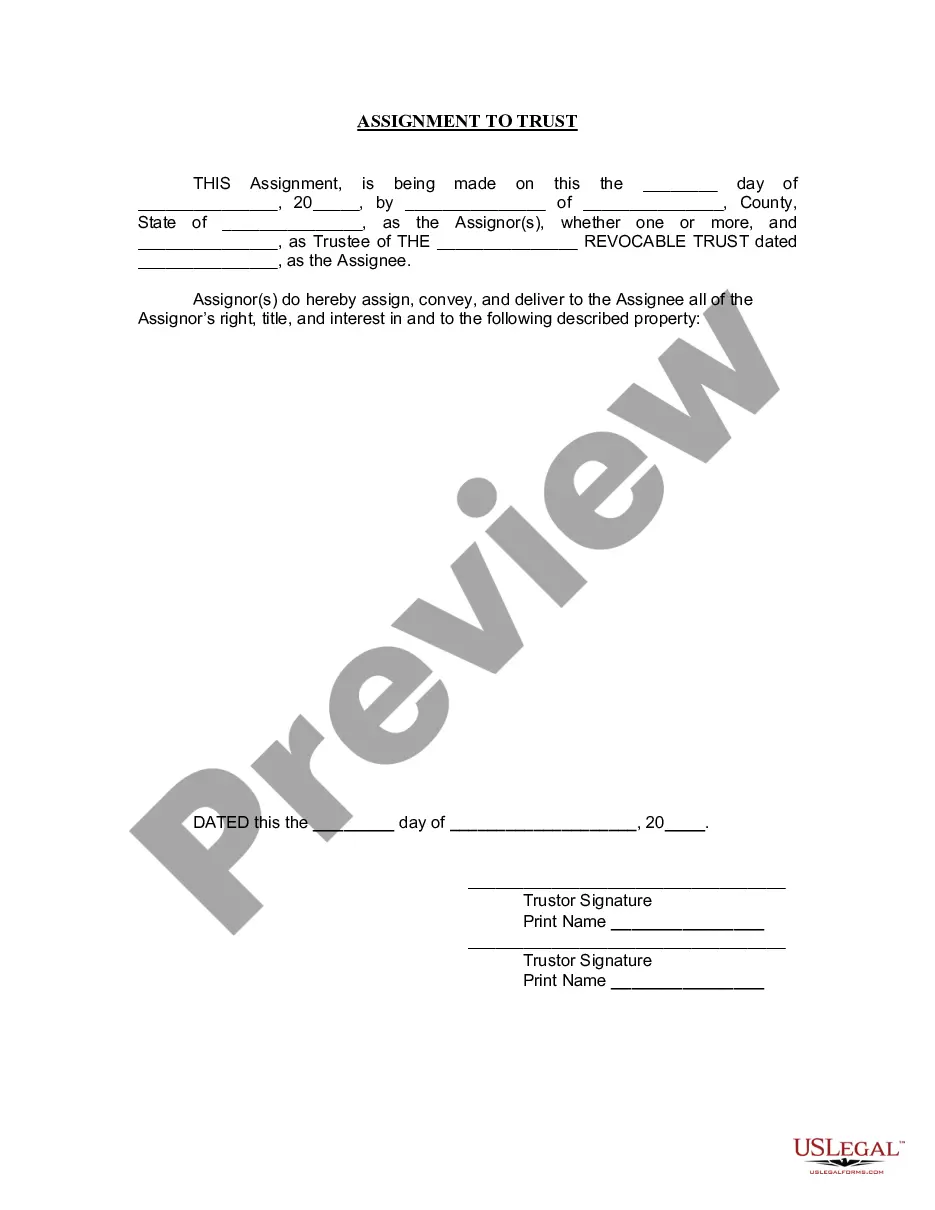
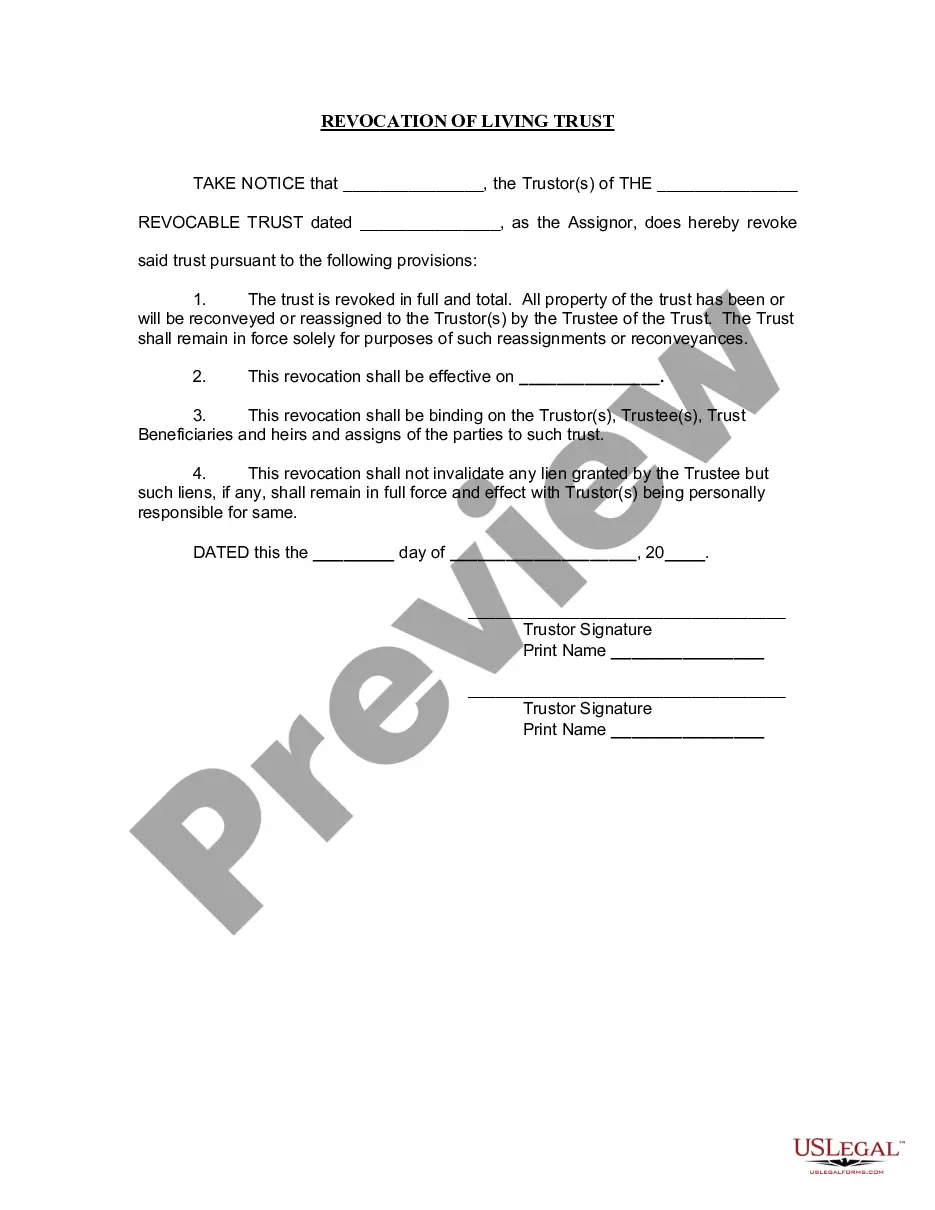
The Amendment to Living Trust is a legal document used to modify an existing living trust. This form allows the Trustor to make changes to specific provisions of the trust without altering its overall purpose. Unlike a complete trust revocation, this amendment preserves the trust's structure while updating certain details regarding the assets and property it holds. Essential signatures from the Trustor are required, and notarization is typically necessary for validity.
Main sections of this form
- Date of amendment
- Name and address of the Trustor
- Title of the existing living trust
- Details of the specific amendments made
- Trustor signatures and printed names
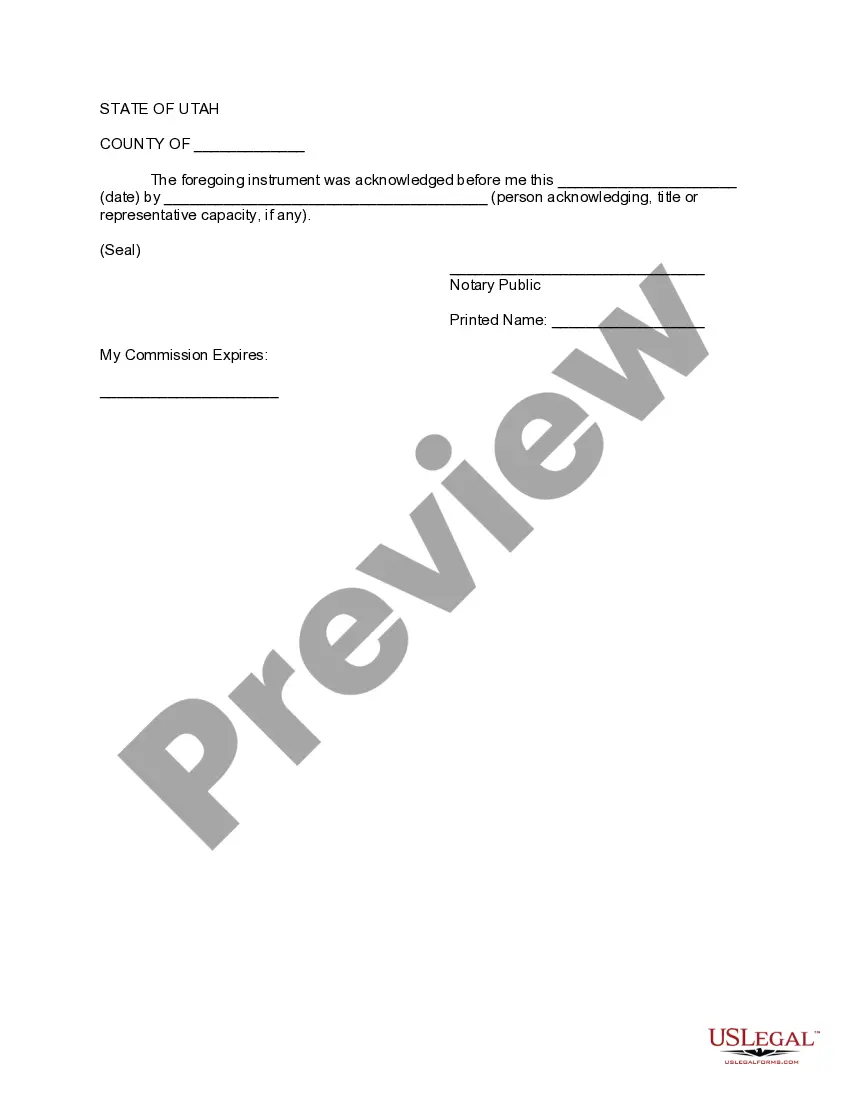
- Notary acknowledgment section
Common use cases
You should use the Amendment to Living Trust when you need to change any terms of your existing living trust. This may include altering beneficiary designations, modifying asset distributions, or updating the trust's trustees. It is appropriate for individuals who want to ensure their estate plan reflects their current wishes without the need to create a new trust.
Who can use this document
- Individuals who are the Trustor of a living trust
- Those needing to update the terms of their existing trust
- People seeking to make specific changes while maintaining the trust's overall structure
- Anyone requiring legal assistance for estate planning adjustments
Steps to complete this form
- Enter the date of the amendment at the top of the form.
- Provide your name and address as the Trustor.
- Specify the title of the existing living trust being amended.
- List the specific amendments clearly.
- Sign the form in front of a notary public, and ensure the notary completes their section.
Is notarization required?
This document requires notarization to meet legal standards. US Legal Forms provides secure online notarization powered by Notarize, allowing you to complete the process through a verified video call, available 24/7.
Get your form ready online
Our built-in tools help you complete, sign, share, and store your documents in one place.
Make edits, fill in missing information, and update formatting in US Legal Forms—just like you would in MS Word.
Download a copy, print it, send it by email, or mail it via USPS—whatever works best for your next step.
Sign and collect signatures with our SignNow integration. Send to multiple recipients, set reminders, and more. Go Premium to unlock E-Sign.
If this form requires notarization, complete it online through a secure video call—no need to meet a notary in person or wait for an appointment.
We protect your documents and personal data by following strict security and privacy standards.

Make edits, fill in missing information, and update formatting in US Legal Forms—just like you would in MS Word.

Download a copy, print it, send it by email, or mail it via USPS—whatever works best for your next step.

Sign and collect signatures with our SignNow integration. Send to multiple recipients, set reminders, and more. Go Premium to unlock E-Sign.

If this form requires notarization, complete it online through a secure video call—no need to meet a notary in person or wait for an appointment.

We protect your documents and personal data by following strict security and privacy standards.
Avoid these common issues
- Failing to notarize the document, which can invalidate the amendment.
- Not clearly specifying the changes made, leading to ambiguity.
- Omitting the date or inaccurate dates on the amendment.
- Not retaining copies of the original trust and the amendment for personal records.
Advantages of online completion
- Convenience of accessing and completing the form at any time.
- Easy download and immediate availability of the amended template.
- Reliability of using attorney-drafted forms tailored for compliance.
Key takeaways
- The Amendment to Living Trust allows for specific changes without altering the overall trust.
- This form requires signatures from the Trustor(s) and notarization.
- Use this form to keep your estate plan up to date with your current wishes.
Looking for another form?

Form popularity
FAQ
The Utah Amendment to Living Trust is a legal document used to modify an existing living trust without revoking it. It preserves the trust’s overall structure while updating specific terms, such as distributions, beneficiaries, or trustees. It typically requires the Trustor’s signature and a notary for validity in Utah. Use it when you want targeted changes without creating a new trust.
To amend your living trust with this form, fill in the Date of amendment and then provide the Trustor’s name and address and the Title of the existing living trust. Describe the changes clearly in the Details of the specific amendments section, sign the Trustor name, and have the document notarized. The form’s Notary acknowledgment section is designed to record the notarization.
Use the Utah-specific amendment form to attach changes to the existing trust rather than replacing it. In Utah, start by identifying the amendment date, the Trustor, and the title of the existing living trust, then describe the changes in detail. Sign the amendment and obtain a notary acknowledgment to ensure the amendment is effective and recognized by institutions.
Yes. The Utah Amendment to Living Trust lets you change specific terms while keeping the overall trust intact. To do so, complete the amendment details, ensure the amendment includes the title of the existing trust, and obtain signatures from the Trustor with a notarization. This avoids recreating the trust and preserves its core structure.
Notarization is typically necessary for a trust amendment to be treated as valid, especially when it will be presented to financial institutions or courts. The Utah Amendment to Living Trust includes a Notary acknowledgment section to document that notarization. Check with a Utah-licensed attorney if you have questions about your specific situation.
It changes only specific terms within an existing trust instead of replacing the entire document. The amendment preserves the trust’s structure and assets while adding or altering provisions, requiring Trustor signatures and a notary. In contrast to a new trust, this form avoids re-titling assets and maintains prior beneficiary designations unless you specify otherwise.