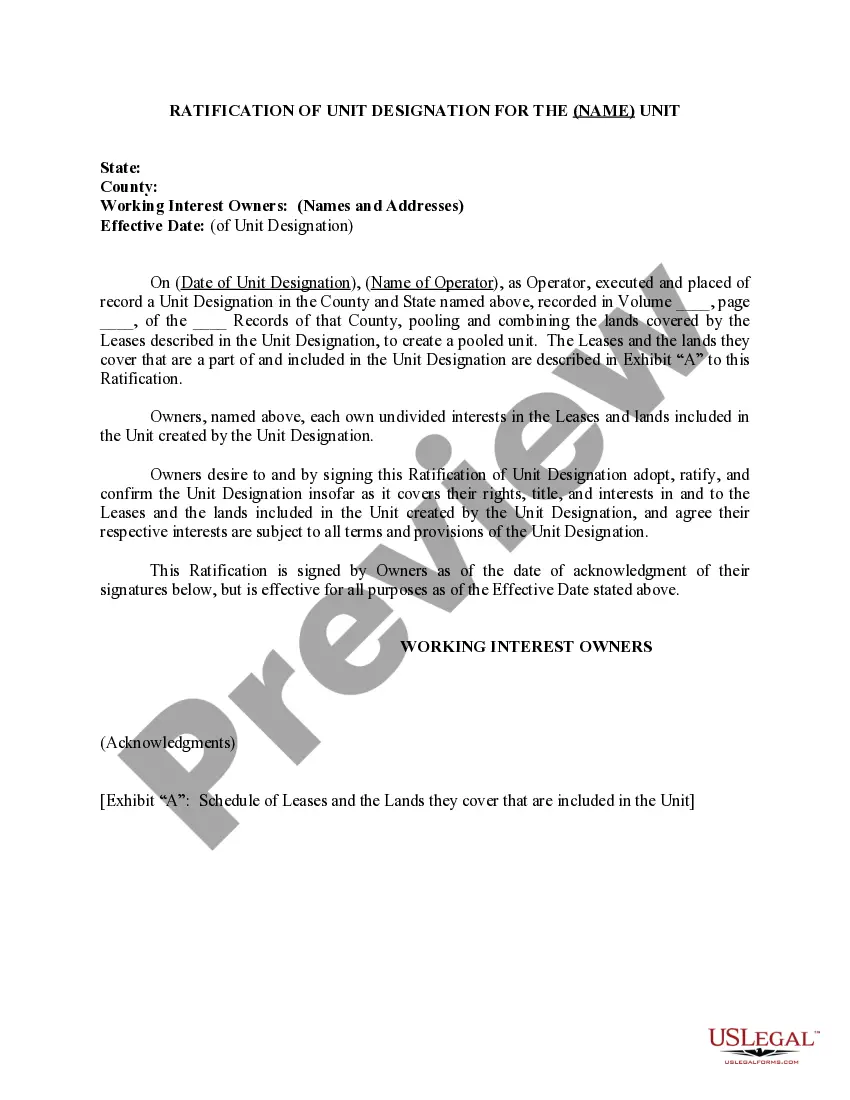
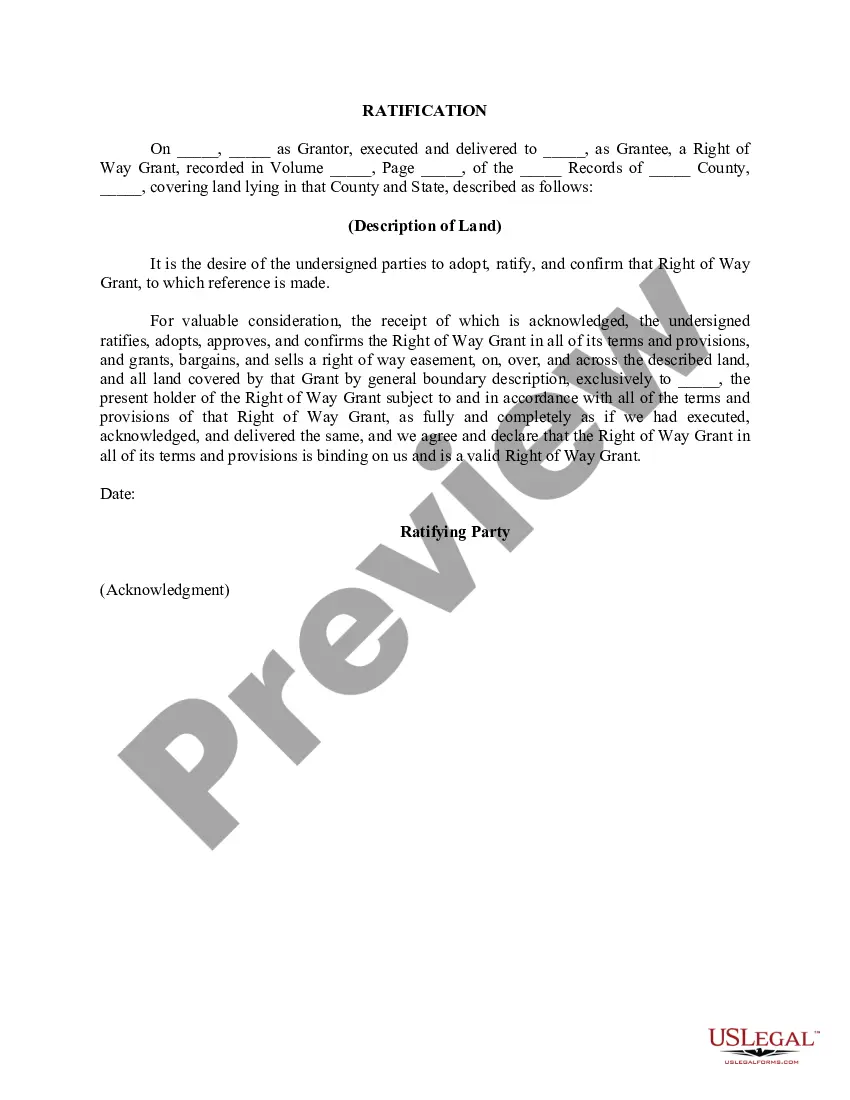
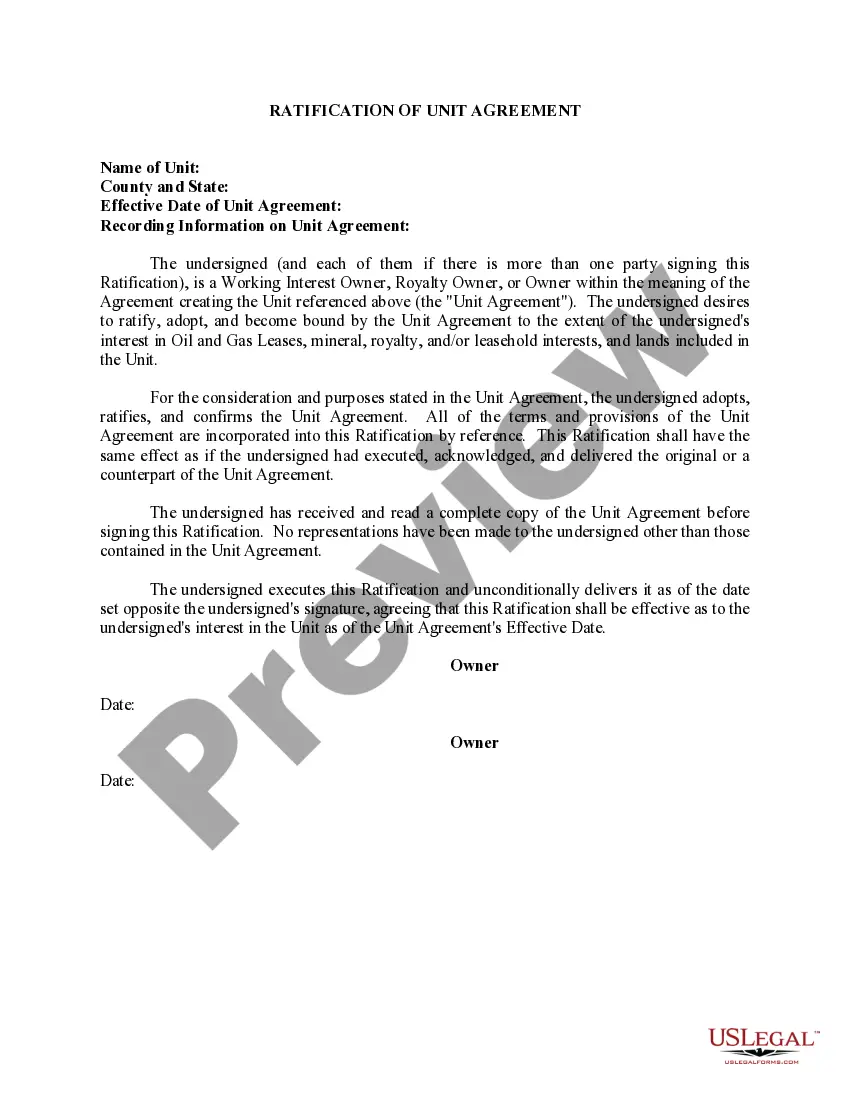
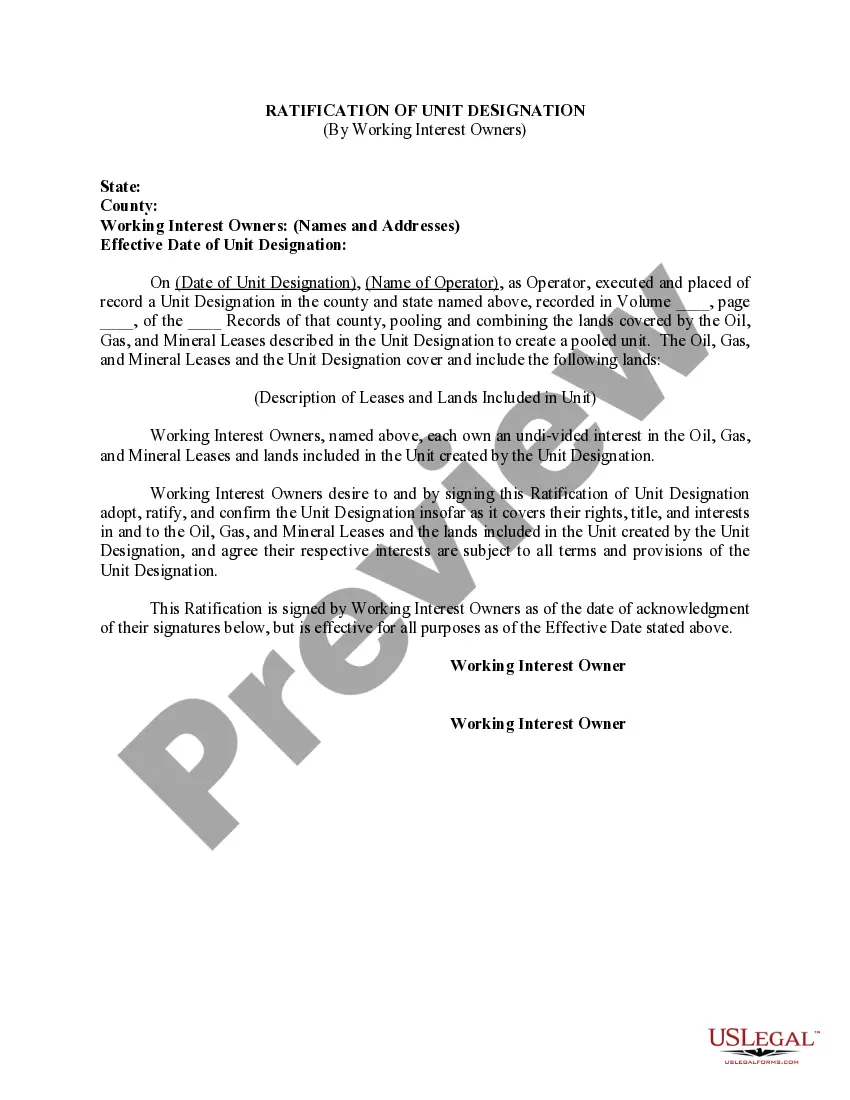
Virginia Ratification of Unit Designation for the (NAME) Unit
Description
Get your form ready online
Our built-in tools help you complete, sign, share, and store your documents in one place.
Make edits, fill in missing information, and update formatting in US Legal Forms—just like you would in MS Word.
Download a copy, print it, send it by email, or mail it via USPS—whatever works best for your next step.
Sign and collect signatures with our SignNow integration. Send to multiple recipients, set reminders, and more. Go Premium to unlock E-Sign.
If this form requires notarization, complete it online through a secure video call—no need to meet a notary in person or wait for an appointment.
We protect your documents and personal data by following strict security and privacy standards.

Make edits, fill in missing information, and update formatting in US Legal Forms—just like you would in MS Word.

Download a copy, print it, send it by email, or mail it via USPS—whatever works best for your next step.

Sign and collect signatures with our SignNow integration. Send to multiple recipients, set reminders, and more. Go Premium to unlock E-Sign.

If this form requires notarization, complete it online through a secure video call—no need to meet a notary in person or wait for an appointment.

We protect your documents and personal data by following strict security and privacy standards.
Looking for another form?
How to fill out Ratification Of Unit Designation For The (NAME) Unit?
Choosing the best authorized record design could be a have a problem. Needless to say, there are plenty of themes available online, but how will you obtain the authorized type you need? Use the US Legal Forms web site. The service provides a huge number of themes, for example the Virginia Ratification of Unit Designation for the (NAME) Unit, that can be used for company and private demands. Each of the kinds are examined by specialists and meet up with federal and state requirements.
If you are already registered, log in for your profile and then click the Download option to find the Virginia Ratification of Unit Designation for the (NAME) Unit. Utilize your profile to look with the authorized kinds you may have acquired formerly. Proceed to the My Forms tab of your profile and get an additional version of the record you need.
If you are a whole new user of US Legal Forms, here are easy instructions for you to stick to:
- Initially, make sure you have chosen the proper type for your city/area. You can look through the shape making use of the Review option and study the shape outline to guarantee this is basically the best for you.
- When the type fails to meet up with your preferences, make use of the Seach field to get the appropriate type.
- Once you are positive that the shape is suitable, click on the Get now option to find the type.
- Opt for the prices prepare you want and type in the essential information. Create your profile and pay money for the transaction using your PayPal profile or Visa or Mastercard.
- Pick the file structure and download the authorized record design for your device.
- Comprehensive, change and print out and sign the obtained Virginia Ratification of Unit Designation for the (NAME) Unit.
US Legal Forms may be the most significant local library of authorized kinds for which you will find different record themes. Use the company to download skillfully-created documents that stick to status requirements.