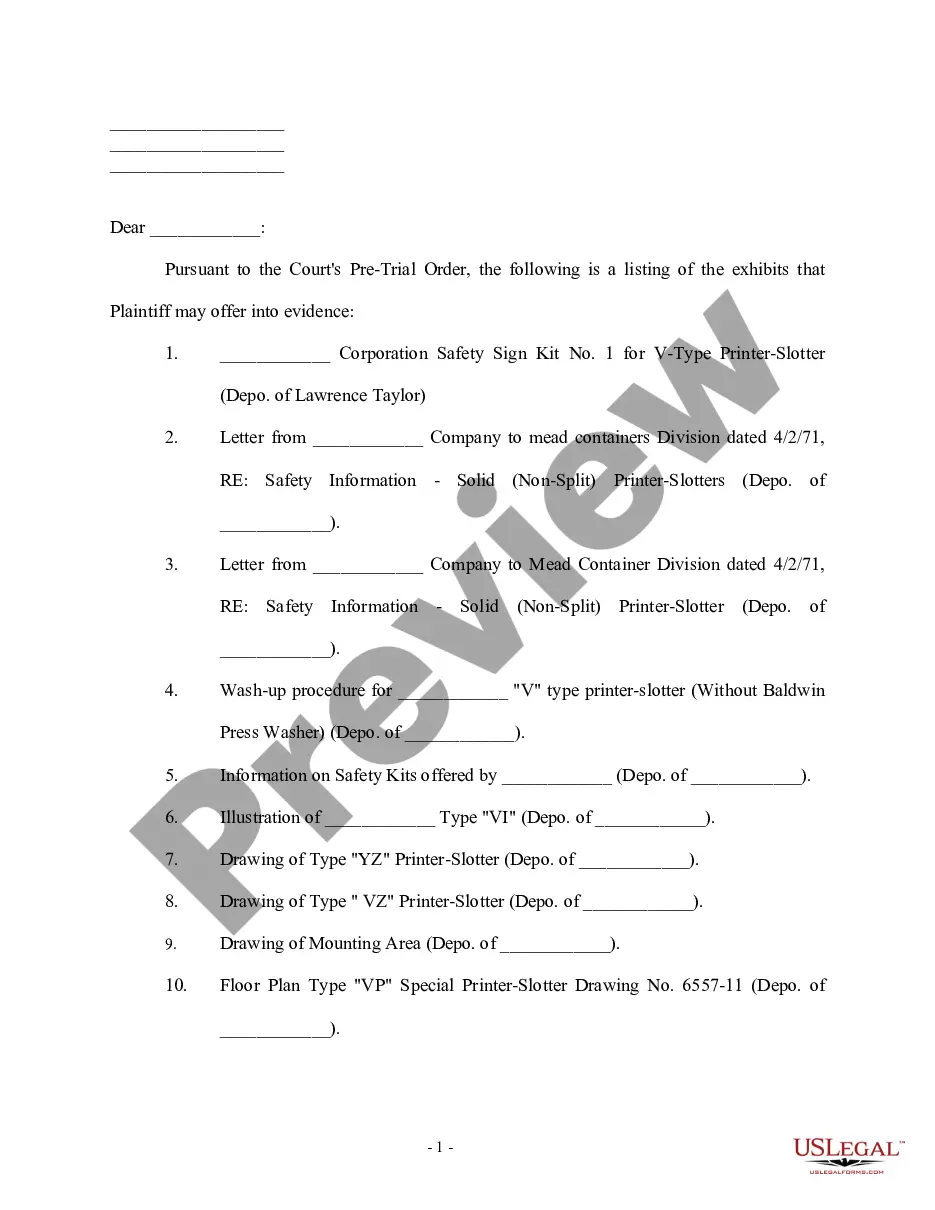
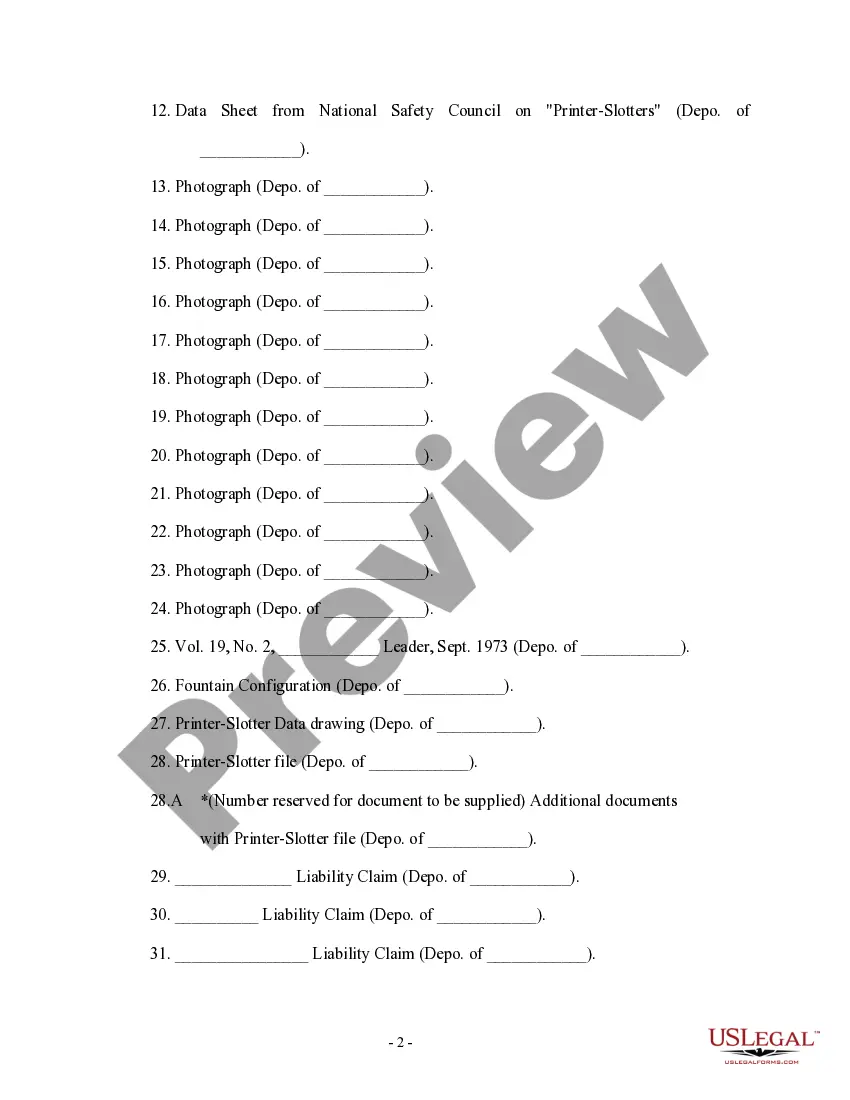
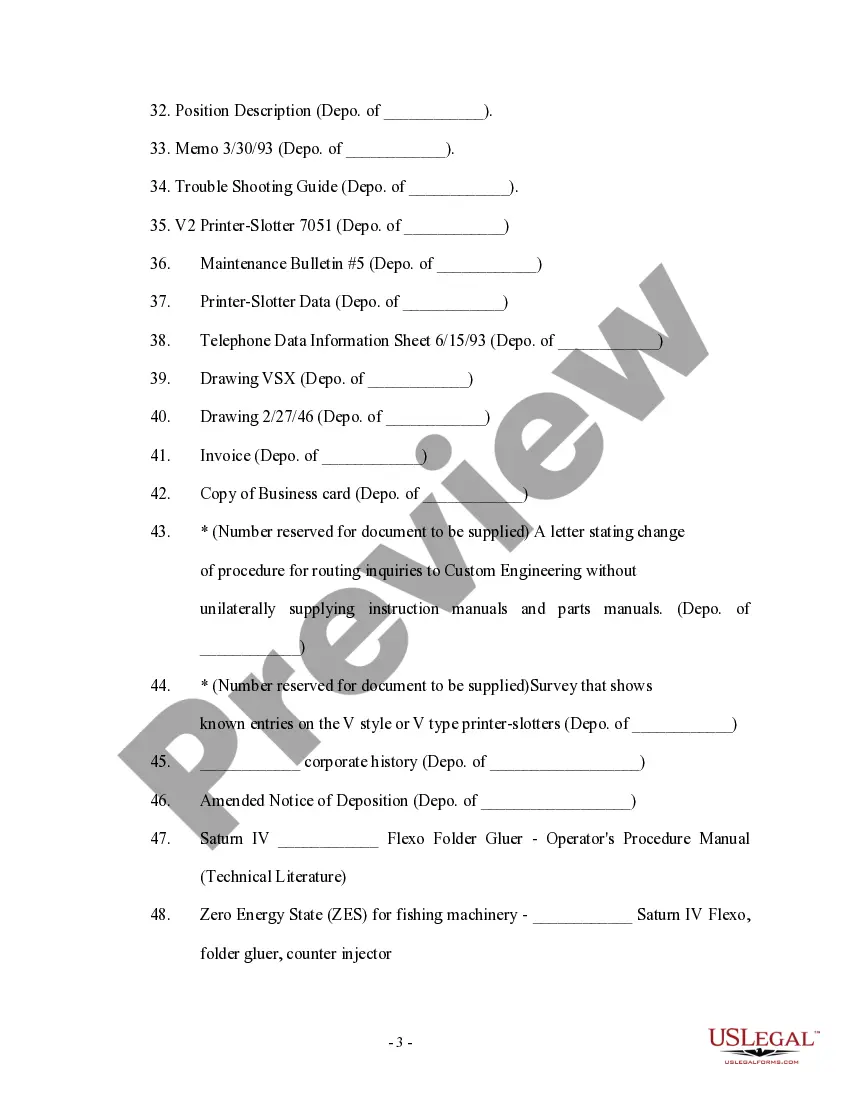
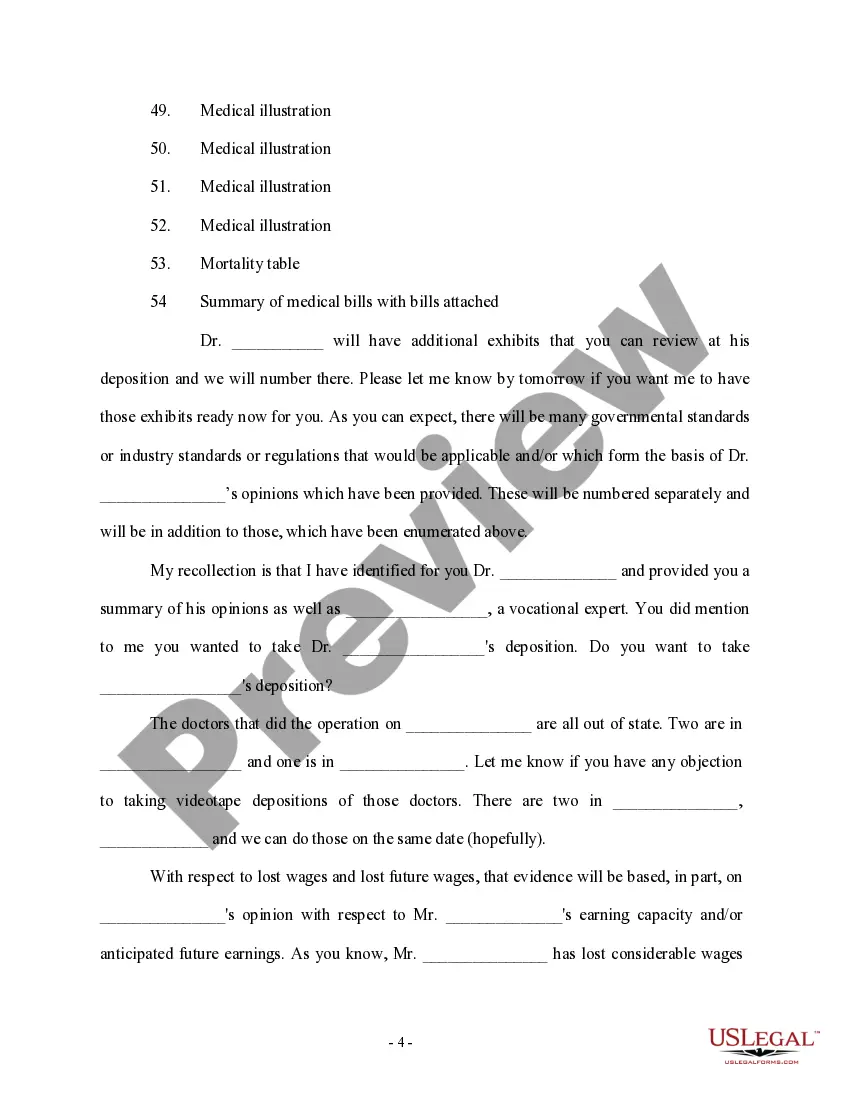
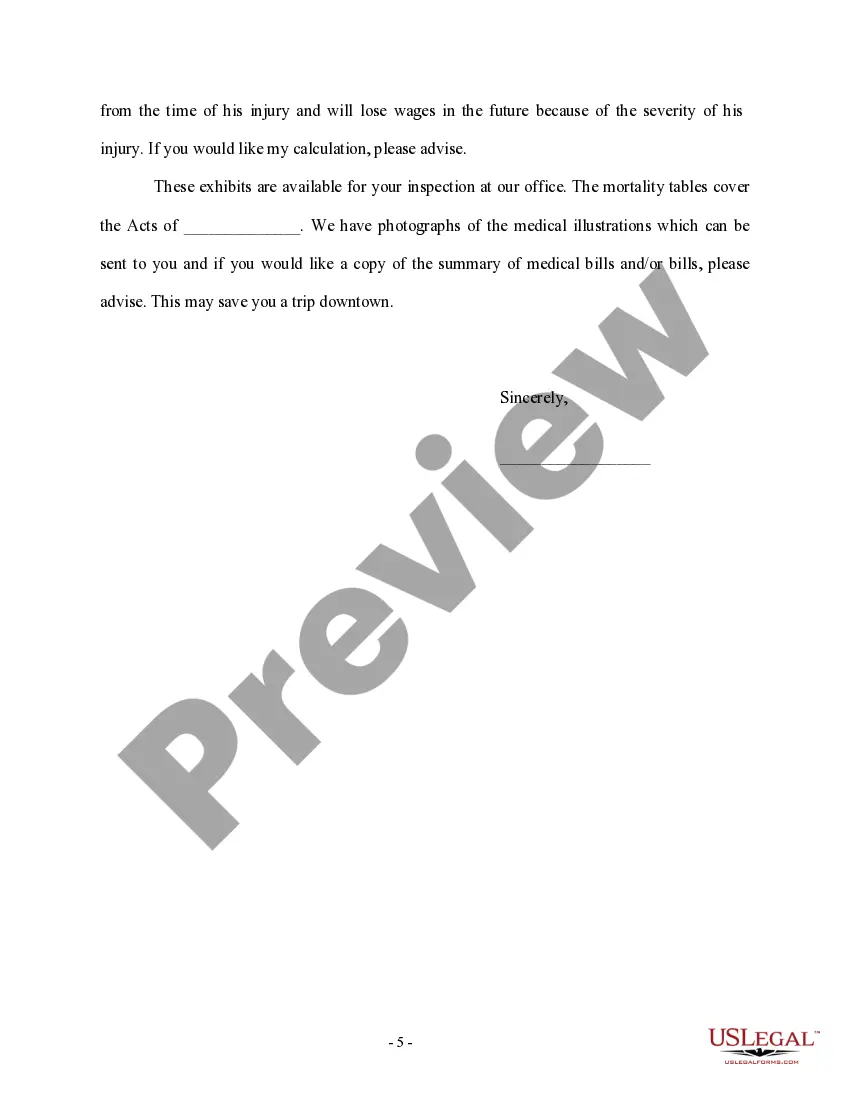
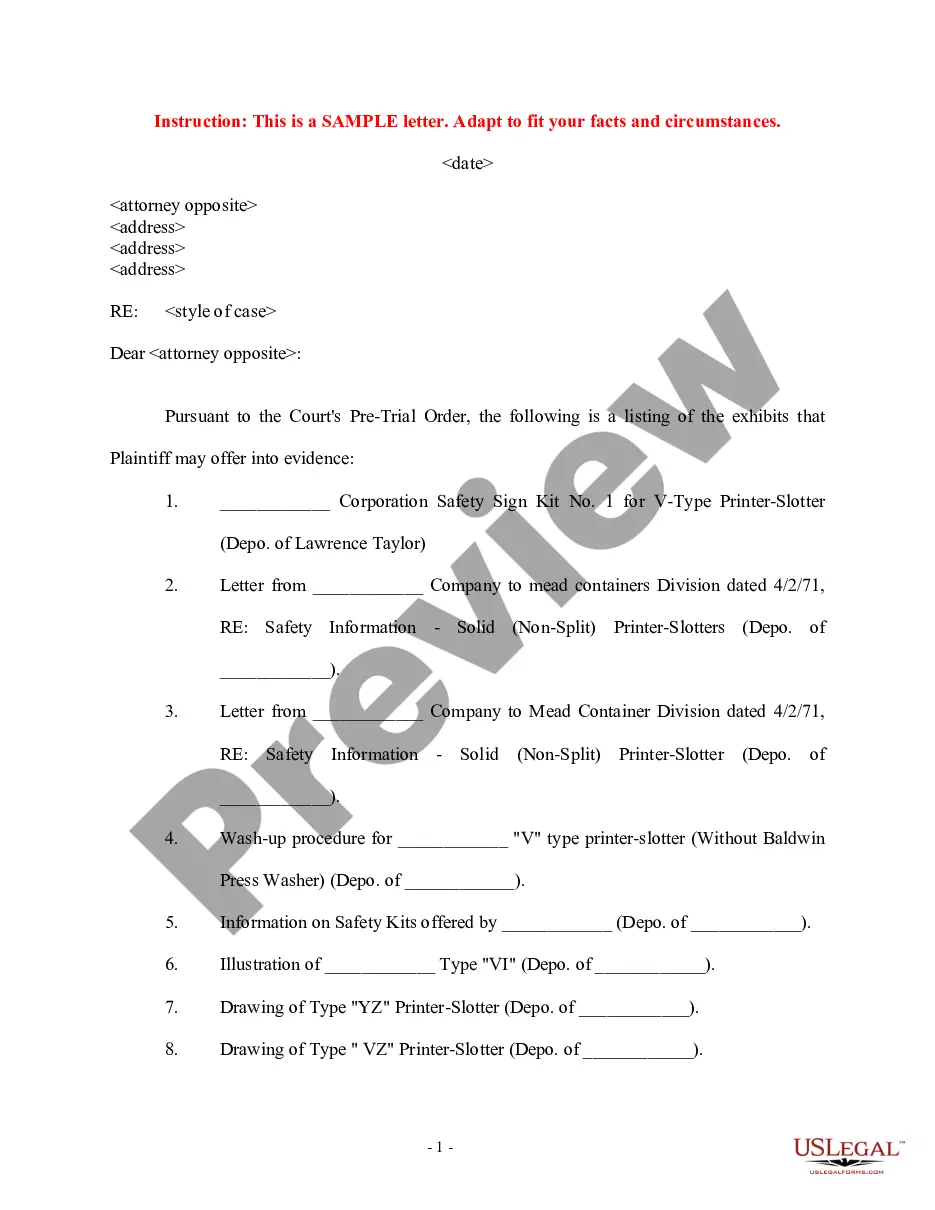
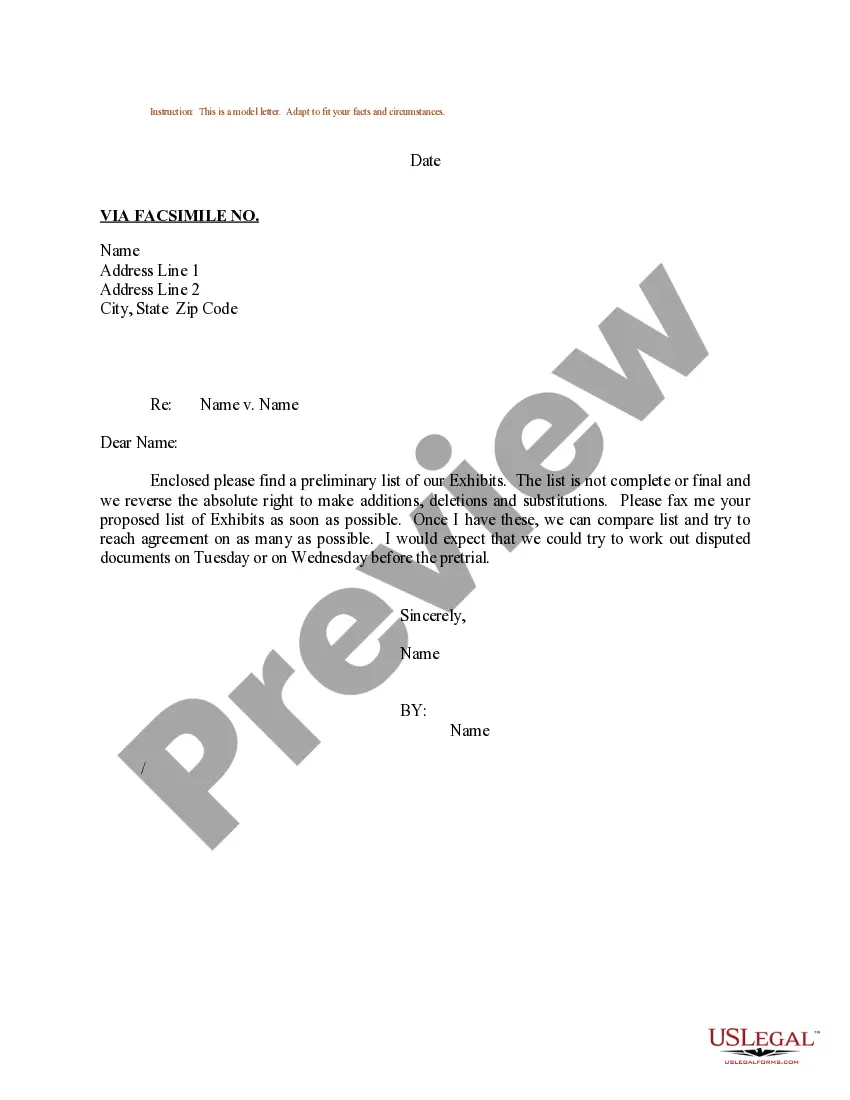
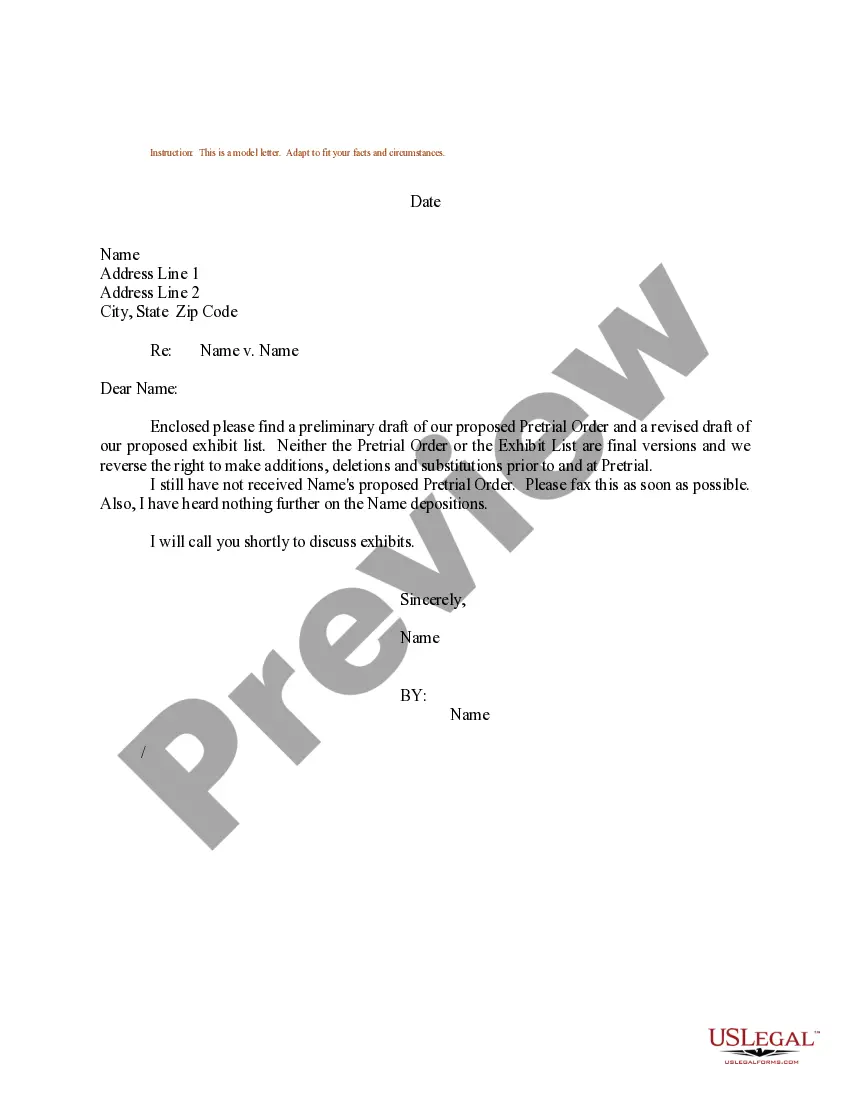
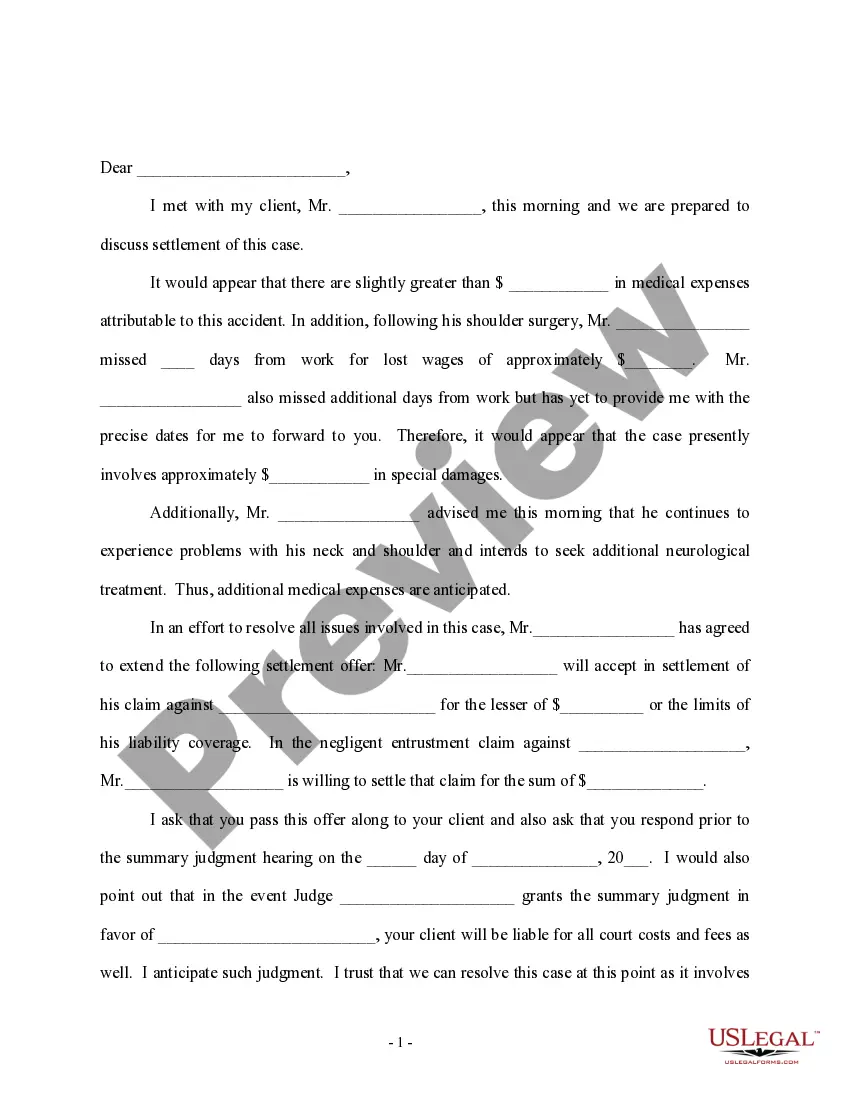
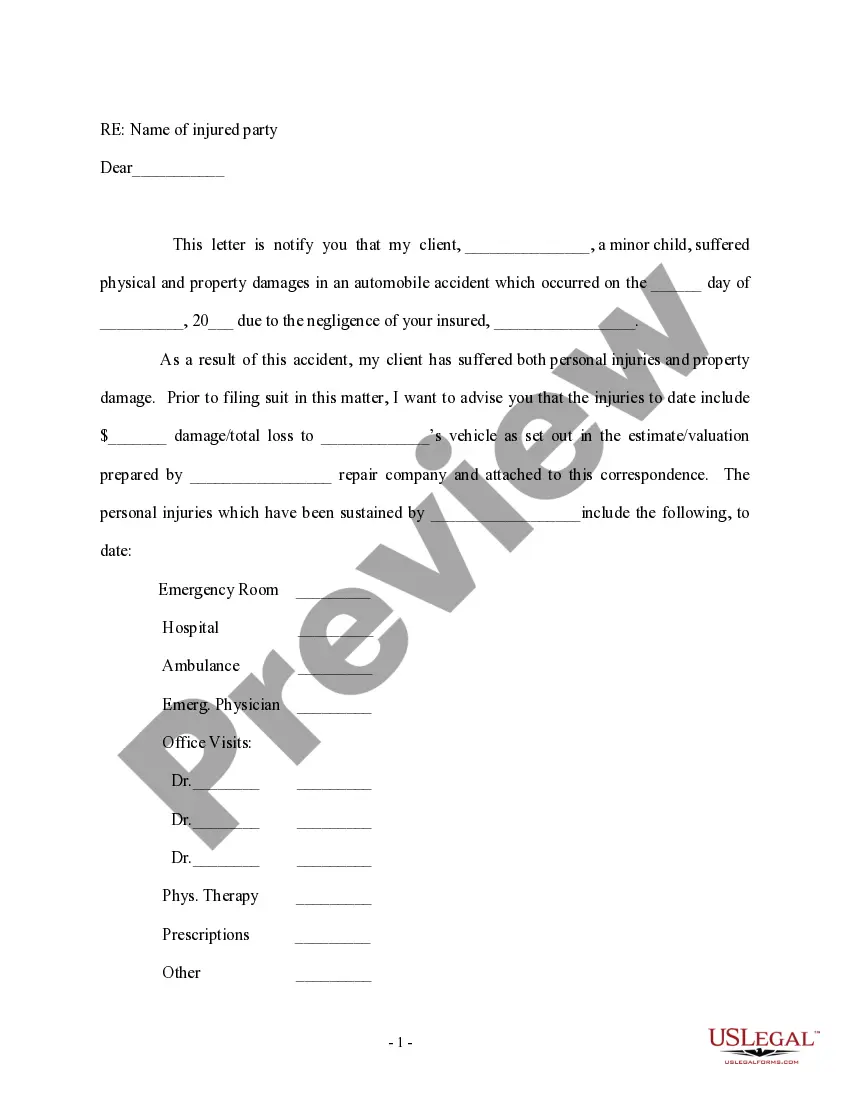
This form is a letter to opposing counsel providing him or her with a list of exhibits which plaintiff's counsel may seek to introduce at trial.
Virginia Letter regarding Anticipated Exhibits to be Offered at Trial
State:
Multi-State
Control #:
US-PI-0260
Format:
Word;
Rich Text
Instant download
Description
Free preview
Get your form ready online
Our built-in tools help you complete, sign, share, and store your documents in one place.
Built-in online Word editor
Make edits, fill in missing information, and update formatting in US Legal Forms—just like you would in MS Word.
Export easily
Download a copy, print it, send it by email, or mail it via USPS—whatever works best for your next step.
E-sign your document
Sign and collect signatures with our SignNow integration. Send to multiple recipients, set reminders, and more. Go Premium to unlock E-Sign.
Notarize online 24/7
If this form requires notarization, complete it online through a secure video call—no need to meet a notary in person or wait for an appointment.
Store your document securely
We protect your documents and personal data by following strict security and privacy standards.

Make edits, fill in missing information, and update formatting in US Legal Forms—just like you would in MS Word.

Download a copy, print it, send it by email, or mail it via USPS—whatever works best for your next step.

Sign and collect signatures with our SignNow integration. Send to multiple recipients, set reminders, and more. Go Premium to unlock E-Sign.

If this form requires notarization, complete it online through a secure video call—no need to meet a notary in person or wait for an appointment.

We protect your documents and personal data by following strict security and privacy standards.
Looking for another form?

How to fill out Letter Regarding Anticipated Exhibits To Be Offered At Trial?
Discovering the right legal record template could be a struggle. Obviously, there are tons of themes available on the net, but how can you discover the legal kind you will need? Utilize the US Legal Forms site. The service delivers 1000s of themes, like the Virginia Letter regarding Anticipated Exhibits to be Offered at Trial, that can be used for business and personal requires. All of the varieties are inspected by experts and satisfy state and federal demands.
In case you are currently authorized, log in in your bank account and click on the Obtain switch to obtain the Virginia Letter regarding Anticipated Exhibits to be Offered at Trial. Make use of your bank account to look with the legal varieties you may have bought formerly. Check out the My Forms tab of the bank account and acquire yet another backup from the record you will need.
In case you are a whole new customer of US Legal Forms, listed here are straightforward recommendations for you to comply with:
- Initially, ensure you have chosen the proper kind for your personal town/state. You are able to check out the shape while using Review switch and browse the shape description to guarantee it will be the best for you.
- In case the kind is not going to satisfy your requirements, utilize the Seach discipline to obtain the proper kind.
- Once you are certain the shape is proper, go through the Purchase now switch to obtain the kind.
- Opt for the prices plan you need and type in the required information and facts. Design your bank account and pay for the order utilizing your PayPal bank account or credit card.
- Pick the document file format and down load the legal record template in your system.
- Total, edit and printing and indicator the obtained Virginia Letter regarding Anticipated Exhibits to be Offered at Trial.
US Legal Forms is the most significant library of legal varieties in which you can see various record themes. Utilize the company to down load expertly-produced papers that comply with state demands.
Form popularity
FAQ
Hear this out loud PauseGo to the ?References? tab in Word and select ?Insert Caption.? Select ?Exhibit? from the options under ?Label.? If Exhibit isn't an option, you can create a new label with the ?New Label? button. Click ?Numbering? to designate what type of numbering you want (i.e., A, B, C or 1, 2, 3).
Hear this out loud PauseStep 1: Open your document in Adobe Acrobat. Step 2: Scroll to the first page of your exhibit and right-click the document. Step 3: Now, click Add Text. Step 4: Click in the bottom right corner of the document and type the name of the exhibit (e.g., Debtor Ex.
Hear this out loud PauseFind out about labeling exhibits The plaintiff's exhibits are traditionally numbered (?Exhibit 1?), while the defendant's exhibits are lettered (?Exhibit A?). Your court may want you to label your own exhibits as you introduce them or the court may prefer that the court clerk labels the exhibits instead.
Hear this out loud PauseInclude a typed notation within the body of the legal document where the exhibit should be referenced. Thereafter, assign the exhibit with an identifying number or letter. For instance, this notation can state either "See Exhibit A" or "See Exhibit 1".
Find out about labeling exhibits The plaintiff's exhibits are traditionally numbered (?Exhibit 1?), while the defendant's exhibits are lettered (?Exhibit A?). Your court may want you to label your own exhibits as you introduce them or the court may prefer that the court clerk labels the exhibits instead.
