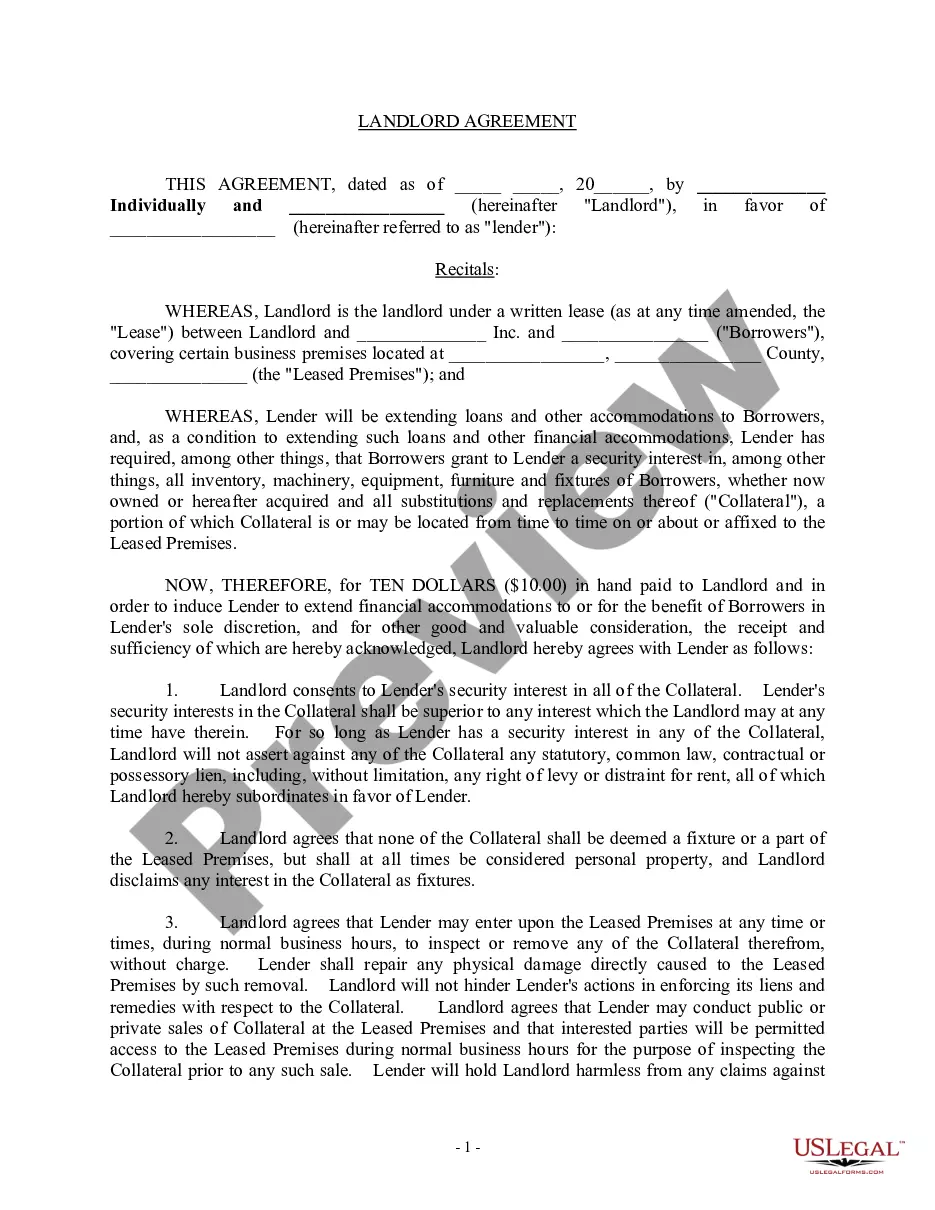
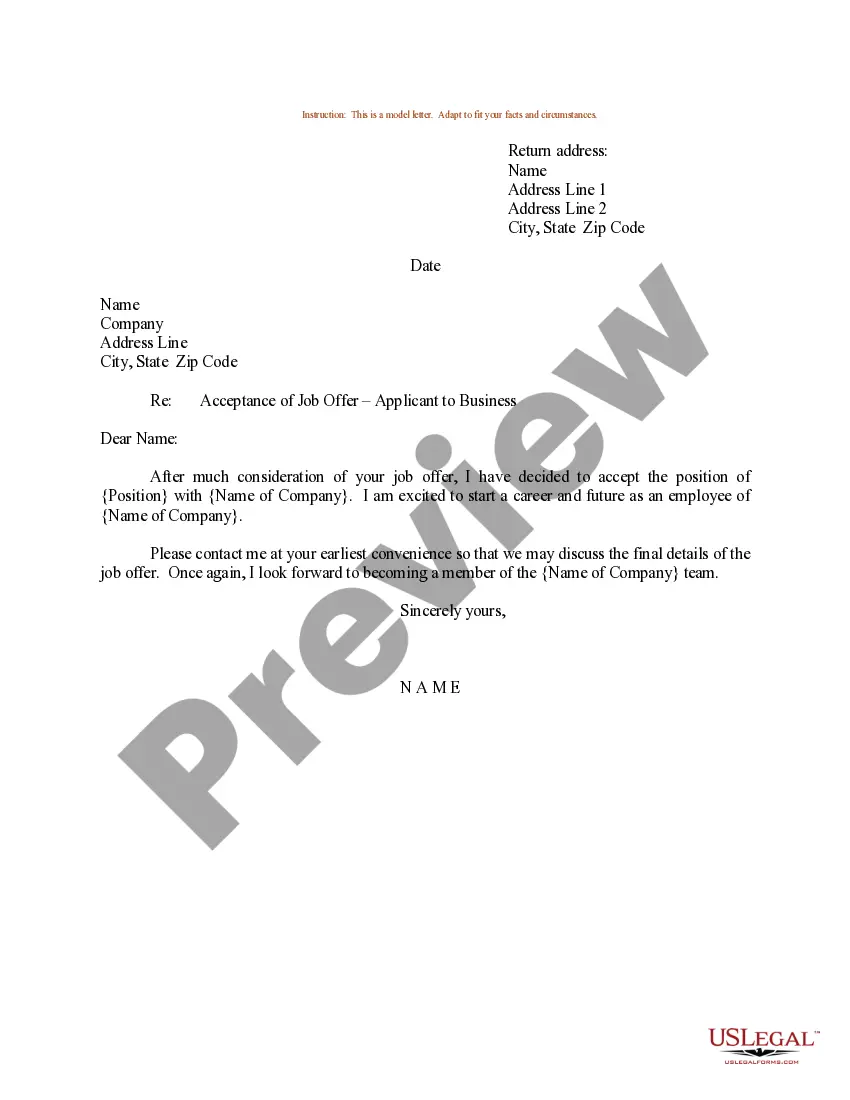
Virgin Islands Job Acceptance Letter for Baker
Description
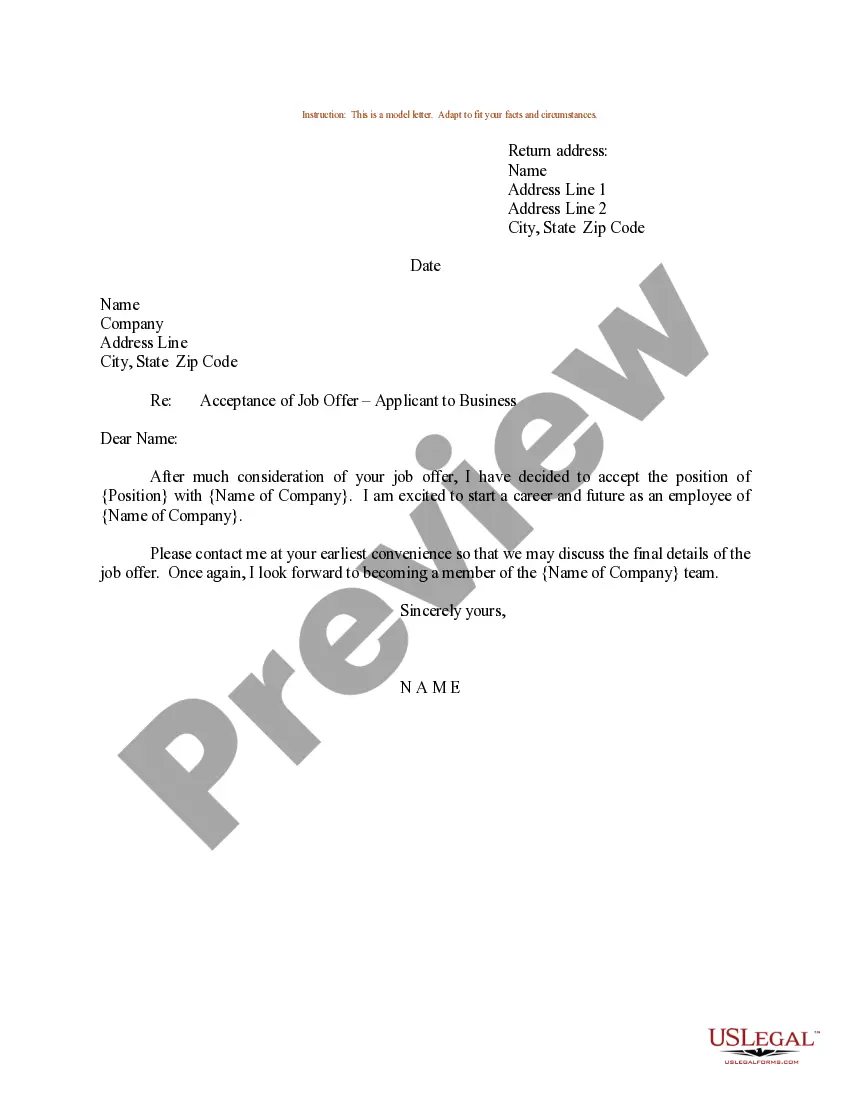
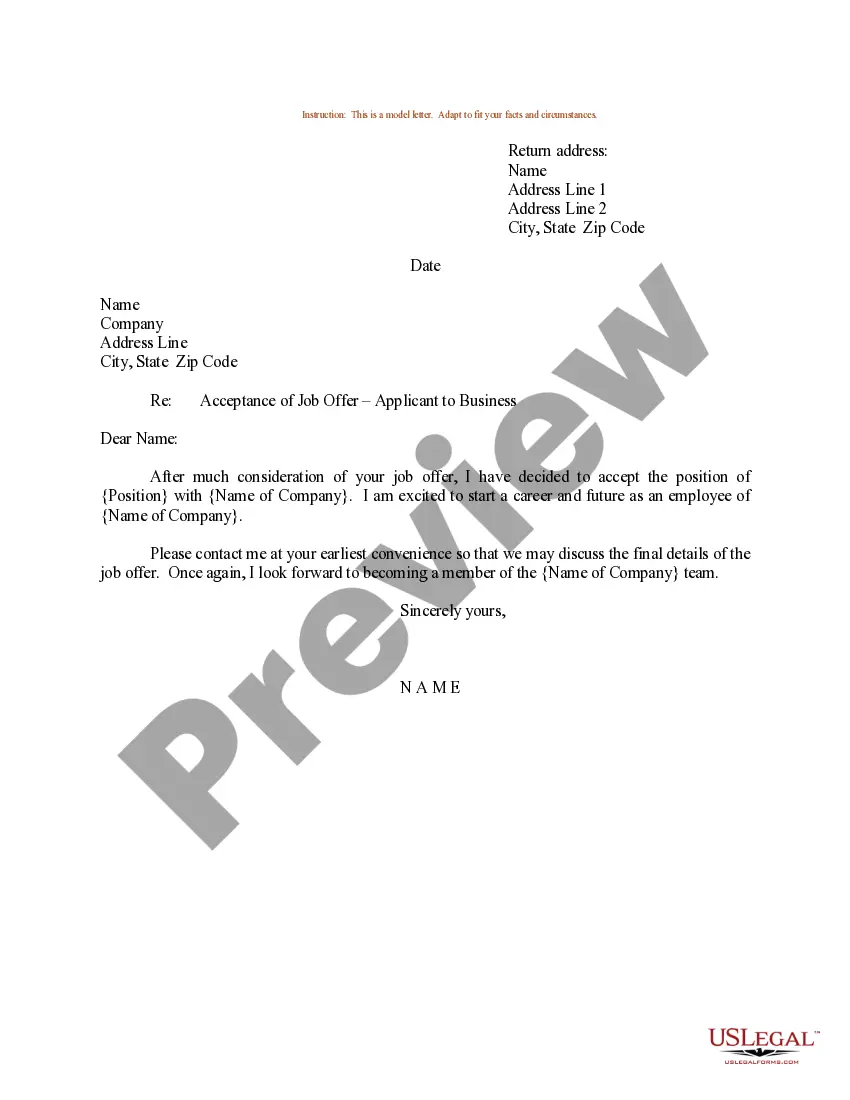
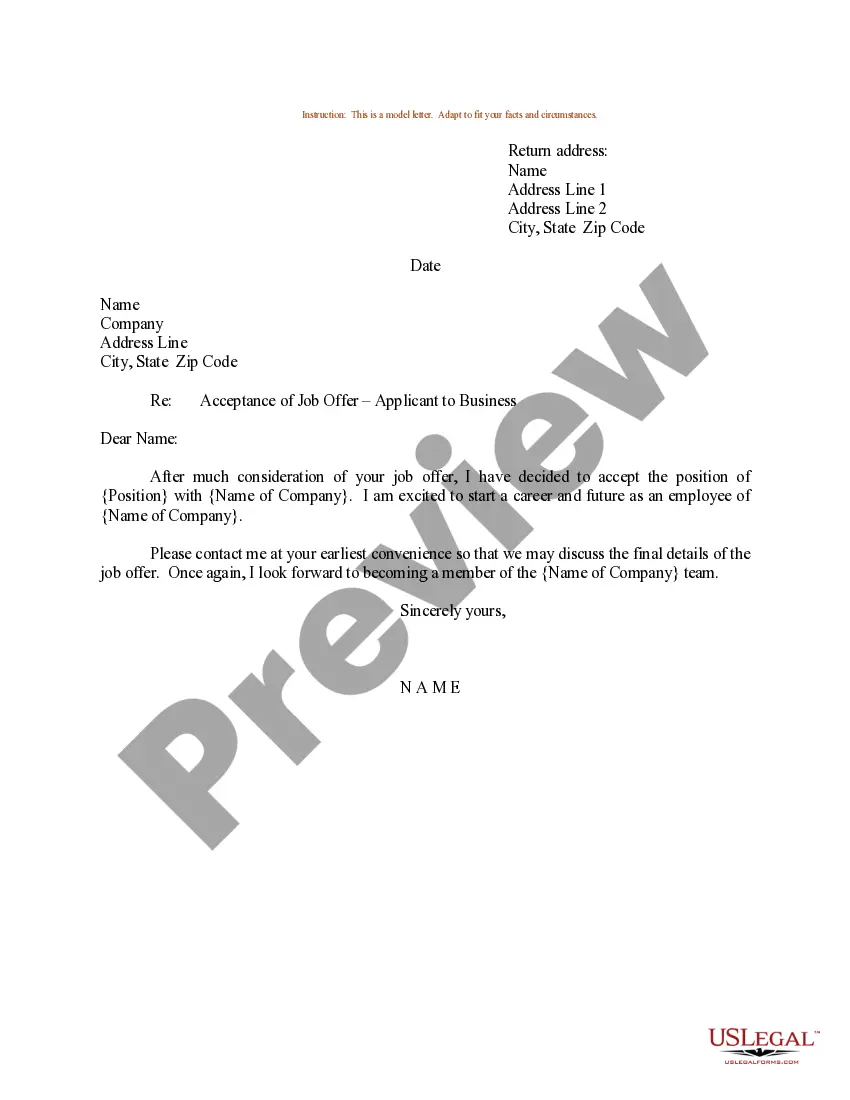
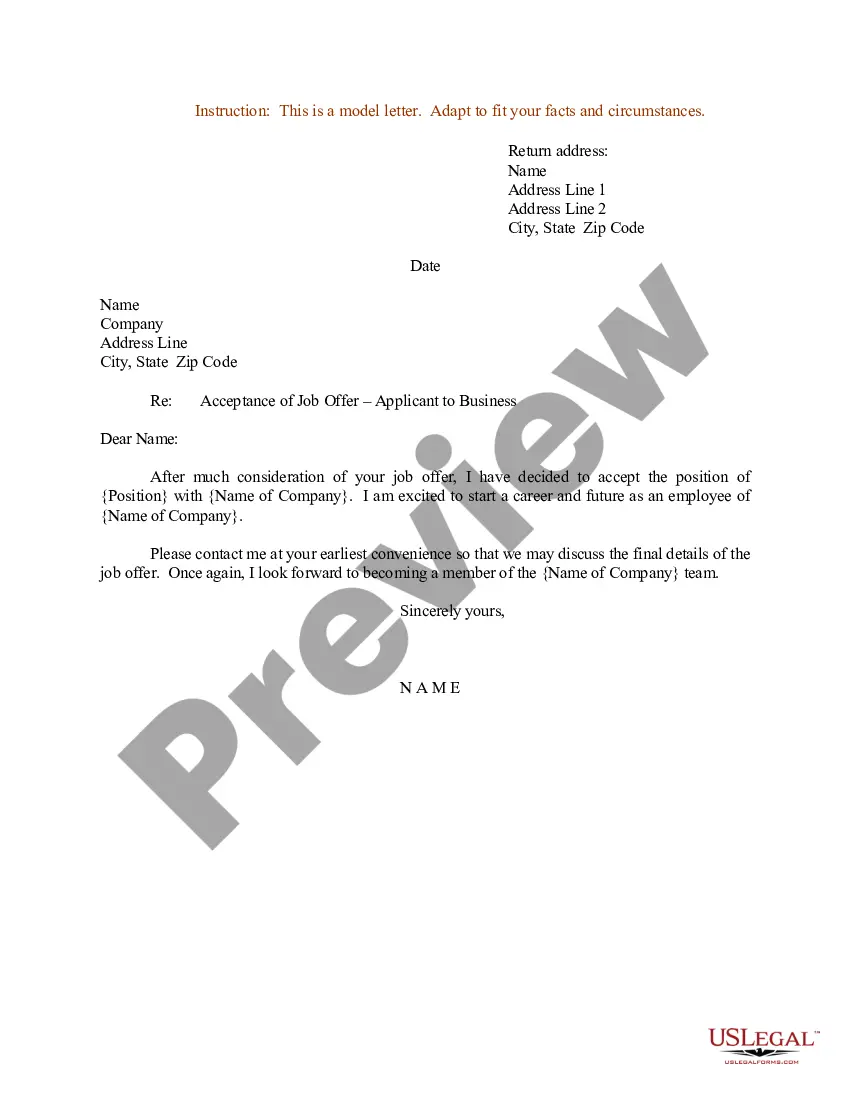
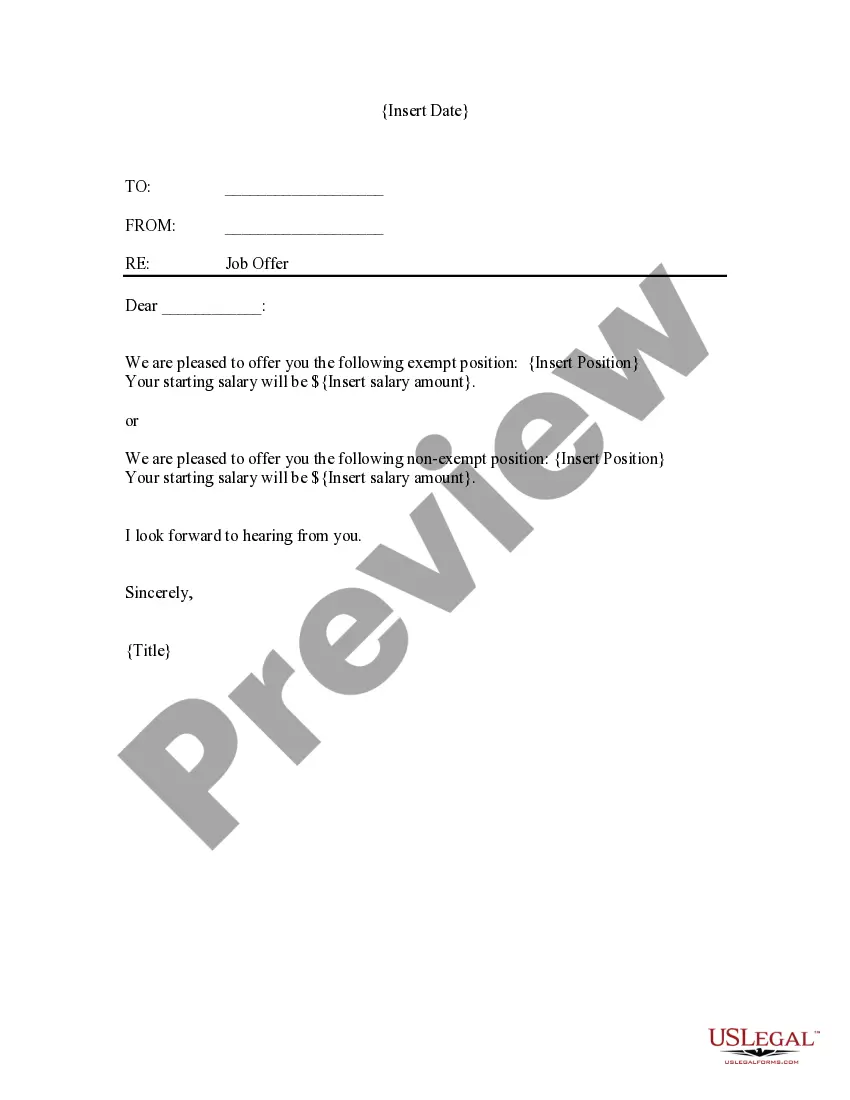
How to fill out Job Acceptance Letter For Baker?
If you need to fill out, get, or print legal document web templates, utilize US Legal Forms, the largest collection of legal forms available on the internet.
Take advantage of the site's straightforward and user-friendly search to locate the documents you require.
A selection of templates for business and personal purposes are categorized by types and regions, or keywords.
Every legal document template you obtain is yours forever. You have access to every form you downloaded with your account.
Be proactive and download, then print the Virgin Islands Job Acceptance Letter for Baker with US Legal Forms. There are numerous professional and state-specific forms you can utilize for business or personal requirements.
- Utilize US Legal Forms to find the Virgin Islands Job Acceptance Letter for Baker in just a few clicks.
- If you are already a US Legal Forms customer, Log In to your account and then click the Download button to obtain the Virgin Islands Job Acceptance Letter for Baker.
- You can also access forms you previously downloaded in the My documents section of your account.
- If you are using US Legal Forms for the first time, follow the steps below.
- Step 1. Ensure that you have selected the form for the correct area/state.
- Step 2. Use the Preview option to review the form's content. Be sure to read through the description.
- Step 3. If you are not satisfied with the form, utilize the Search field at the top of the page to find other forms in the legal form template.
- Step 4. After you have found the form you need, click the Purchase now button. Choose your pricing plan and enter your information to register for an account.
- Step 5. Process the transaction. You can use your Misa or credit card or PayPal account to complete the transaction.
- Step 6. Select the format of the legal form and download it to your system.
- Step 7. Complete, edit, and print or sign the Virgin Islands Job Acceptance Letter for Baker.
Form popularity
FAQ
How to fill out Form W-2Box A: Employee's Social Security number.Box B: Employer Identification Number (EIN)Box C: Employer's name, address, and ZIP code.Box D:Boxes E and F: Employee's name, address, and ZIP code.Box 1: Wages, tips, other compensation.Box 2: Federal income tax withheld.Box 3: Social Security wages.More items...?
9 Form InstructionsLine 1 Name.Line 2 Business name.Line 3 Federal tax classification.Line 4 Exemptions.Lines 5 & 6 Address, city, state, and ZIP code.Line 7 Account number(s)Part I Taxpayer Identification Number (TIN)Part II Certification.
How to fill out Form W-2Box A: Employee's Social Security number.Box B: Employer Identification Number (EIN)Box C: Employer's name, address, and ZIP code.Box D:Boxes E and F: Employee's name, address, and ZIP code.Box 1: Wages, tips, other compensation.Box 2: Federal income tax withheld.Box 3: Social Security wages.More items...?
Use Form 7202 to figure refundable qualified sick and family leave equivalent credits if you were unable to perform services as an eligible self-employed individual due to certain COVID-19 related circumstances between January 1, 2021, and September 30, 2021.
How to Complete the New Form W-4Step 1: Provide Your Information. Provide your name, address, filing status, and Social Security number.Step 2: Indicate Multiple Jobs or a Working Spouse.Step 3: Add Dependents.Step 4: Add Other Adjustments.Step 5: Sign and Date Form W-4.
Purpose of Form Use Form 8898 to notify the IRS that you became or ceased to be a bona fide resident of a U.S. possession in accordance with section 937(c). See Bona Fide Residence, later.
If your worldwide gross income is $75,000 or more, you must file Form 8898 for the tax year in which you became or ceased to be a bona fide resident of the U.S. possession. For married individuals, the $75,000 filing threshold applies to each spouse separately.
Employers must file Form W-2, the IRS Wage and Tax Statement, for each employee who receives at least $600 in wages from your business, even if you did not withhold any income, Medicare or Social Security tax, though you would have had to withhold income tax if an employee did not claim an exemption from withholding on
Form W-2 shows an employee's gross wages and withheld taxes. It can also include other information such as deferred compensation, dependent care benefits, contributions to a health savings account, and tip income. If you paid an employee during the year, you must complete a Form W-2.
Form W-2, also known as the Wage and Tax Statement, is the document an employer is required to send to each employee and the Internal Revenue Service (IRS) at the end of the year. A W-2 reports employees' annual wages and the amount of taxes withheld from their paychecks.