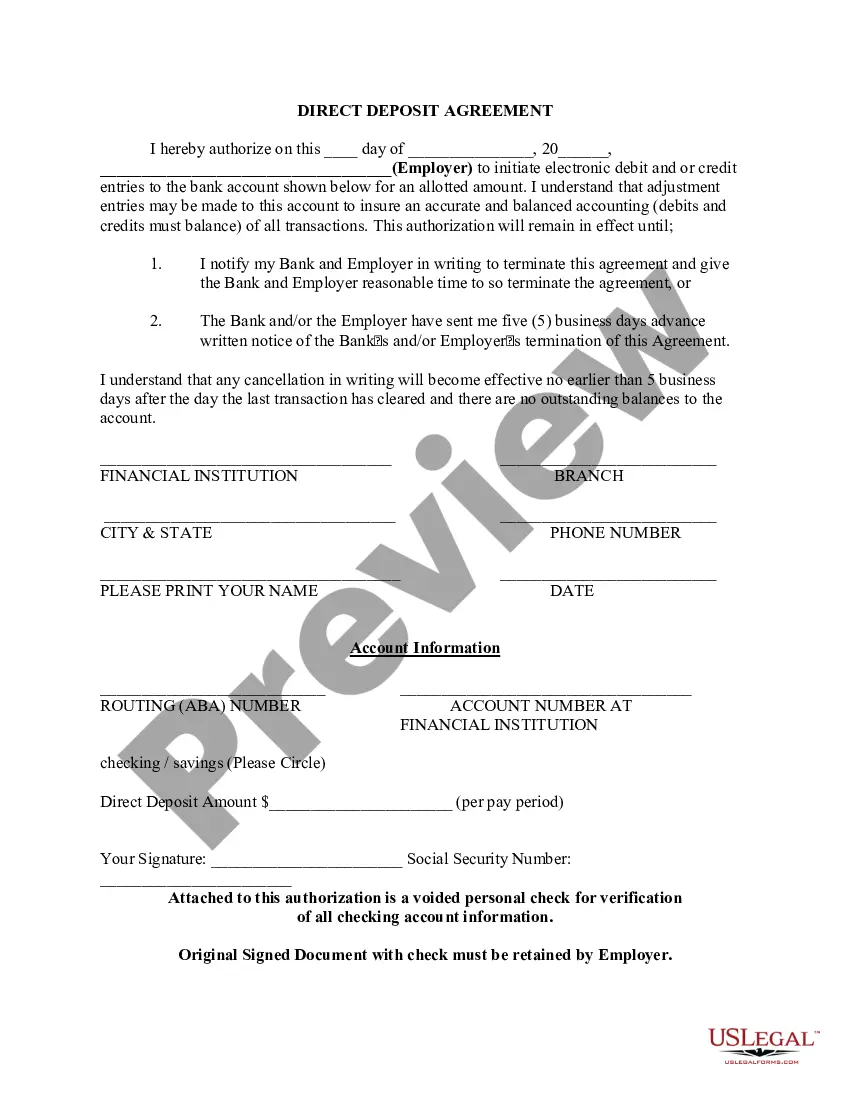
Vermont Direct Deposit Form for IRS
Description
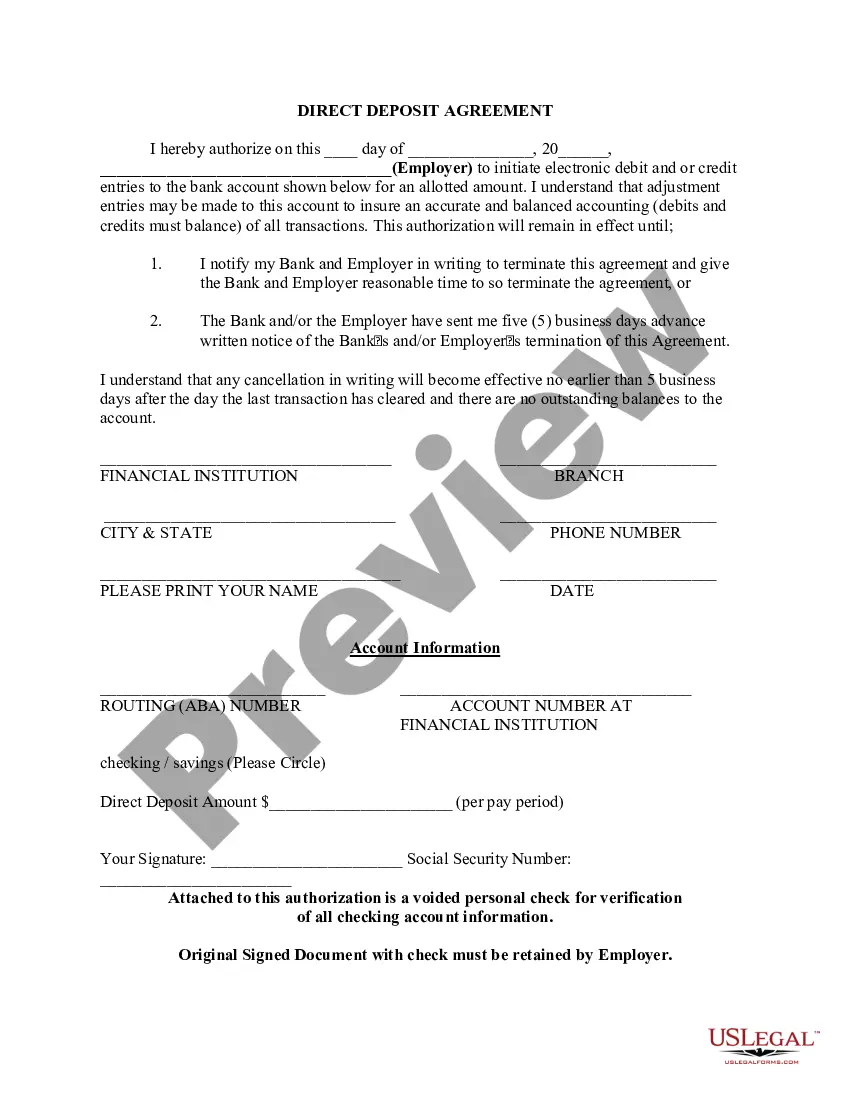



How to fill out Direct Deposit Form For IRS?
Are you currently in a situation where you require documents for various organizational or personal reasons almost every day.
There are numerous legal document templates accessible online, but finding reliable ones isn't straightforward.
US Legal Forms offers a wide range of form templates, such as the Vermont Direct Deposit Form for IRS, which can be prepared to comply with state and federal regulations.
Once you locate the right form, click Buy now.
Choose the pricing plan you prefer, fill in the required information to create your account, and purchase the order using your PayPal or credit card.
- If you are already familiar with the US Legal Forms website and have an account, simply Log In.
- After that, you can download the Vermont Direct Deposit Form for IRS template.
- If you do not have an account and wish to start using US Legal Forms, follow these steps.
- Obtain the form you need and ensure it is for the correct city/county.
- Use the Review button to examine the form.
- Read the information to confirm you have selected the appropriate form.
- If the form isn't what you're looking for, use the Lookup section to find the form that suits your needs.
Form popularity
FAQ
The non-resident tax form for Vermont is typically the Vermont Non-Resident Income Tax Return Form. If you earned income in Vermont but do not reside there, you must file this form. For accurate filing, ensure you are also utilizing the Vermont Direct Deposit Form for IRS if you expect a refund. This will help streamline your tax process and ensure timely receipt of any funds owed to you.
To change your direct deposit with the IRS online, you can use the IRS's online services. You will need to provide your personal information and the new bank account details. If necessary, you can also complete a new Vermont Direct Deposit Form for IRS and submit it with your tax documents. This process allows you to manage your direct deposit preferences easily.
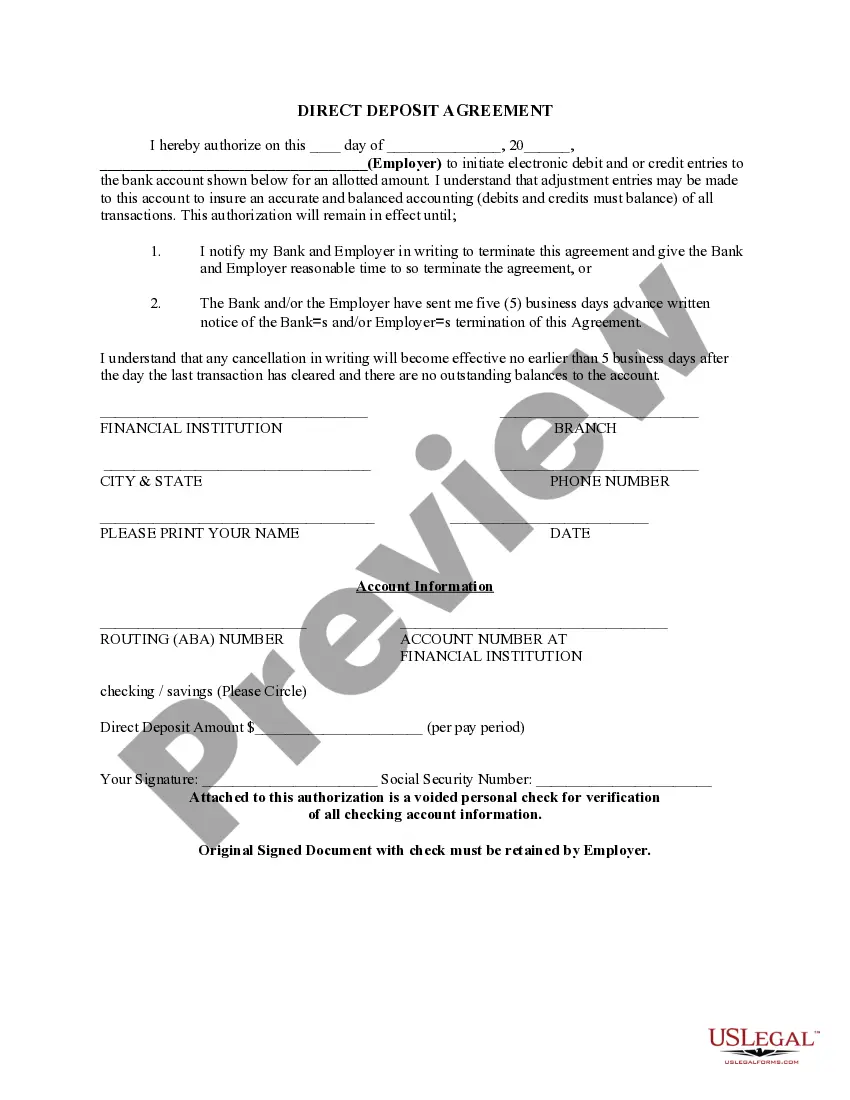
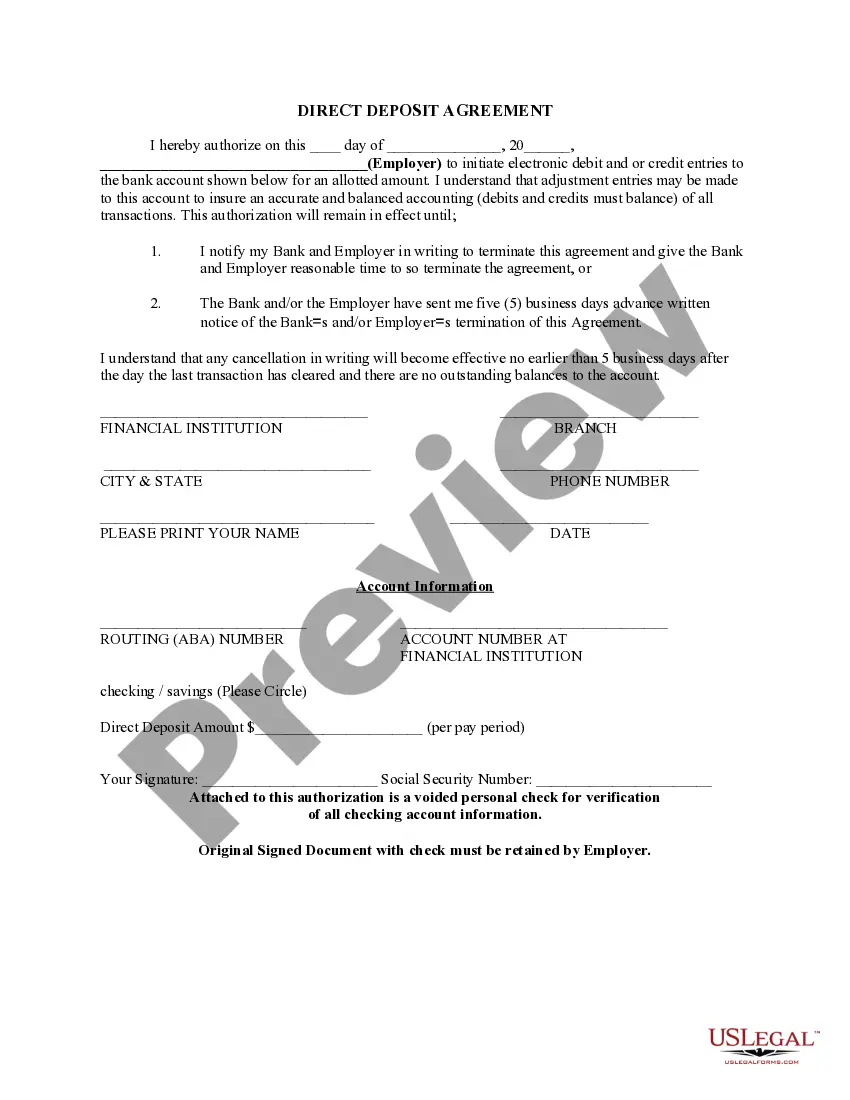
When setting up direct deposit, you need to provide your bank account number, routing number, and the type of account (checking or savings). Complete the Vermont Direct Deposit Form for IRS carefully, ensuring all details are accurate. This information is necessary for the IRS to process your direct deposit requests correctly and efficiently.
The $3,000 payment is not automatically given to everyone; it is part of specific tax relief measures for eligible families and individuals. To determine if you qualify, refer to your tax filing status and the relevant IRS guidelines. If you wish to receive your payments quickly, consider utilizing the Vermont Direct Deposit Form for IRS to ensure funds are deposited directly into your account.
Setting up direct deposit with the IRS involves completing the Vermont Direct Deposit Form for IRS. You can do this during your tax filing by providing your bank account information. Alternatively, if you are already registered, you can modify your direct deposit details online through the IRS website. This process enhances the security and speed of receiving your tax refunds.
To set up direct deposit for your refund, you need to fill out the Vermont Direct Deposit Form for IRS. This form requires your bank account details, including the account number and routing number. After completing the form, submit it with your tax return to ensure that your refund is deposited directly into your bank account. Using this method can expedite your refund process significantly.
The direct deposit form for IRS refund is often referred to as the Vermont Direct Deposit Form for IRS. This form allows you to receive your tax refund directly into your bank account, offering a fast and secure option. It's highly recommended for anyone wanting to avoid delays in receiving their funds.
You should use IRS Form 8888 when you want to split your tax refund into multiple accounts. This form allows you to designate different bank accounts for your refund, making it easy to manage your finances. If you're expecting a refund, consider using the Vermont Direct Deposit Form for IRS to ensure a smooth deposit process.
VT Form 111 is the Vermont Individual Income Tax Return. This form is essential for filing your state taxes and can be associated with your federal tax filings. Including the Vermont Direct Deposit Form for IRS can help ensure that your state and federal refunds are deposited directly into your bank account.
The IRS form for direct deposit refund is typically the Vermont Direct Deposit Form for IRS. This form allows you to provide your bank account information to receive your tax refund directly deposited. Using this form ensures that your refund arrives quickly and securely in your account.