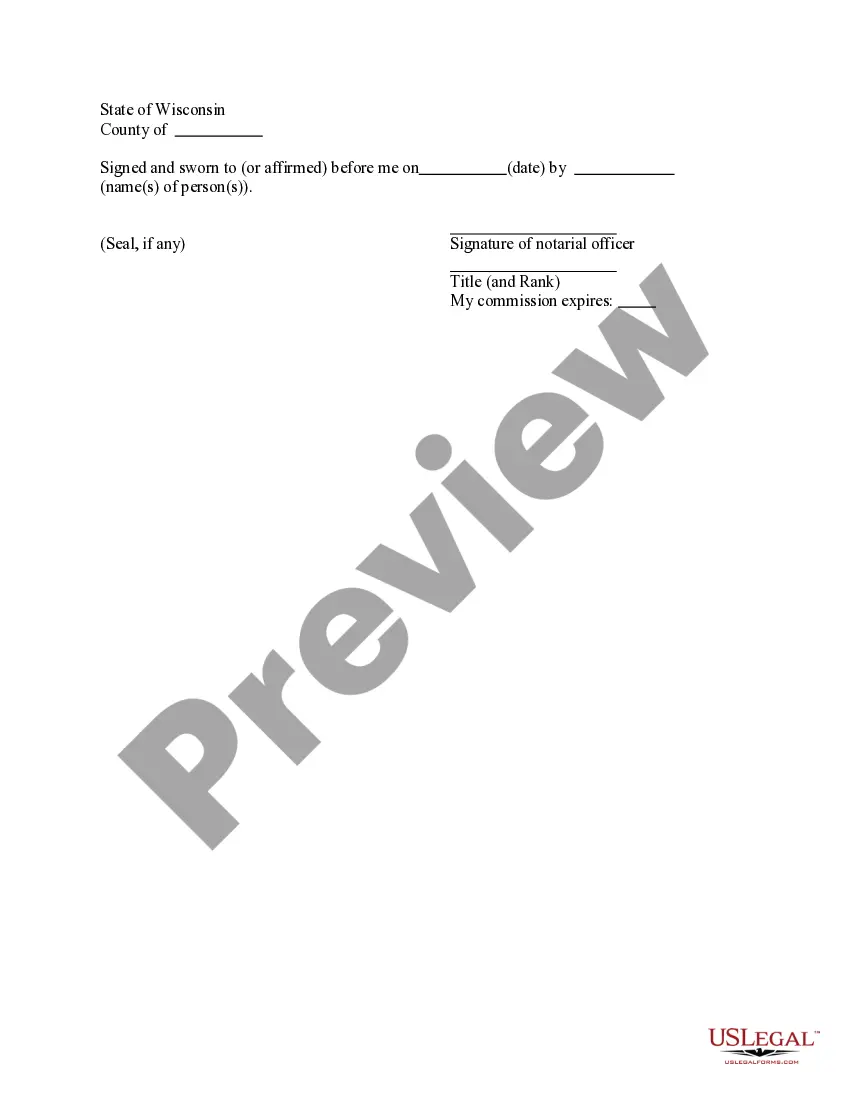
Wisconsin Acknowledgment for a Verification Upon Oath or Affirmation
About this form
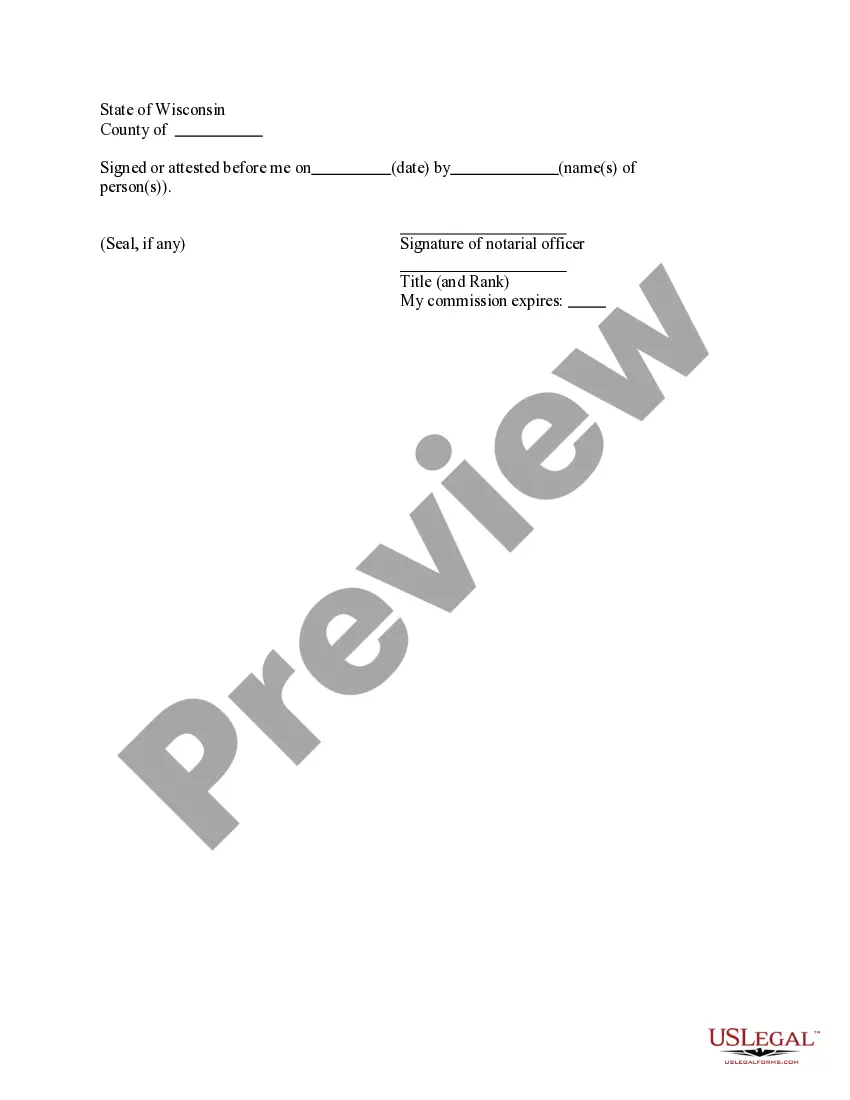
The Acknowledgment for a Verification Upon Oath or Affirmation is a legal document used to confirm that a sworn statement or affirmation is true. This form serves as a formal acknowledgment by a notary public or a similar official that the individual signing the document has done so voluntarily and is under oath. It differs from other legal forms in that it specifically pertains to verifying statements rather than agreements or transactions, ensuring accuracy and integrity in legal proceedings.
What’s included in this form
- Date of the acknowledgment
- Name(s) of the individual(s) making the affirmation
- Signature of the notarial officer
- Title and rank of the notarial officer
- Notary seal (if applicable)
- Statement affirming that the acknowledgment was made under oath

When to use this document
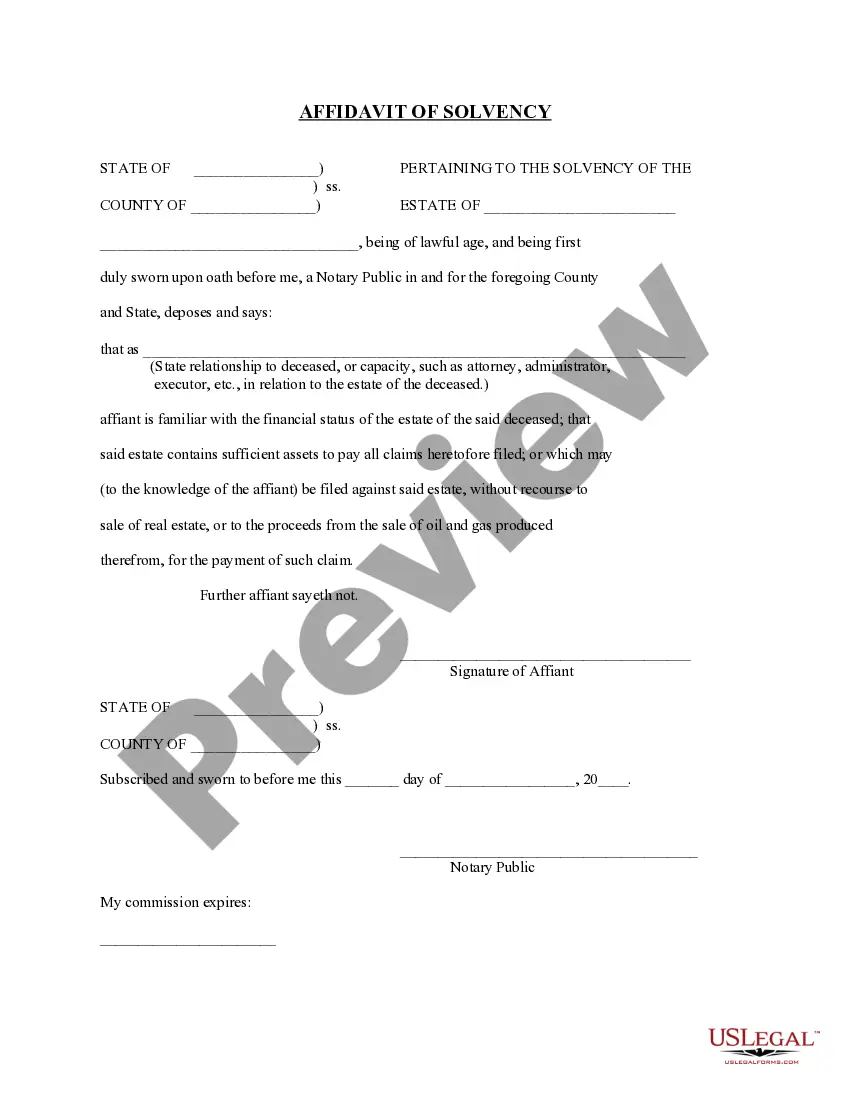
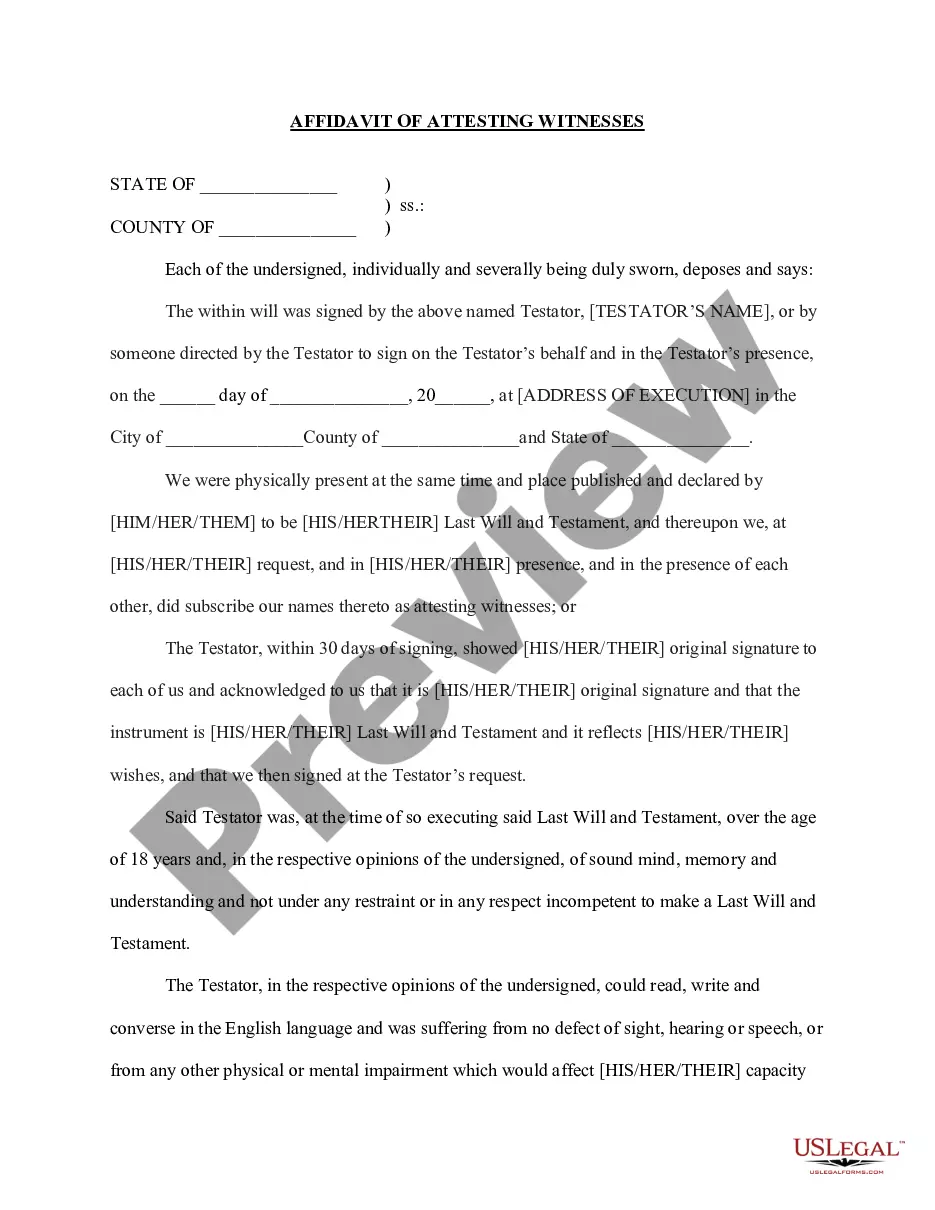
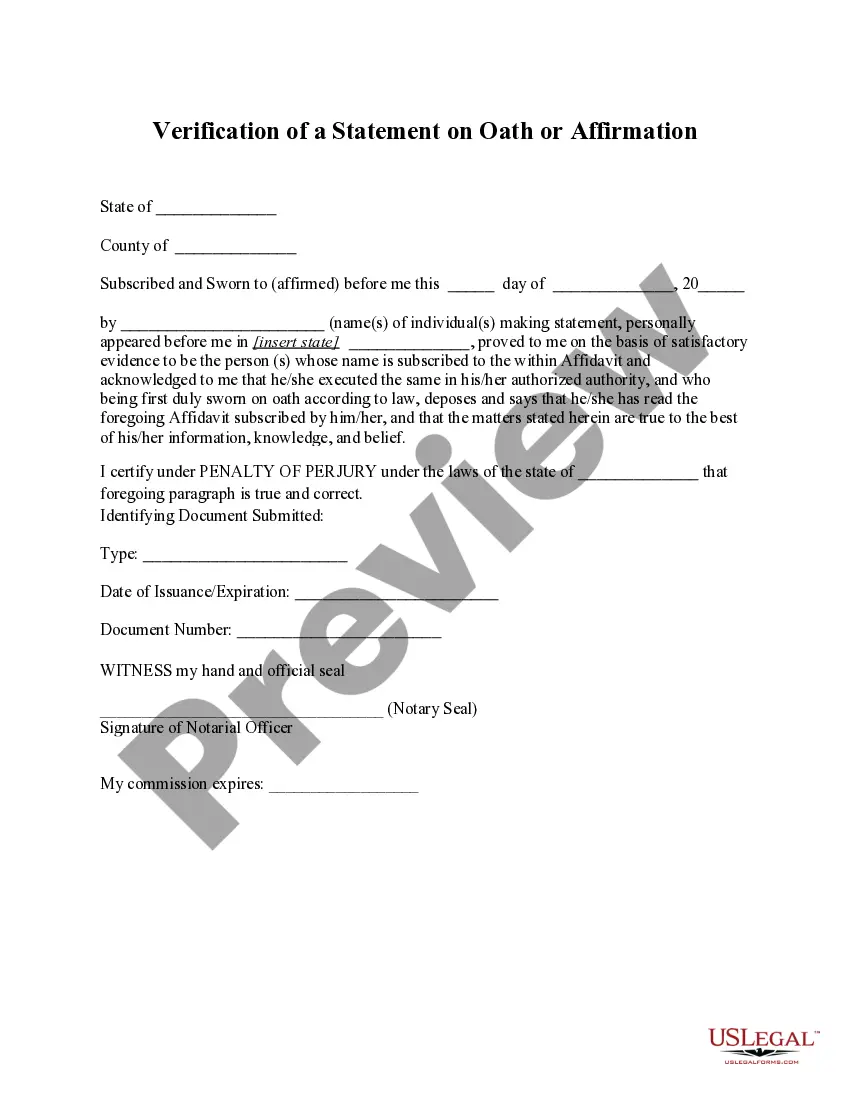
This form is typically used in scenarios where an individual needs to verify the truth of a statement made in a legal document, such as affidavits or sworn declarations. It may be required in court proceedings, administrative hearings, or before various governmental bodies where the truthfulness of testimony is critical.
Who should use this form
This form is suitable for:
- Individuals making affidavits or sworn statements
- Affidavits related to court cases
- Anyone else required to verify statements in a legal context
How to prepare this document
- Identify the individual(s) making the affirmation and enter their names accurately.
- Fill in the date when the acknowledgment is being made.
- Provide the signature of the notary public or official witnessing the affirmation.
- Include the title and rank of the notary, ensuring it is clear.
- If required, affix the official notary seal next to the signature.
Does this form need to be notarized?
This form needs to be notarized to ensure legal validity. US Legal Forms provides secure online notarization powered by Notarize, allowing you to complete the process through a verified video call, available anytime.
Get your form ready online
Our built-in tools help you complete, sign, share, and store your documents in one place.
Make edits, fill in missing information, and update formatting in US Legal Forms—just like you would in MS Word.
Download a copy, print it, send it by email, or mail it via USPS—whatever works best for your next step.
Sign and collect signatures with our SignNow integration. Send to multiple recipients, set reminders, and more. Go Premium to unlock E-Sign.
If this form requires notarization, complete it online through a secure video call—no need to meet a notary in person or wait for an appointment.
We protect your documents and personal data by following strict security and privacy standards.

Make edits, fill in missing information, and update formatting in US Legal Forms—just like you would in MS Word.

Download a copy, print it, send it by email, or mail it via USPS—whatever works best for your next step.

Sign and collect signatures with our SignNow integration. Send to multiple recipients, set reminders, and more. Go Premium to unlock E-Sign.

If this form requires notarization, complete it online through a secure video call—no need to meet a notary in person or wait for an appointment.

We protect your documents and personal data by following strict security and privacy standards.
Common mistakes
- Failing to sign the form in front of the notary.
- Incorrectly spelling the names of individuals making the affirmation.
- Leaving the date blank.
- Not including the official seal if required.
Advantages of online completion
- Convenience of accessing and downloading the form instantly.
- Editability allows for precise customization of details.
- Reliable templates drafted by licensed attorneys ensure legal validity.
Key takeaways
- The form is essential for verifying the truthfulness of statements made under oath.
- It must be completed and signed in the presence of a notary public.
- This form is tailored to meet the legal requirements of Wisconsin.
Looking for another form?
Form popularity
FAQ
The purpose of an acknowledgment is for a signer, whose identity has been verified, to declare to a Notary or notarial officer that he or she has willingly signed a document.The signer may either sign the document before appearing before you, or in your presence.
A notary acknowledgement ensures that the signer of the document is indeed the person named in the document. The function of the notary in this case is to verify the identity of the signer. On the other hand, a notary is asked to perform a Jurat, when the signer takes an oath or makes an affirmation.
Unlike jurats, an acknowledgment does not need to be signed in the presence of a notary. However, the affiant does need to swear or affirm that they signed under their own free will.
The purpose of an acknowledgment is for a signer, whose identity has been verified, to declare to a Notary or notarial officer that he or she has willingly signed a document.The signer may either sign the document before appearing before you, or in your presence.
Only you, as the notary, may make corrections to the notary certificate. Illegible/ Expired Notary Seal: Stamp impressions that are too dark, too light, incomplete, smudged, or in any way unreadable may cause an otherwise acceptable document to be rejected for its intended use.
They key difference is that for a signature witnessing, the signer must always sign the document in the Notary's presence.An acknowledgment, on the other hand, does not require the Notary to witness the signature in most states (one exception is Maryland).
When taking an acknowledgment, the notary must ask the signer in a verbal ceremony the following questions: (1) Are you acknowledging to me that this is your signature?; (2) Are you acknowledging to me that you signed this document for the purposes stated therein?; (3) Are you acknowledging to me that you signed this
As nouns the difference between affidavit and acknowledgment is that affidavit is affidavit while acknowledgment is the act of acknowledging; admission; avowal; owning; confession.
It depends. You may notarize a document that does not have pre-printed notarial wording as long as the signer tells you what type of notarization is needed.As nonattorneys, Notaries cannot decide the type of notarization to perform on a document because the choice can have important legal ramifications.