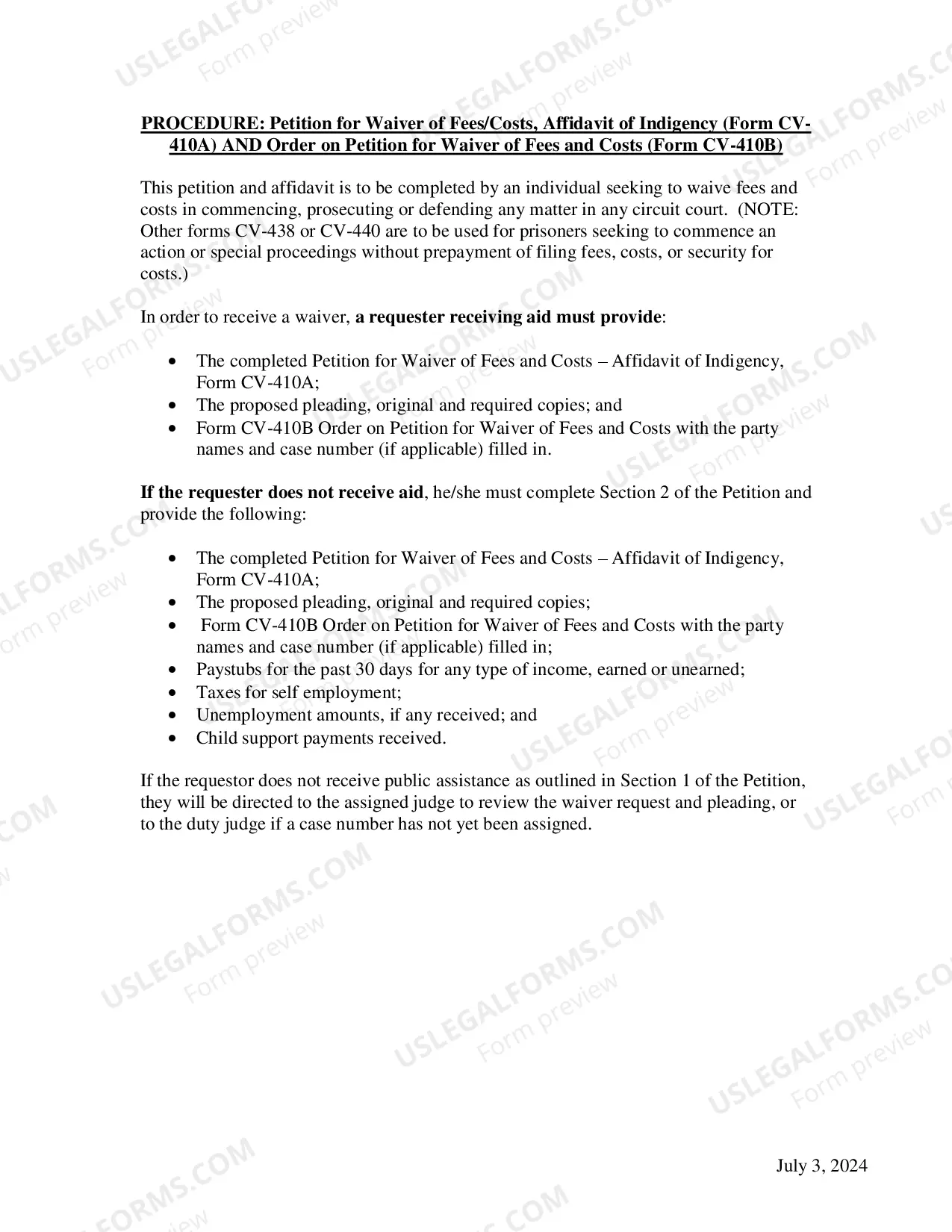
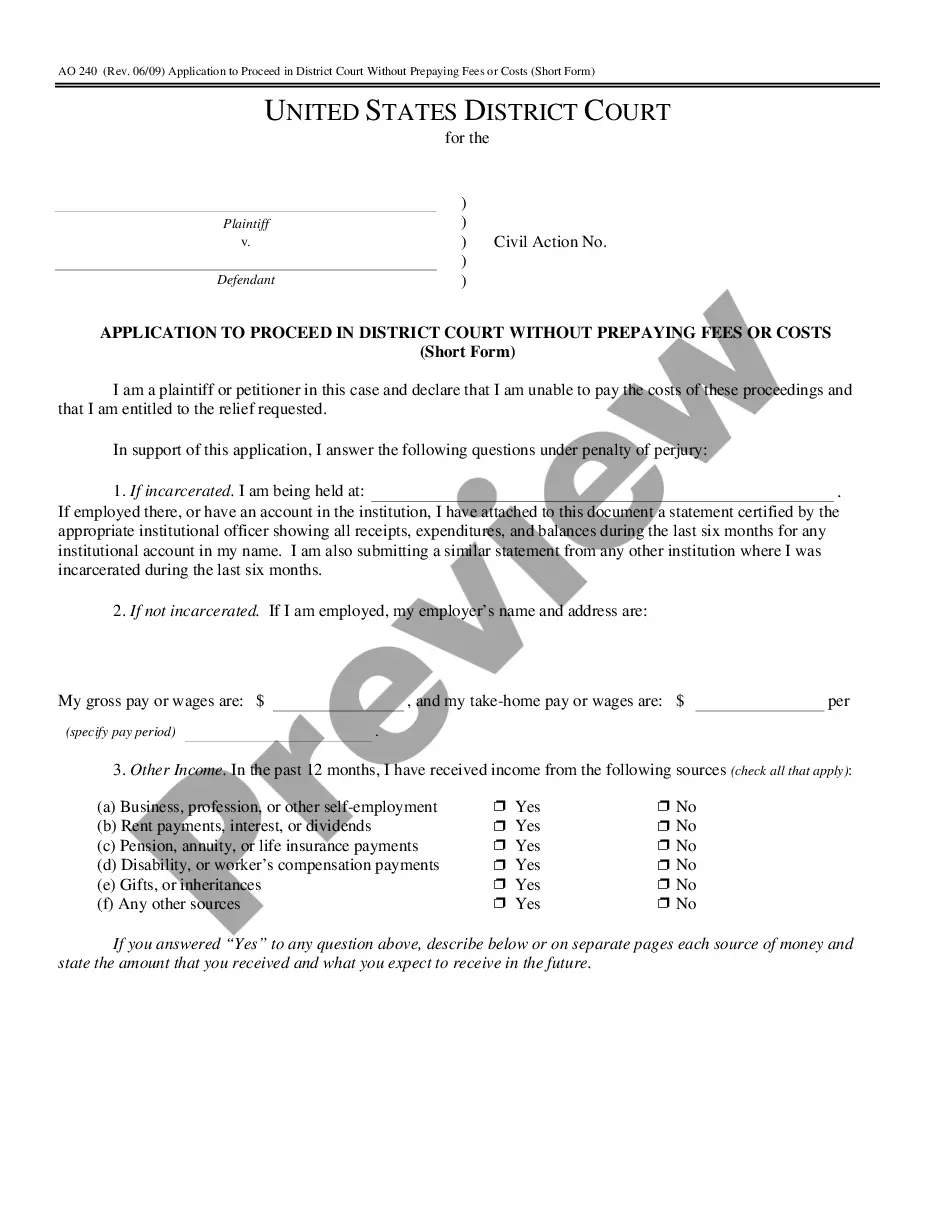
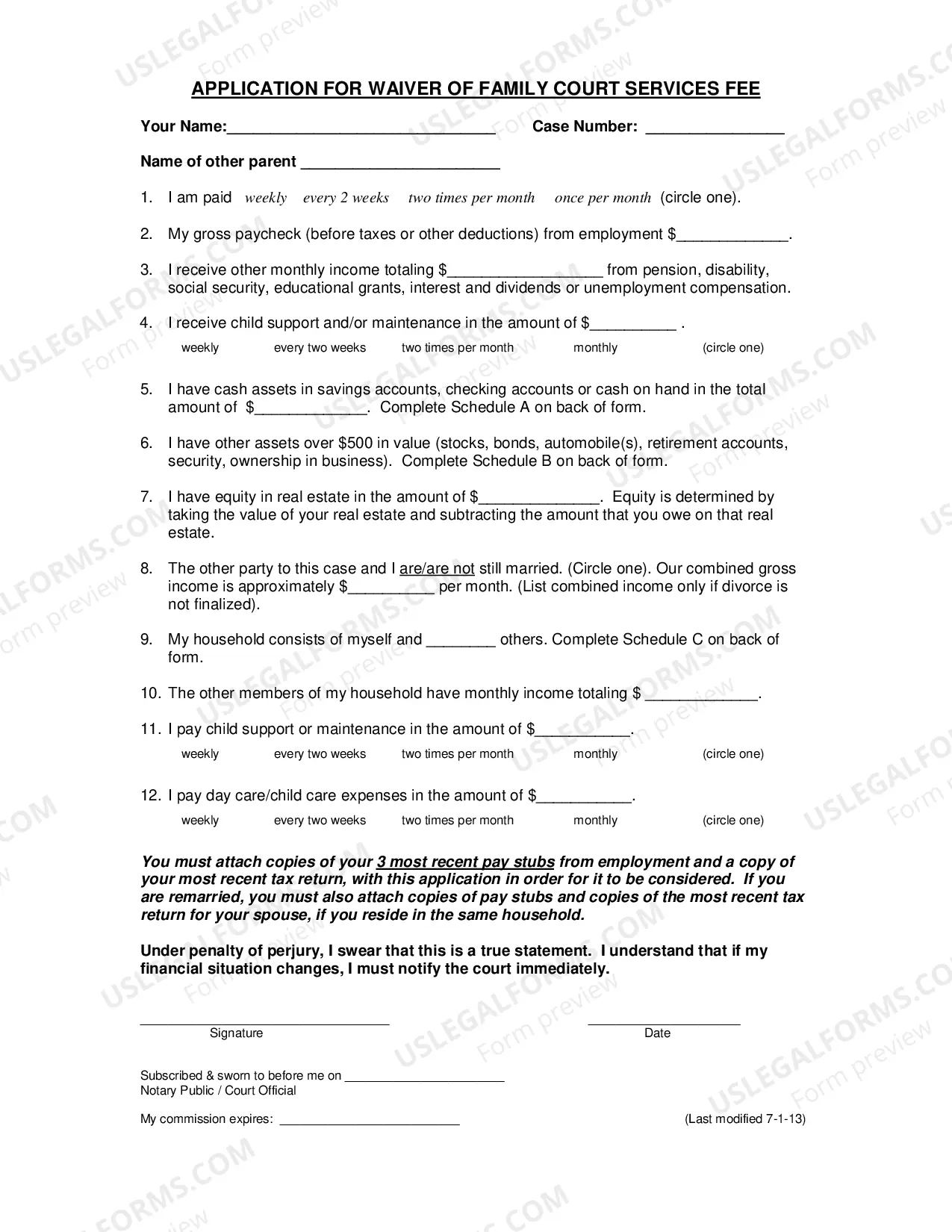
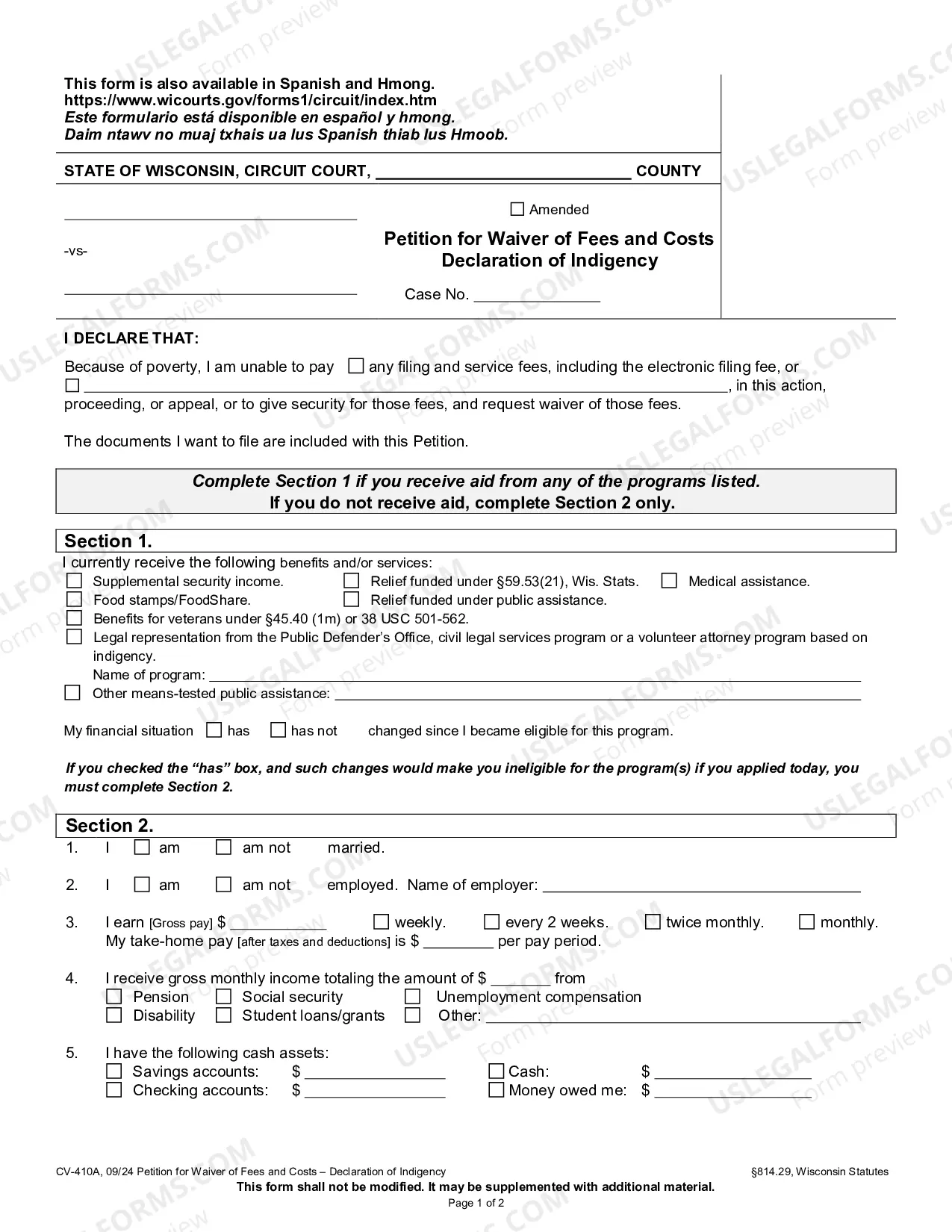
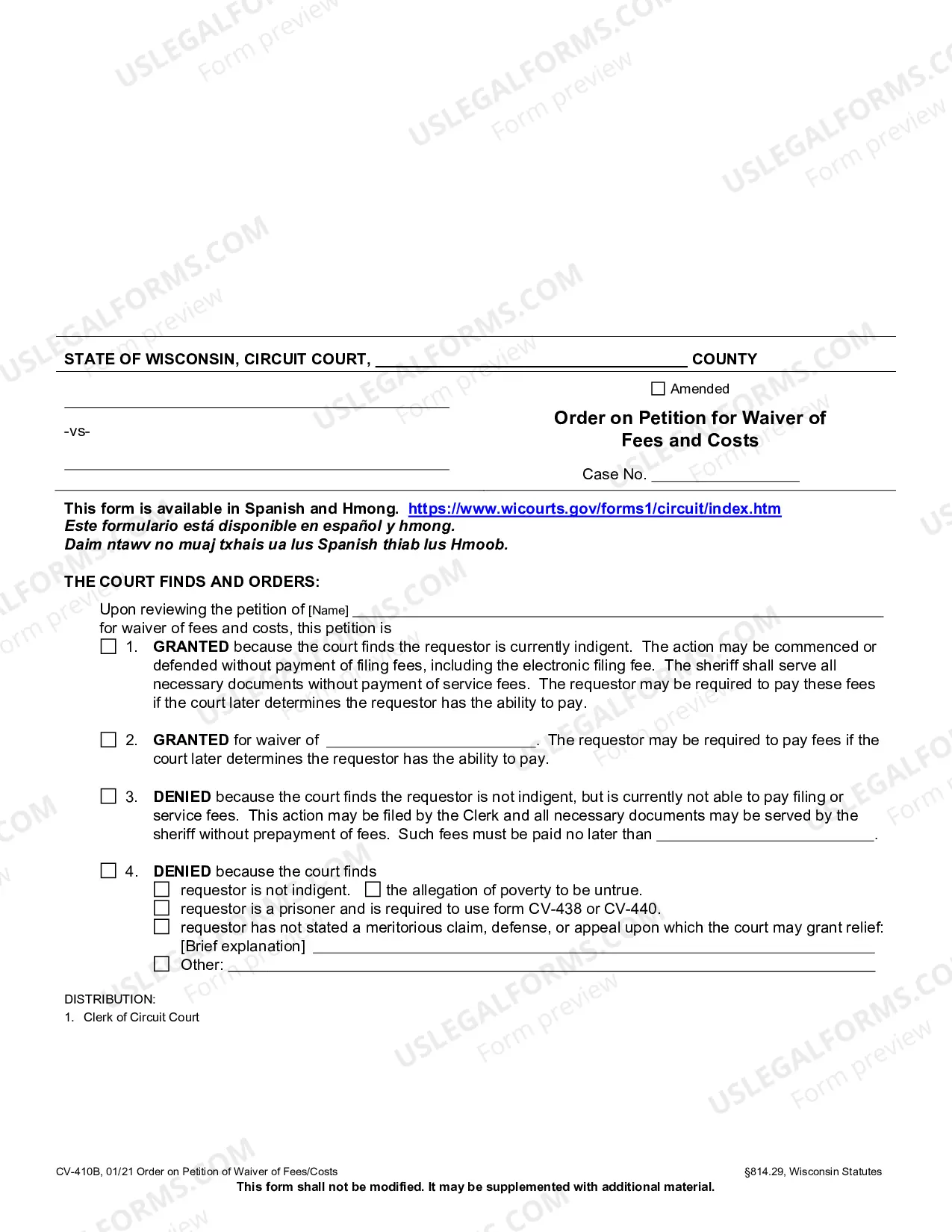
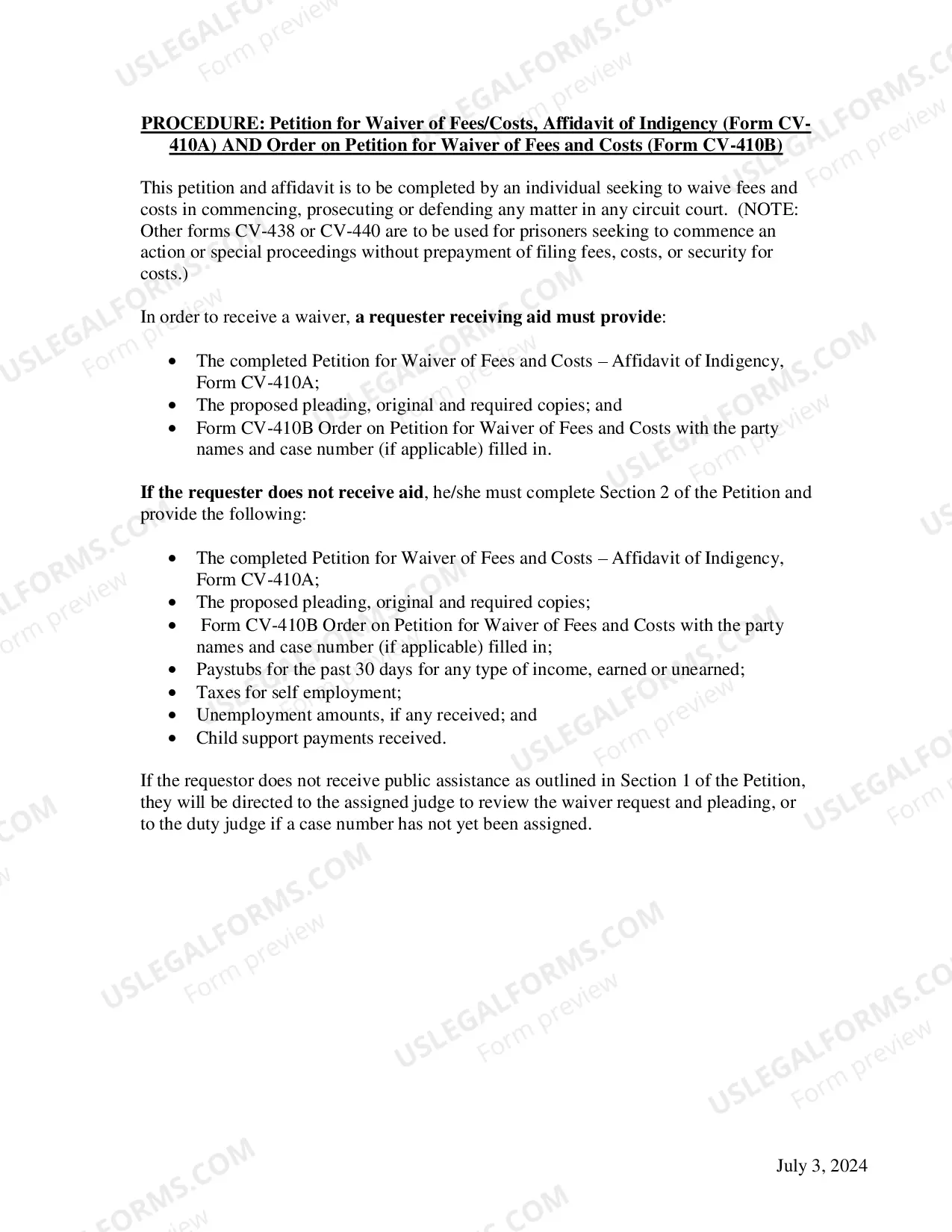
Wisconsin Fee Waiver Instructions provide information to individuals who are seeking to apply for a waiver of court fees in the state of Wisconsin. The instructions provide information about how to apply for the waiver, the types of fees that can be waived, and the eligibility requirements. There are two types of fee waivers available in Wisconsin: the General Waiver and the Special Waiver. The General Waiver waives fees related to court costs, such as filing fees, service fees, and court reporter fees. The Special Waiver waives fees related to payments to appointed counsel, such as court-appointed attorneys and guardians ad item. Both waivers require applicants to meet certain income requirements in order to qualify. In addition to the instructions, applicants must also provide supporting documentation such as income tax returns, pay stubs, and proof of public assistance in order to be considered for a fee waiver.
Wisconsin Fee Waiver Instructions
Description
Get your form ready online
Our built-in tools help you complete, sign, share, and store your documents in one place.
Make edits, fill in missing information, and update formatting in US Legal Forms—just like you would in MS Word.
Download a copy, print it, send it by email, or mail it via USPS—whatever works best for your next step.
Sign and collect signatures with our SignNow integration. Send to multiple recipients, set reminders, and more. Go Premium to unlock E-Sign.
If this form requires notarization, complete it online through a secure video call—no need to meet a notary in person or wait for an appointment.
We protect your documents and personal data by following strict security and privacy standards.

Make edits, fill in missing information, and update formatting in US Legal Forms—just like you would in MS Word.

Download a copy, print it, send it by email, or mail it via USPS—whatever works best for your next step.

Sign and collect signatures with our SignNow integration. Send to multiple recipients, set reminders, and more. Go Premium to unlock E-Sign.

If this form requires notarization, complete it online through a secure video call—no need to meet a notary in person or wait for an appointment.

We protect your documents and personal data by following strict security and privacy standards.
Looking for another form?
How to fill out Wisconsin Fee Waiver Instructions?
Coping with official documentation requires attention, accuracy, and using well-drafted templates. US Legal Forms has been helping people nationwide do just that for 25 years, so when you pick your Wisconsin Fee Waiver Instructions template from our service, you can be certain it meets federal and state regulations.
Working with our service is easy and quick. To obtain the required paperwork, all you’ll need is an account with a valid subscription. Here’s a brief guide for you to get your Wisconsin Fee Waiver Instructions within minutes:
- Remember to carefully examine the form content and its correspondence with general and law requirements by previewing it or reading its description.
- Look for an alternative formal template if the previously opened one doesn’t suit your situation or state regulations (the tab for that is on the top page corner).
- Log in to your account and save the Wisconsin Fee Waiver Instructions in the format you prefer. If it’s your first time with our service, click Buy now to continue.
- Register for an account, decide on your subscription plan, and pay with your credit card or PayPal account.
- Decide in what format you want to save your form and click Download. Print the blank or upload it to a professional PDF editor to prepare it paper-free.
All documents are drafted for multi-usage, like the Wisconsin Fee Waiver Instructions you see on this page. If you need them one more time, you can fill them out without re-payment - simply open the My Forms tab in your profile and complete your document whenever you need it. Try US Legal Forms and accomplish your business and personal paperwork quickly and in total legal compliance!