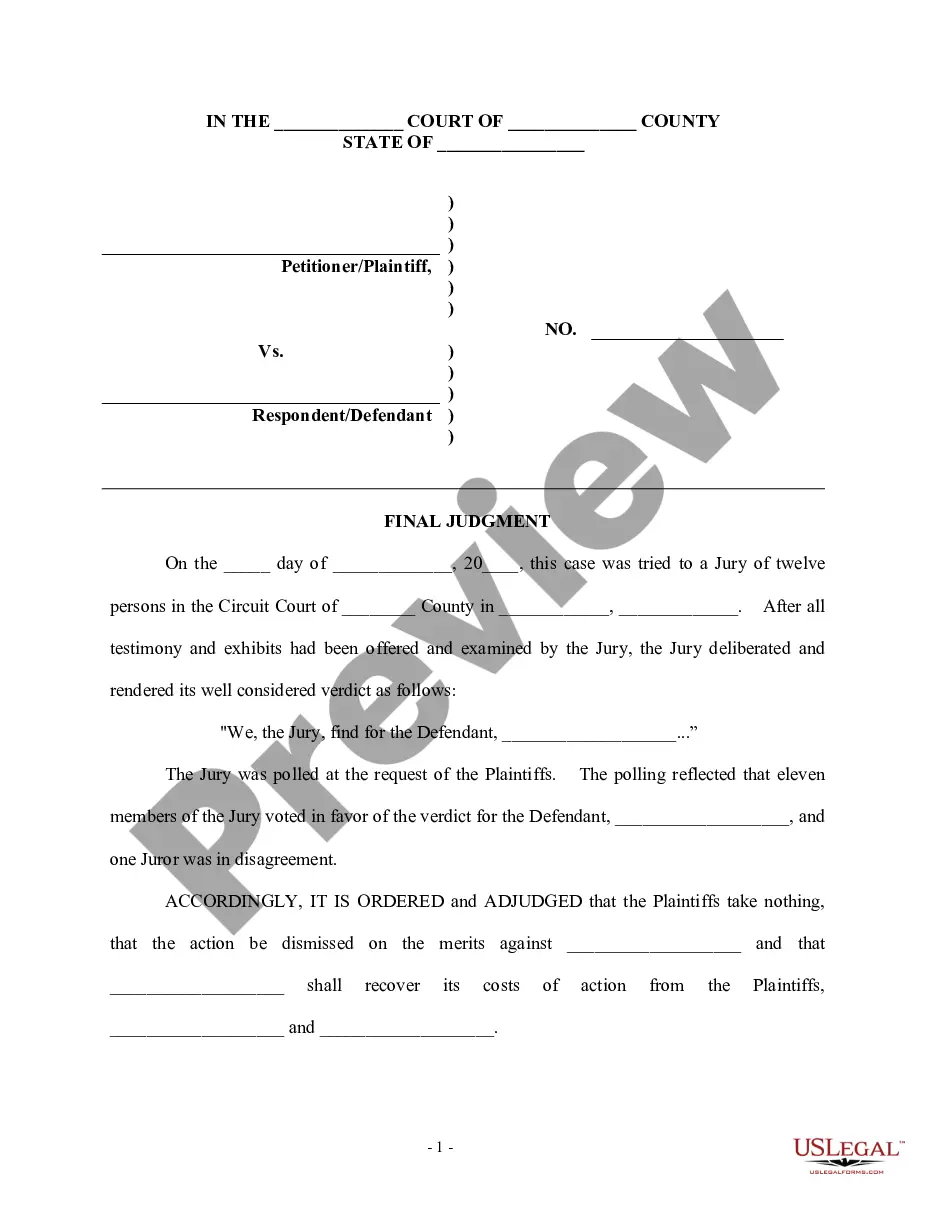
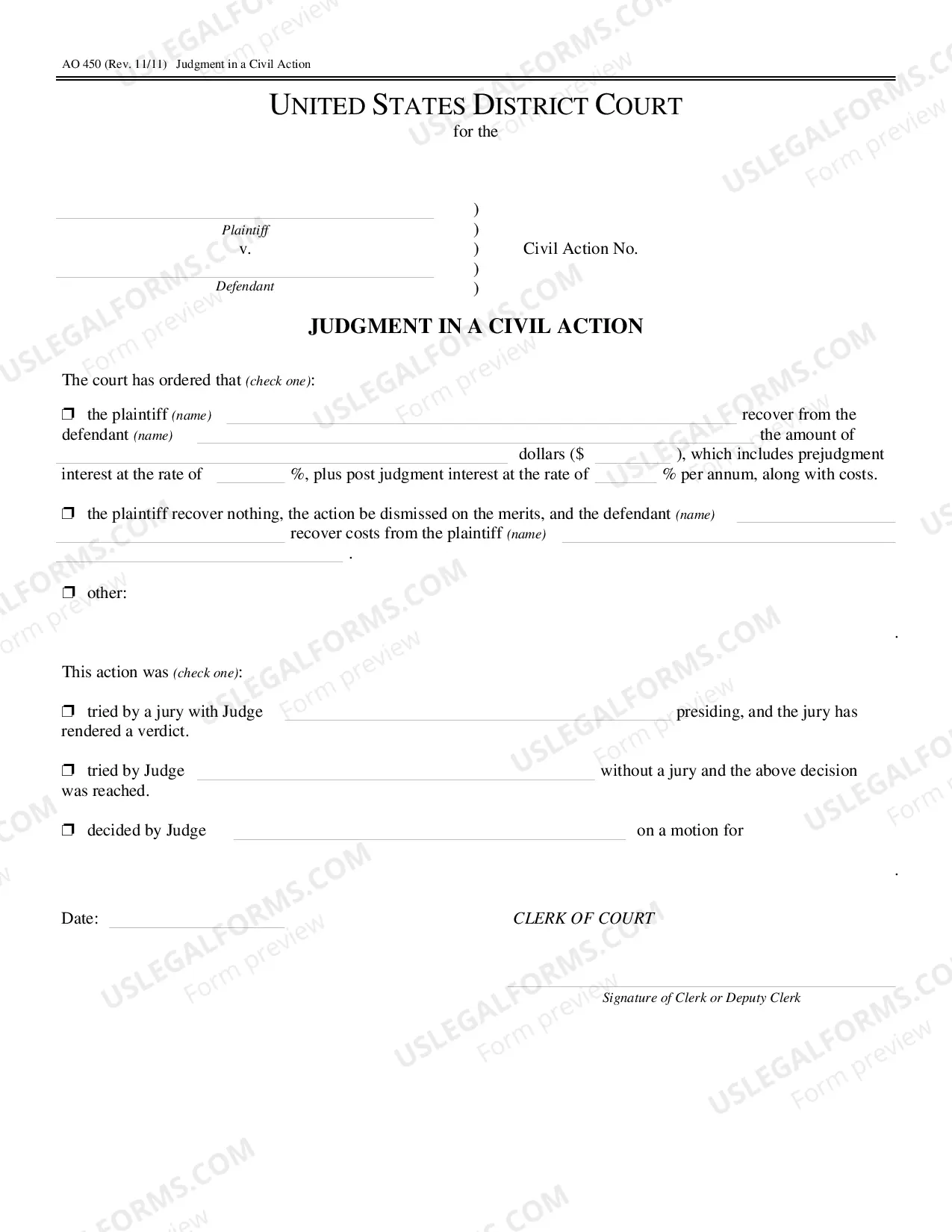
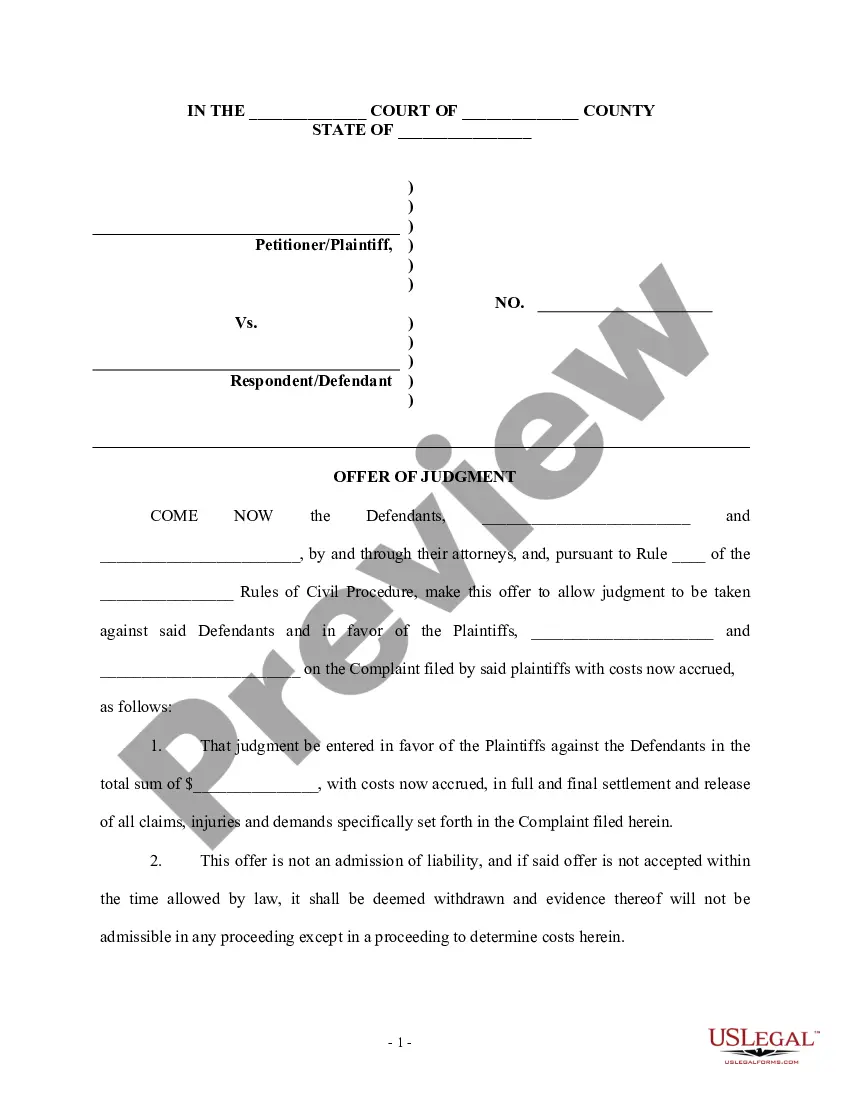
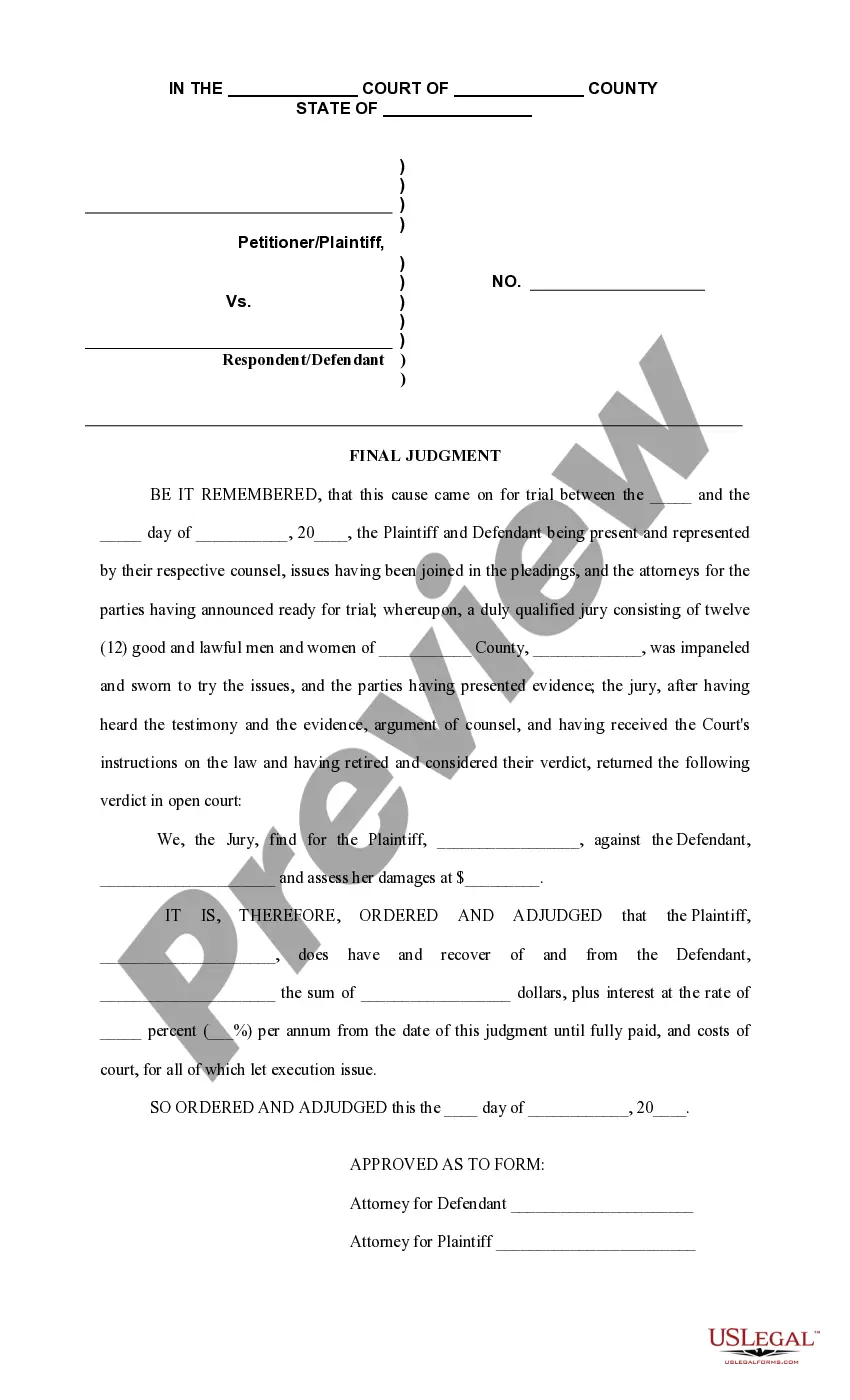
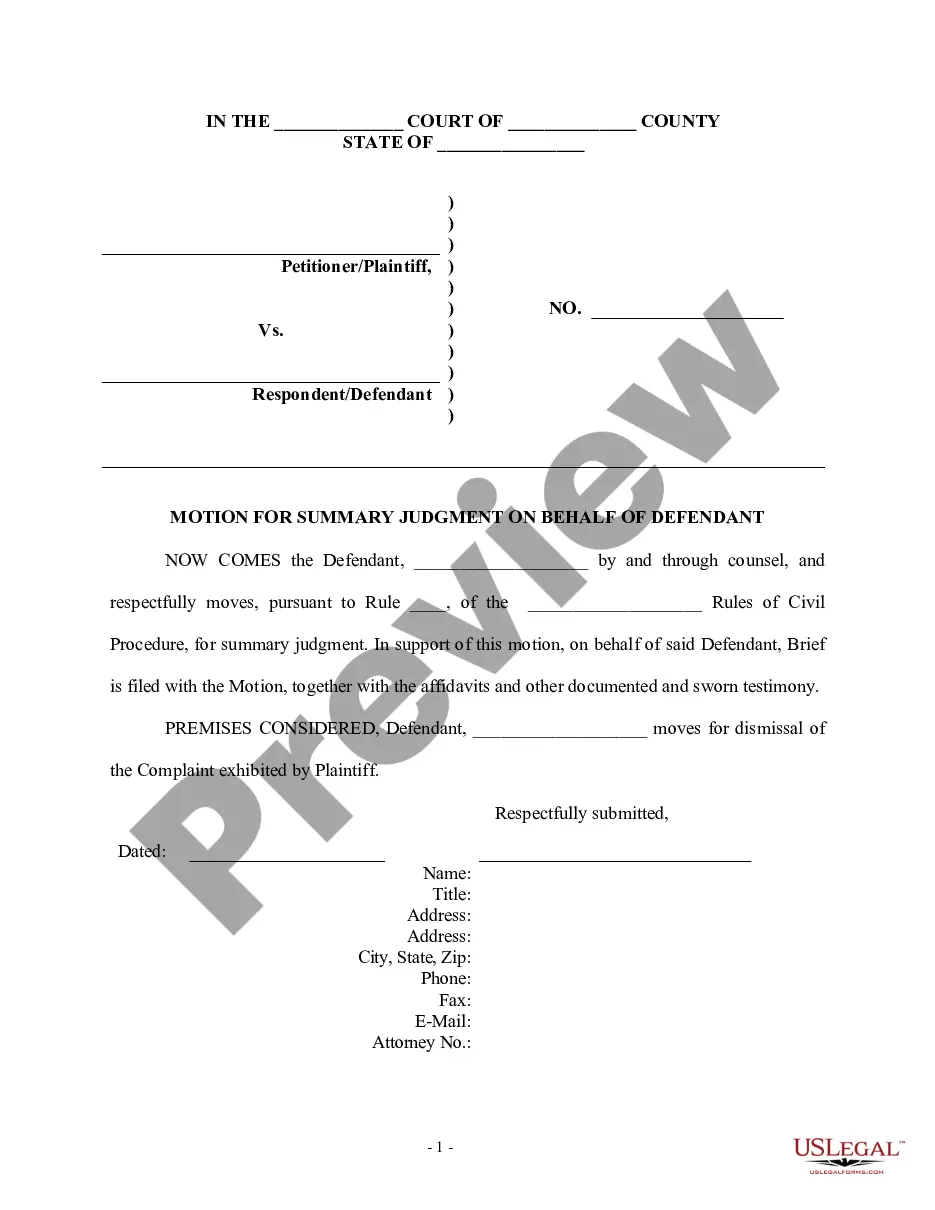
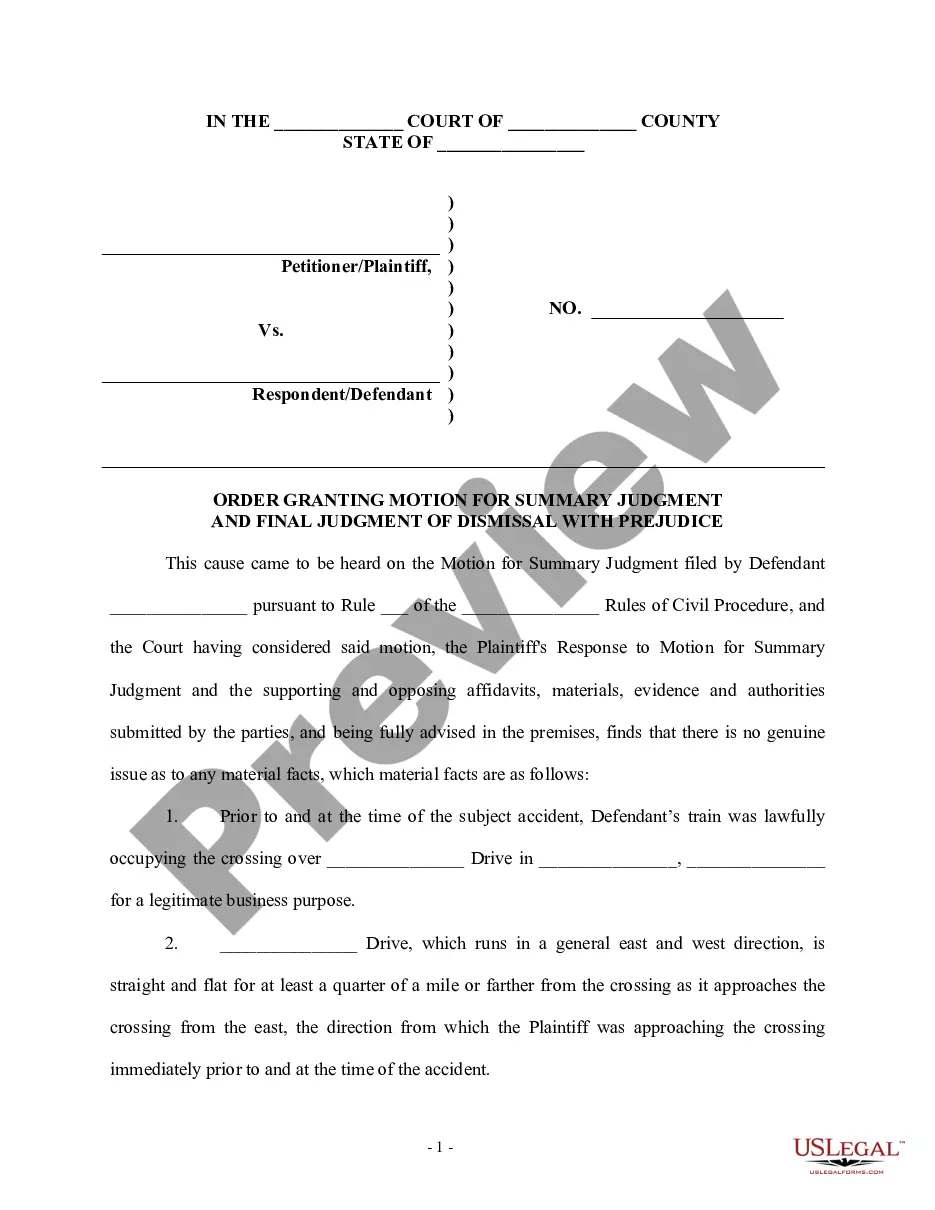
This form is a sample final judgment in a personal injury case in which the jury found in favor of the defendant.
Wisconsin Final Judgment in favor of Defendants
State:
Multi-State
Control #:
US-PI-0111
Format:
Word;
Rich Text
62 downloads
Description
Free preview

Get your form ready online
Our built-in tools help you complete, sign, share, and store your documents in one place.
Built-in online Word editor
Make edits, fill in missing information, and update formatting in US Legal Forms—just like you would in MS Word.
Export easily
Download a copy, print it, send it by email, or mail it via USPS—whatever works best for your next step.
E-sign your document
Sign and collect signatures with our SignNow integration. Send to multiple recipients, set reminders, and more. Go Premium to unlock E-Sign.
Notarize online 24/7
If this form requires notarization, complete it online through a secure video call—no need to meet a notary in person or wait for an appointment.
Store your document securely
We protect your documents and personal data by following strict security and privacy standards.

Make edits, fill in missing information, and update formatting in US Legal Forms—just like you would in MS Word.

Download a copy, print it, send it by email, or mail it via USPS—whatever works best for your next step.

Sign and collect signatures with our SignNow integration. Send to multiple recipients, set reminders, and more. Go Premium to unlock E-Sign.

If this form requires notarization, complete it online through a secure video call—no need to meet a notary in person or wait for an appointment.

We protect your documents and personal data by following strict security and privacy standards.
Looking for another form?
How to fill out Final Judgment In Favor Of Defendants?
If you need to comprehensive, acquire, or print legitimate document web templates, use US Legal Forms, the biggest variety of legitimate kinds, which can be found online. Take advantage of the site`s basic and hassle-free look for to find the paperwork you need. Numerous web templates for business and specific functions are categorized by types and says, or search phrases. Use US Legal Forms to find the Wisconsin Final Judgment in favor of Defendants within a number of clicks.
In case you are presently a US Legal Forms client, log in in your account and click the Acquire switch to have the Wisconsin Final Judgment in favor of Defendants. You may also accessibility kinds you in the past saved in the My Forms tab of your respective account.
If you work with US Legal Forms initially, follow the instructions beneath:
- Step 1. Ensure you have selected the form for that correct metropolis/land.
- Step 2. Take advantage of the Review method to look over the form`s content. Do not forget about to see the description.
- Step 3. In case you are unsatisfied with all the kind, make use of the Lookup field towards the top of the display screen to locate other models of your legitimate kind web template.
- Step 4. Once you have found the form you need, select the Get now switch. Pick the rates program you favor and put your accreditations to sign up on an account.
- Step 5. Process the purchase. You can utilize your Мisa or Ьastercard or PayPal account to perform the purchase.
- Step 6. Choose the formatting of your legitimate kind and acquire it on your gadget.
- Step 7. Total, modify and print or sign the Wisconsin Final Judgment in favor of Defendants.
Each legitimate document web template you purchase is the one you have for a long time. You have acces to every single kind you saved within your acccount. Click the My Forms portion and pick a kind to print or acquire yet again.
Be competitive and acquire, and print the Wisconsin Final Judgment in favor of Defendants with US Legal Forms. There are thousands of skilled and express-particular kinds you can use to your business or specific demands.
Form popularity
FAQ
Generally, the creditor gives the debtor (person who owes the money/property) the completed Satisfaction of Judgment (form GF-129) to file with the Clerk of Circuit Court and pay the filing fee. Satisfactions of Judgment can be filed electronically via the Wisconsin Courts System eFiling.
How do I file an appeal? An appeal of a final circuit court judgment or order can be initiated with the Wisconsin Court of Appeals by filing a notice of appeal with the clerk of the circuit court for the county in which the judgment or order being appealed was entered.
A final judgment or a final order of a circuit court may be appealed as a matter of right to the court of appeals unless otherwise expressly provided by law.
808.03 Appeals to the court of appeals. (1) Appeals as of right. A final judgment or a final order of a circuit court may be appealed as a matter of right to the court of appeals unless otherwise expressly provided by law.
To docket a judgment, you must be opted in to your case. After opting in, you can find the case by entering the case number or caption in the search filter fields on the My cases page. For more instructions on how to opt in to a case, please check out our User guides and training page.