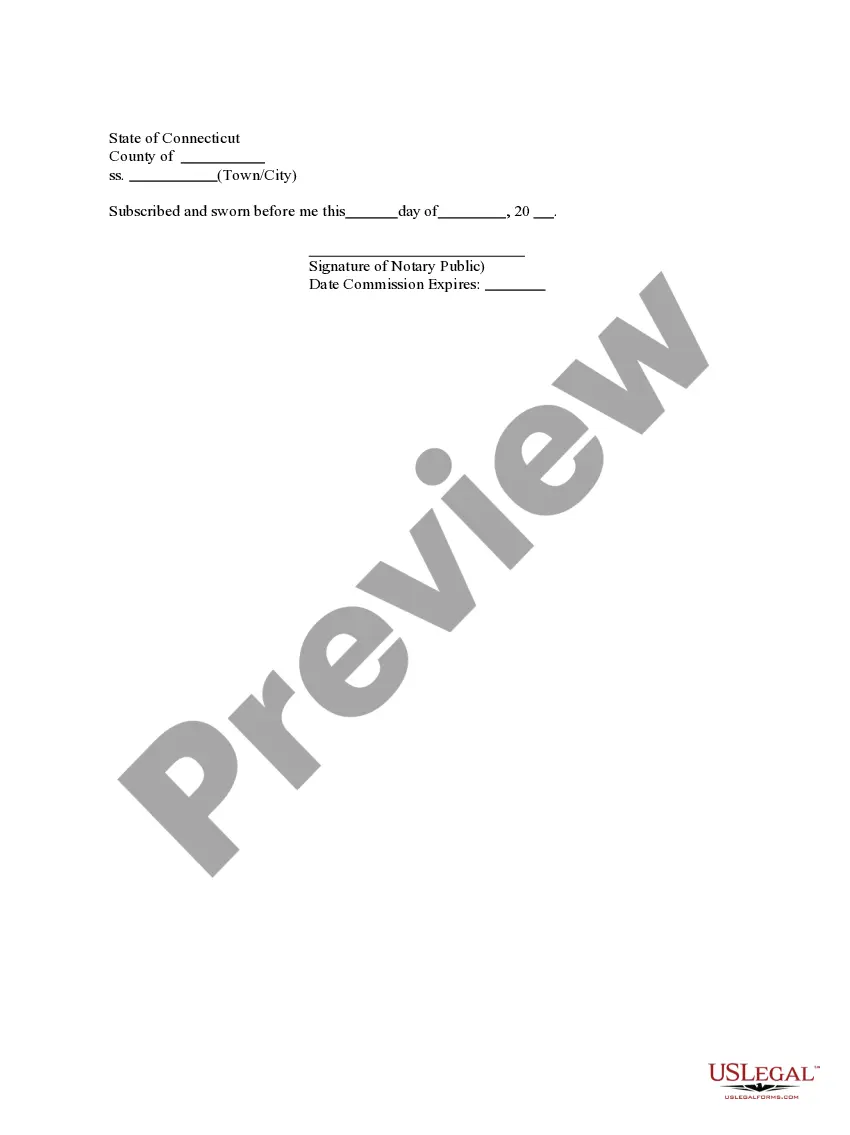
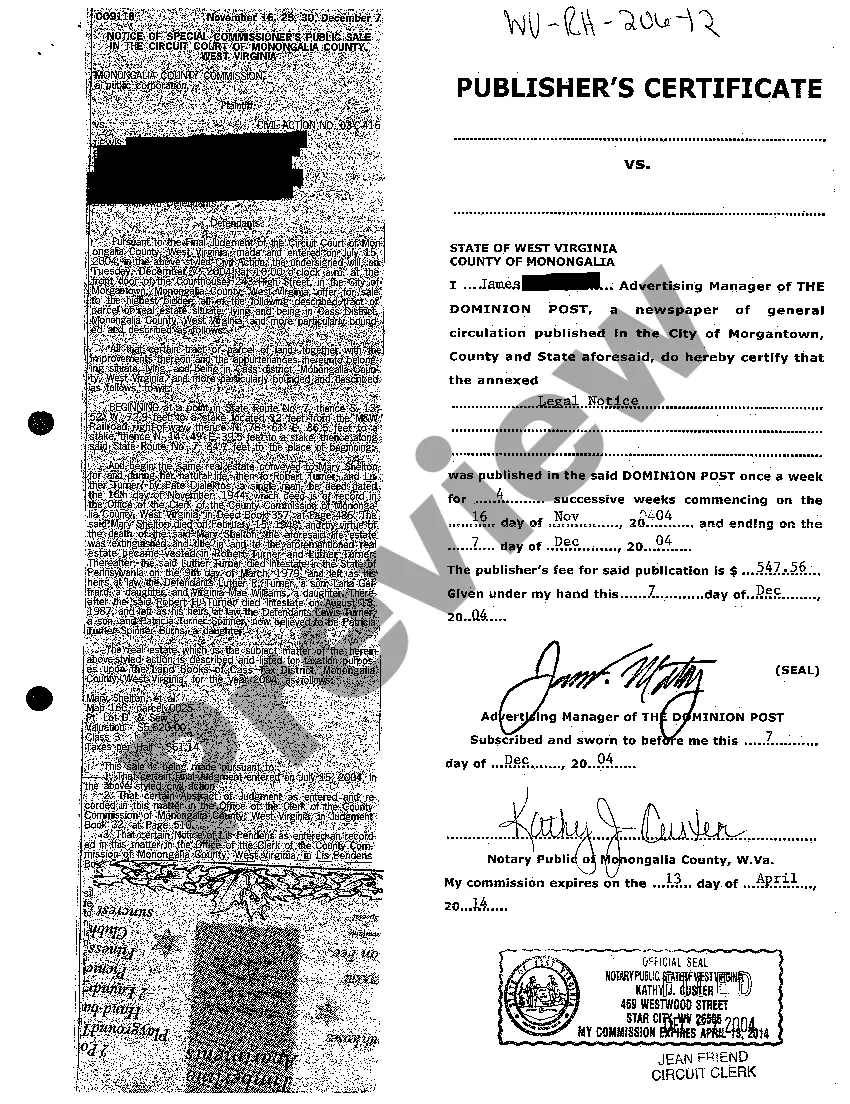
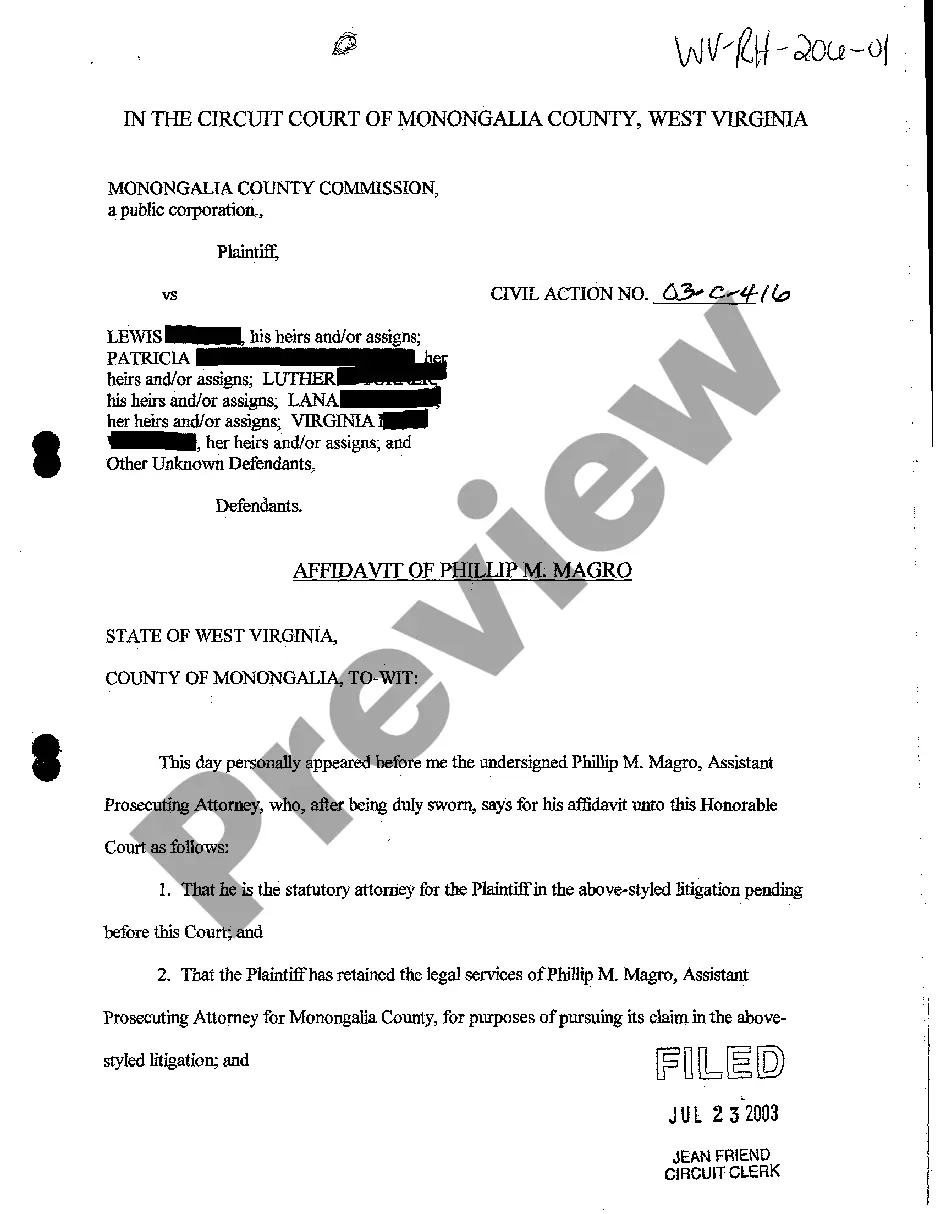
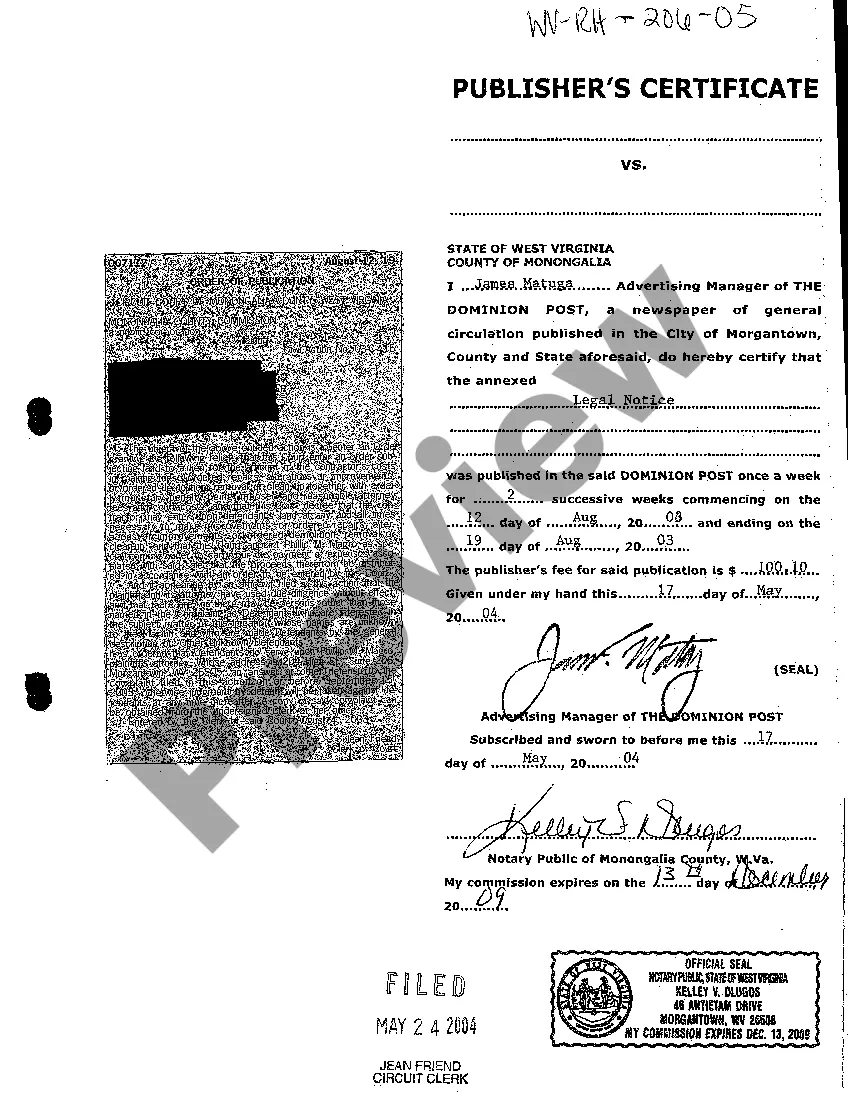
West Virginia Publisher's Certificate
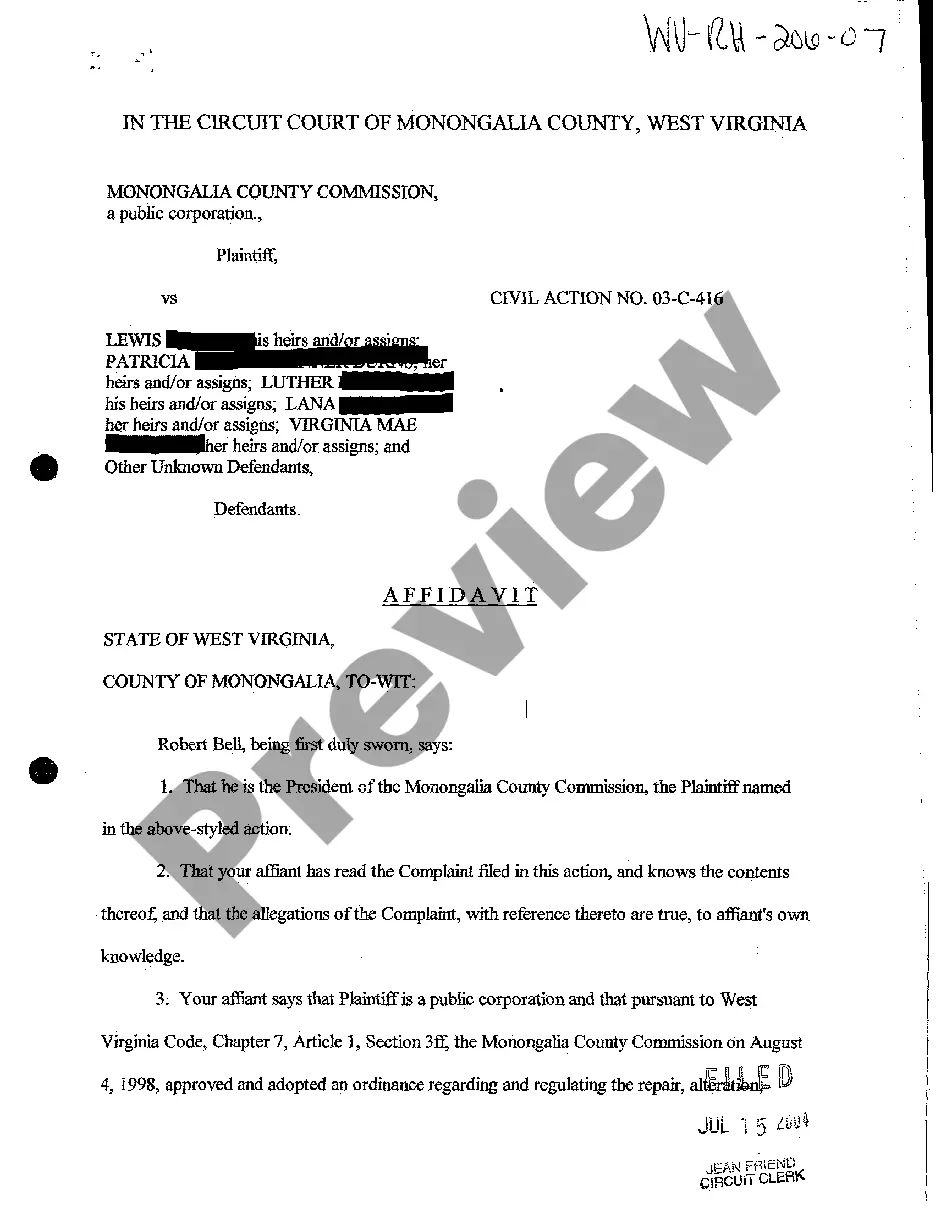
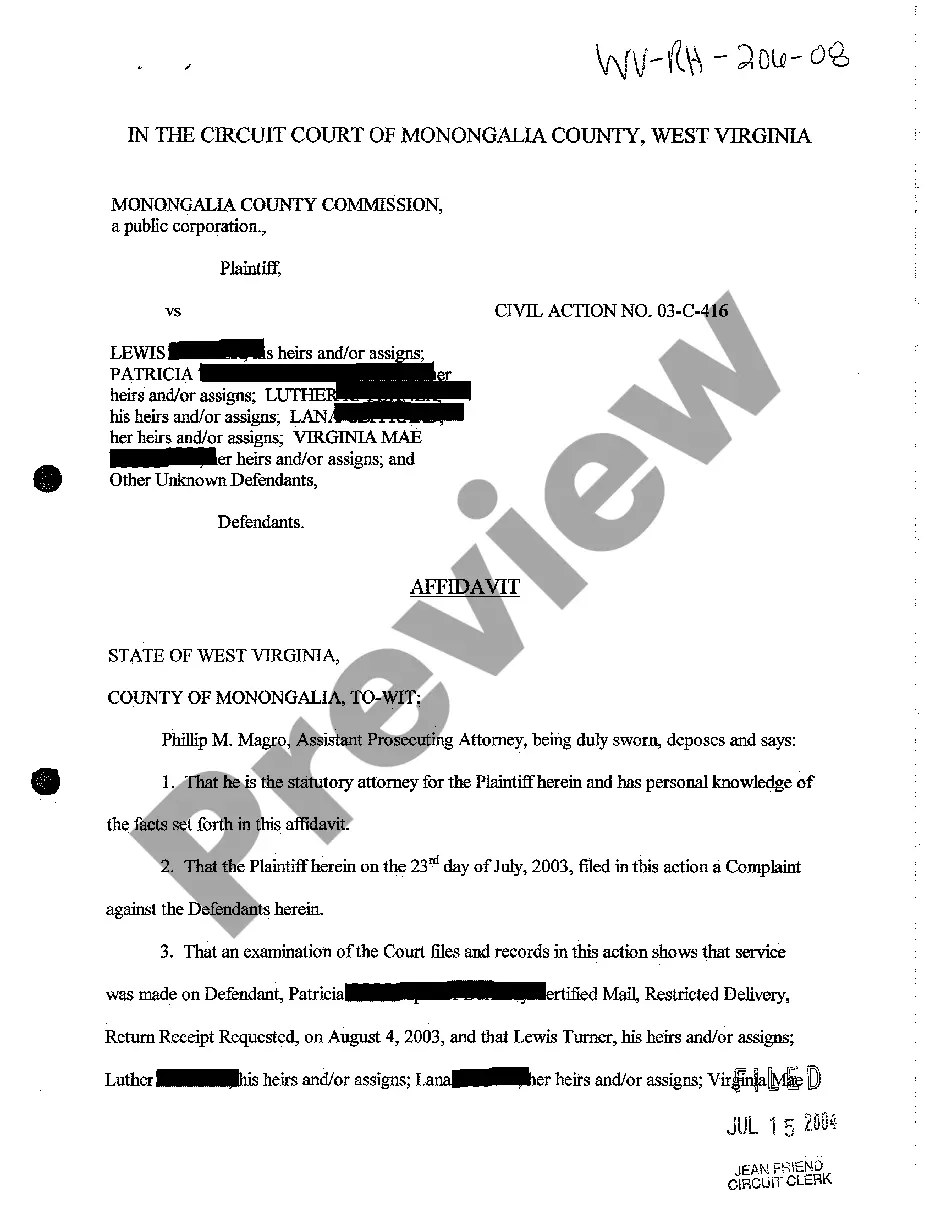
Description
Get your form ready online
Our built-in tools help you complete, sign, share, and store your documents in one place.
Make edits, fill in missing information, and update formatting in US Legal Forms—just like you would in MS Word.
Download a copy, print it, send it by email, or mail it via USPS—whatever works best for your next step.
Sign and collect signatures with our SignNow integration. Send to multiple recipients, set reminders, and more. Go Premium to unlock E-Sign.
If this form requires notarization, complete it online through a secure video call—no need to meet a notary in person or wait for an appointment.
We protect your documents and personal data by following strict security and privacy standards.
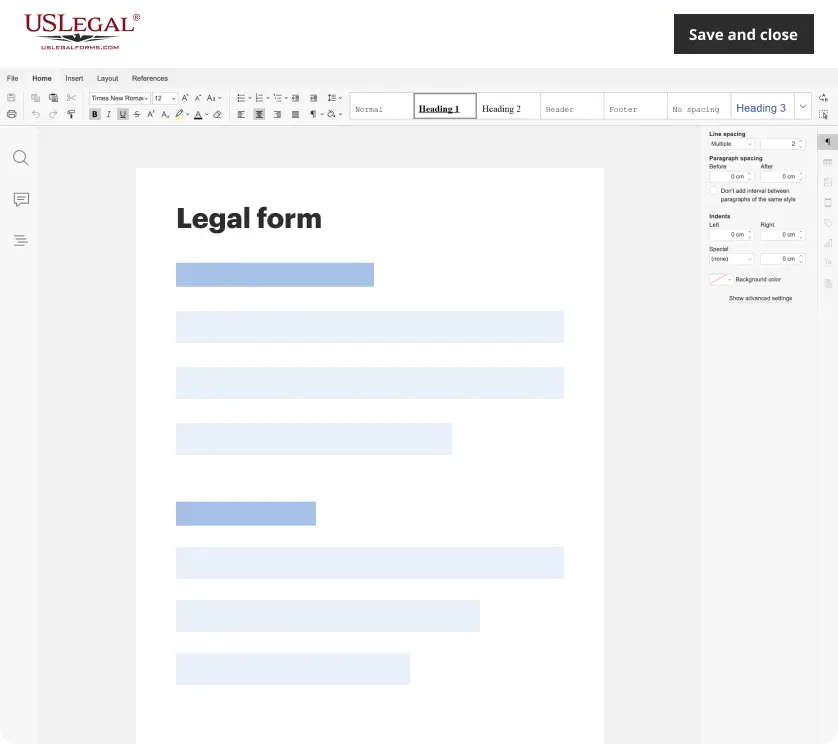
Make edits, fill in missing information, and update formatting in US Legal Forms—just like you would in MS Word.
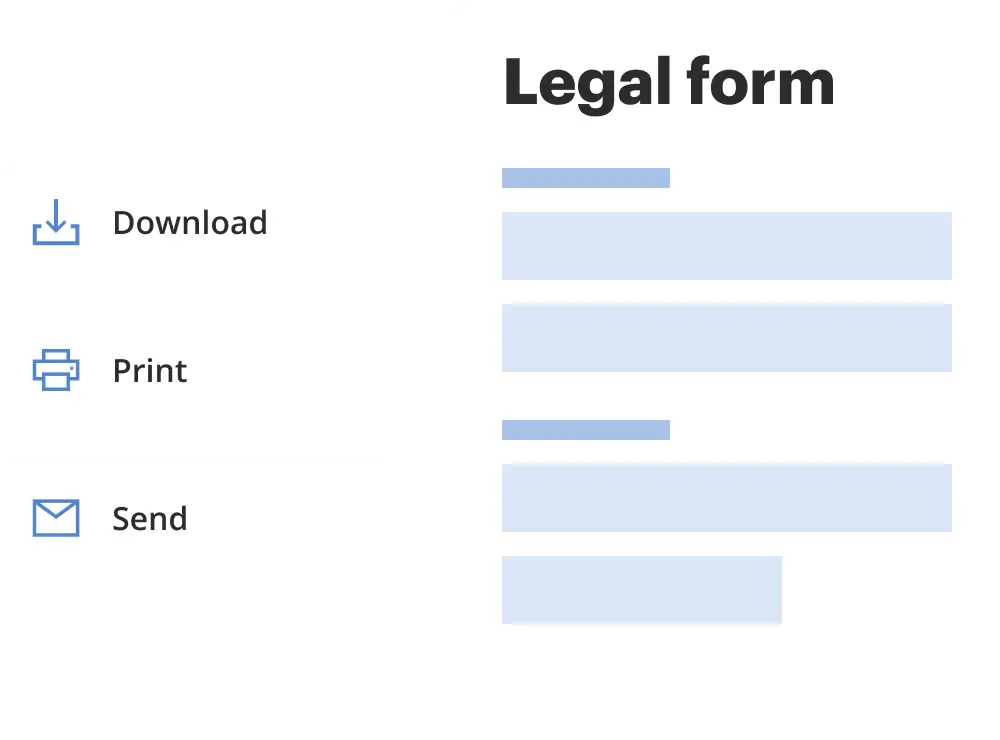
Download a copy, print it, send it by email, or mail it via USPS—whatever works best for your next step.
Sign and collect signatures with our SignNow integration. Send to multiple recipients, set reminders, and more. Go Premium to unlock E-Sign.
If this form requires notarization, complete it online through a secure video call—no need to meet a notary in person or wait for an appointment.
We protect your documents and personal data by following strict security and privacy standards.
Looking for another form?

How to fill out West Virginia Publisher's Certificate?
Among lots of paid and free templates that you’re able to find on the net, you can't be sure about their accuracy and reliability. For example, who created them or if they are competent enough to take care of what you need them to. Keep calm and use US Legal Forms! Find West Virginia Publisher's Certificate templates developed by professional attorneys and avoid the high-priced and time-consuming process of looking for an attorney and after that having to pay them to write a document for you that you can easily find yourself.
If you already have a subscription, log in to your account and find the Download button next to the form you are looking for. You'll also be able to access all your previously saved files in the My Forms menu.
If you’re making use of our service the first time, follow the instructions below to get your West Virginia Publisher's Certificate quick:
- Make sure that the file you find applies in your state.
- Review the template by reading the information for using the Preview function.
- Click Buy Now to begin the ordering process or find another template utilizing the Search field located in the header.
- Choose a pricing plan sign up for an account.
- Pay for the subscription using your credit/debit/debit/credit card or Paypal.
- Download the form in the required format.
As soon as you have signed up and purchased your subscription, you can utilize your West Virginia Publisher's Certificate as often as you need or for as long as it stays valid in your state. Edit it with your favorite editor, fill it out, sign it, and print it. Do more for less with US Legal Forms!
Form popularity
FAQ
1Step 1: Choose a Business Idea.2Step 2: Write a Business Plan.3Step 3: Select a Business Entity.4Step 4: Register a Business Name.5Step 5: Get an EIN.6Step 6: Open a Business Bank Account.7Step 7: Apply for Business Licenses & Permits.8Step 8: Find Financing.Starting a Business in West Virginia Simple, Step-by-Step Guide\nstartingyourbusiness.com > west-virginia