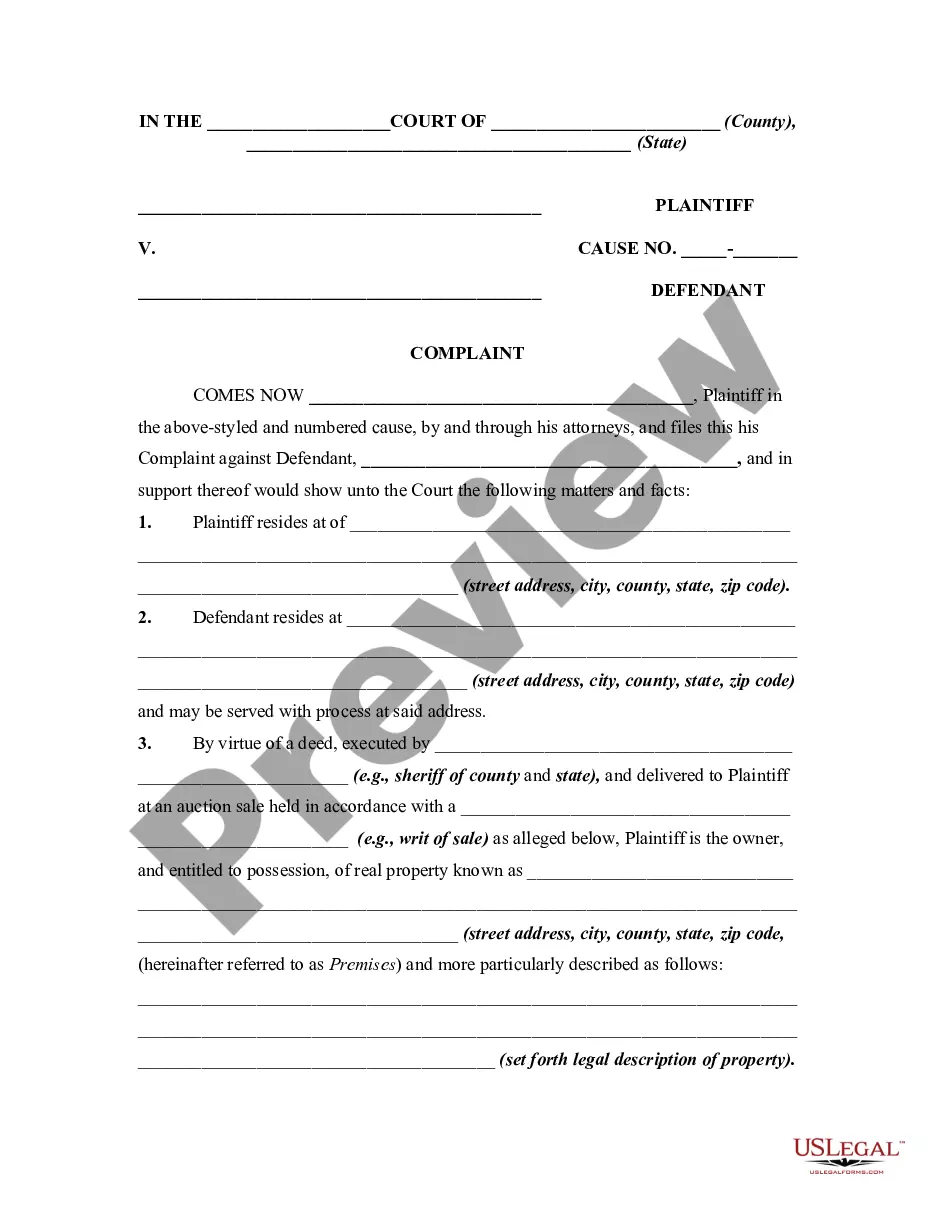
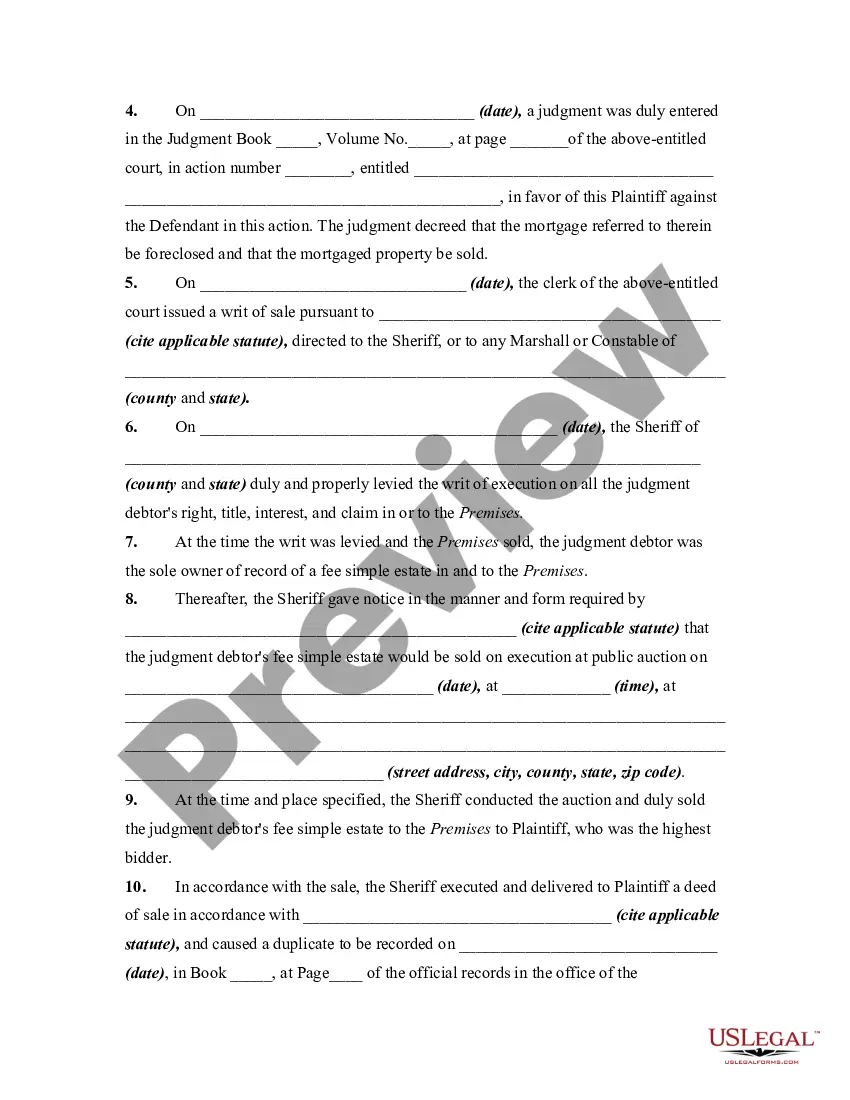
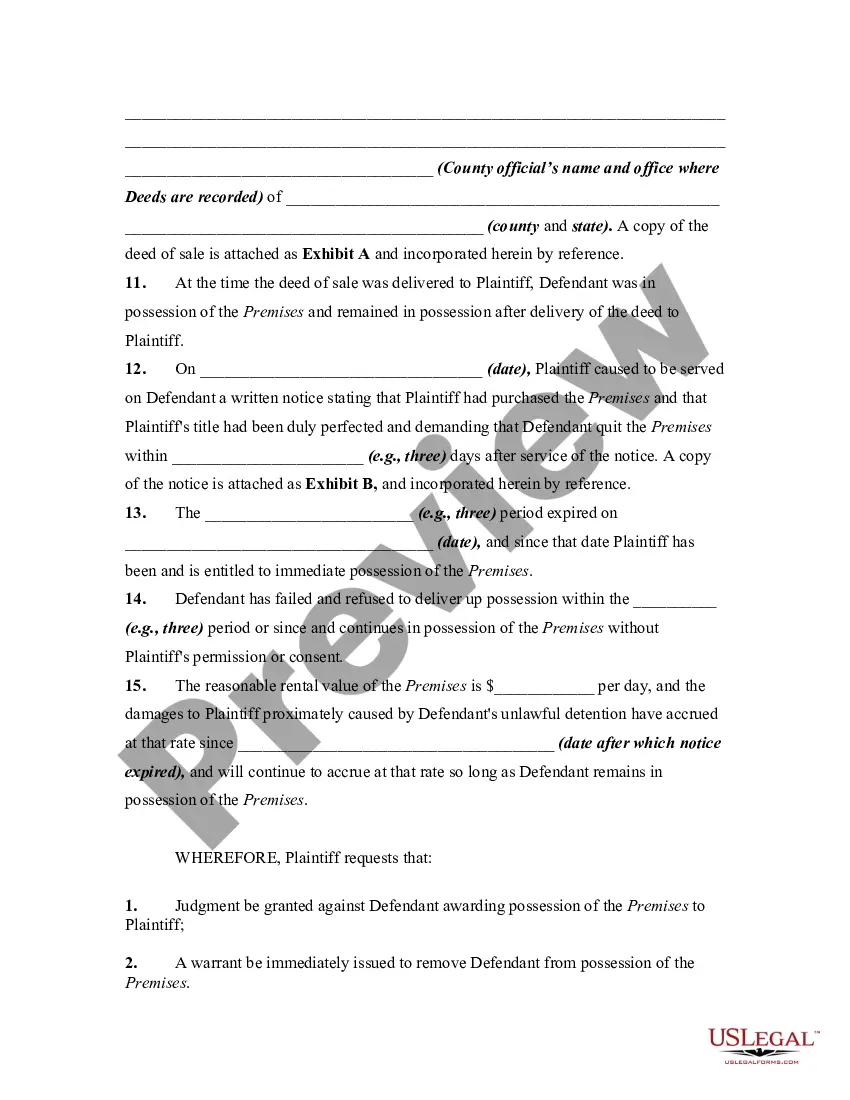
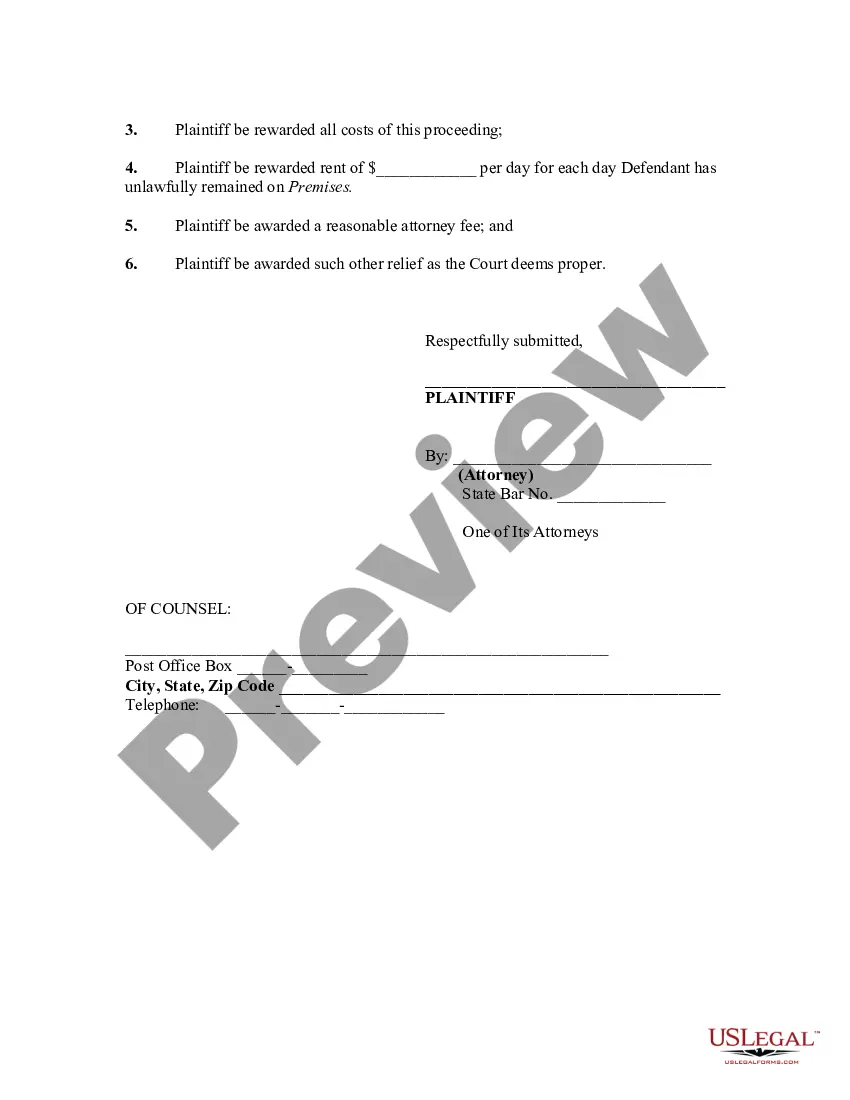
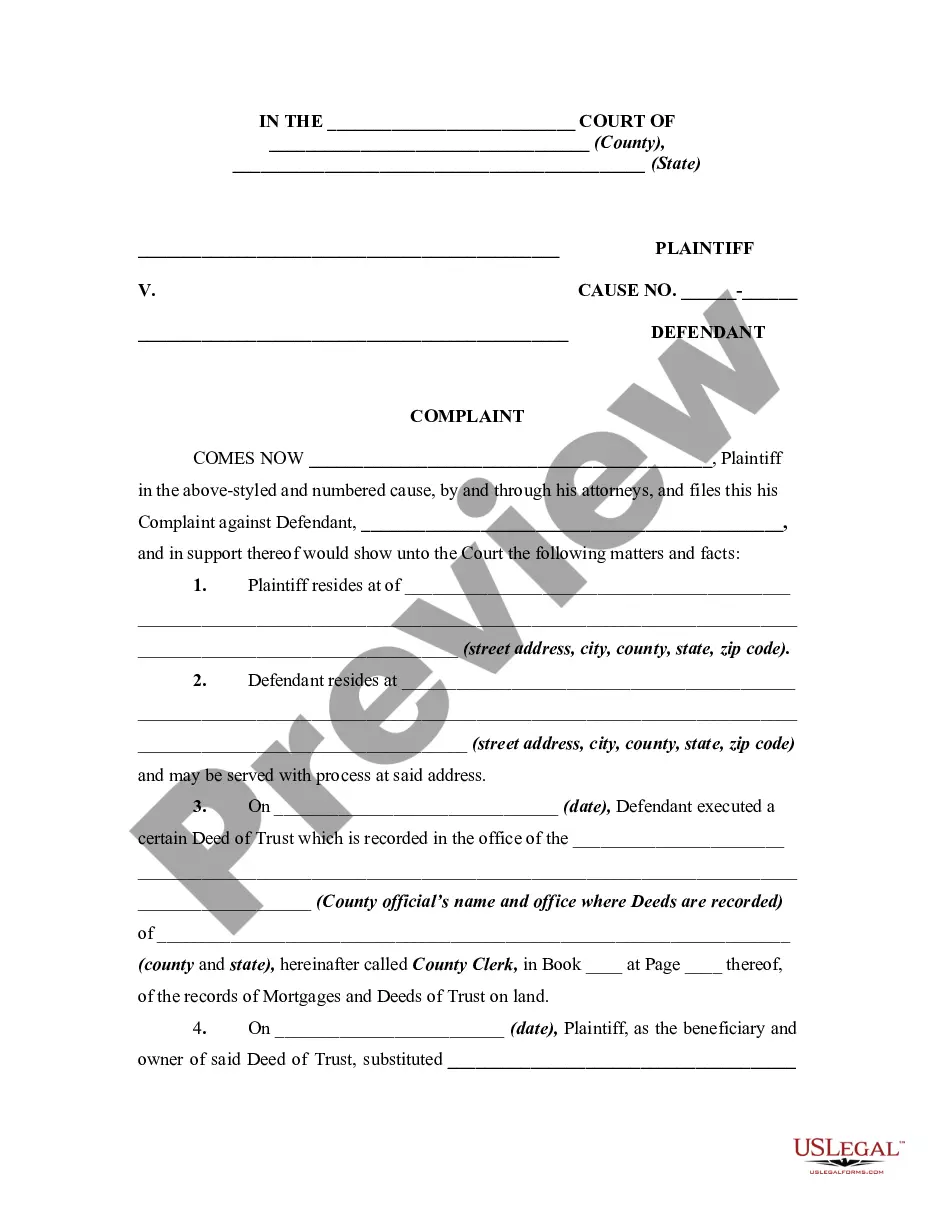
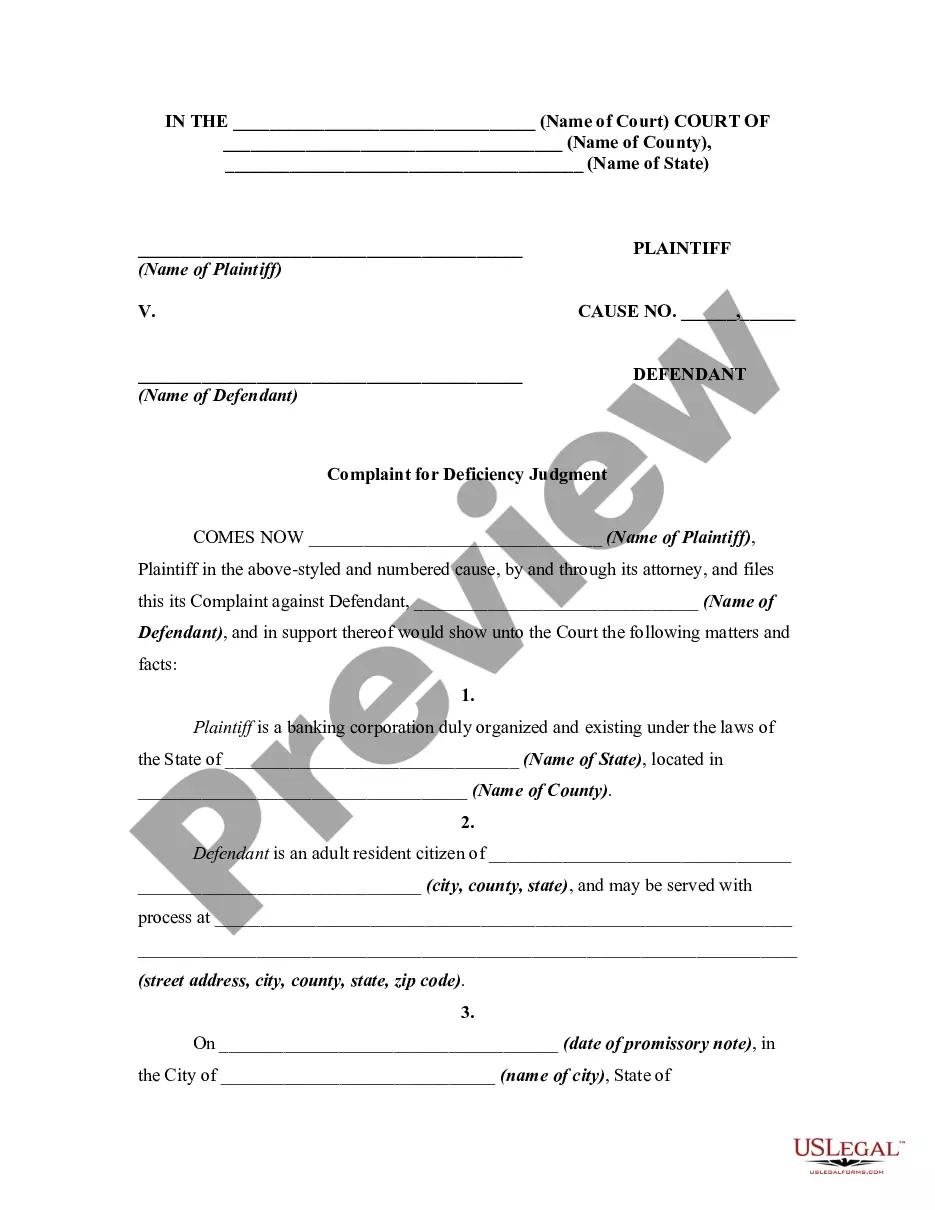
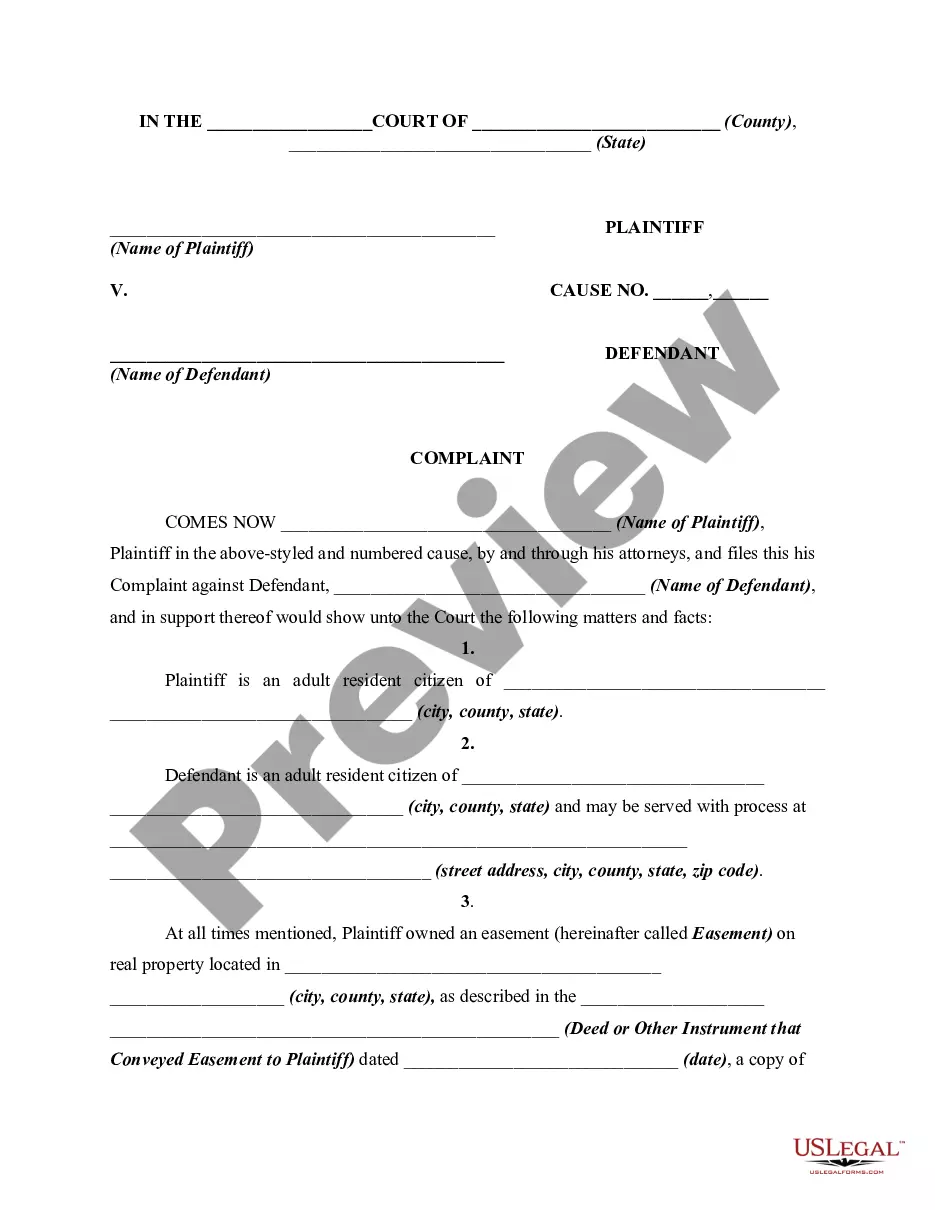
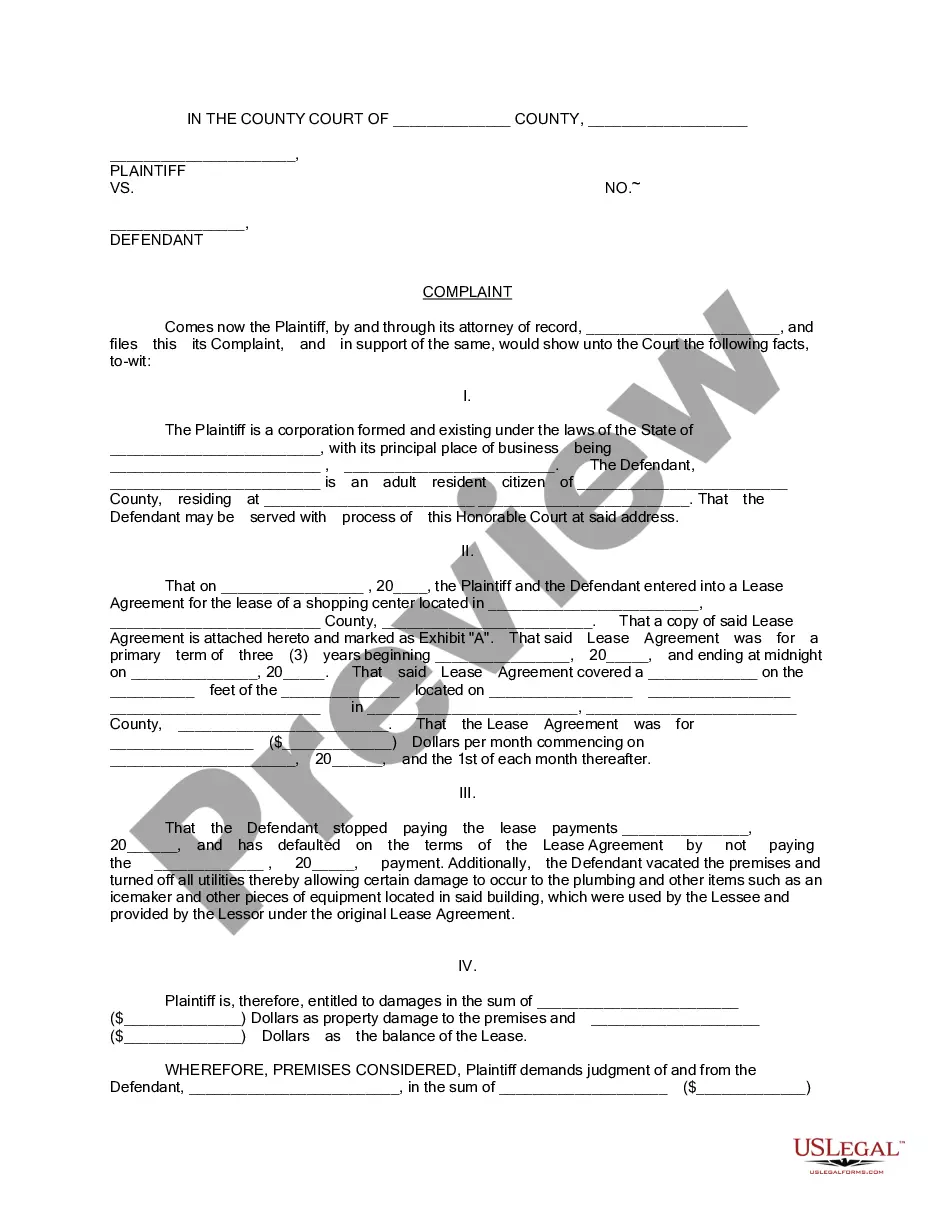
Keeping possession of real property without a right, such as after a lease has expired or after the real property has be sold by the possessor, may entitle the owner to file a lawsuit for "unlawful detainer," asking for possession by court order, unpaid rent and damages. This form is for illustrative purposes only. Local laws should be consulted to determine any specific requirements for such a notice in a particular jurisdiction.
West Virginia Complaint or Petition by Purchaser Against Possessor of Real Property After Judicial Foreclosure Sale - Repossession
State:
Multi-State
Category:
Control #:
US-01018BG
Format:
Word;
Rich Text
68 downloads
Description
Free preview

Get your form ready online
Our built-in tools help you complete, sign, share, and store your documents in one place.
Built-in online Word editor
Make edits, fill in missing information, and update formatting in US Legal Forms—just like you would in MS Word.
Export easily
Download a copy, print it, send it by email, or mail it via USPS—whatever works best for your next step.
E-sign your document
Sign and collect signatures with our SignNow integration. Send to multiple recipients, set reminders, and more. Go Premium to unlock E-Sign.
Notarize online 24/7
If this form requires notarization, complete it online through a secure video call—no need to meet a notary in person or wait for an appointment.
Store your document securely
We protect your documents and personal data by following strict security and privacy standards.

Make edits, fill in missing information, and update formatting in US Legal Forms—just like you would in MS Word.

Download a copy, print it, send it by email, or mail it via USPS—whatever works best for your next step.

Sign and collect signatures with our SignNow integration. Send to multiple recipients, set reminders, and more. Go Premium to unlock E-Sign.

If this form requires notarization, complete it online through a secure video call—no need to meet a notary in person or wait for an appointment.

We protect your documents and personal data by following strict security and privacy standards.
Looking for another form?
How to fill out Complaint Or Petition By Purchaser Against Possessor Of Real Property After Judicial Foreclosure Sale - Repossession?
US Legal Forms - one of the largest collections of legal documents in the United States - provides a variety of legal document templates that you can download or print.
Using the website, you can access thousands of forms for business and personal purposes, organized by categories, states, or keywords. You can find the latest versions of forms such as the West Virginia Complaint or Petition by Purchaser Against Possessor of Real Property After Judicial Foreclosure Sale - Repossession within minutes.
If you already have a subscription, Log In and download the West Virginia Complaint or Petition by Purchaser Against Possessor of Real Property After Judicial Foreclosure Sale - Repossession from the US Legal Forms library. The Download button will appear on every form you view. You can access all previously saved forms in the My documents tab of your account.
Complete the purchase. Use your credit card or PayPal account to finalize the transaction.
Choose the format and download the form to your device. Make edits. Fill out, modify, print, and sign the saved West Virginia Complaint or Petition by Purchaser Against Possessor of Real Property After Judicial Foreclosure Sale - Repossession. Each template you added to your account has no expiration date and is yours indefinitely. So, if you wish to download or print another copy, just go to the My documents section and click on the form you need. Access the West Virginia Complaint or Petition by Purchaser Against Possessor of Real Property After Judicial Foreclosure Sale - Repossession with US Legal Forms, the most comprehensive library of legal document templates. Utilize a vast array of professional and state-specific templates that meet your business or personal needs and requirements.
- If you want to use US Legal Forms for the first time, here are simple instructions to help you get started.
- Ensure you have selected the correct form for your area/state.
- Click the Preview button to review the form's details.
- Read the form description to ensure that you have chosen the right form.
- If the form does not suit your needs, use the Search section at the top of the screen to find one that does.
- When you are satisfied with the form, confirm your choice by clicking the Get now button.
- Then, select the payment plan you prefer and provide your details to register for an account.
Form popularity
FAQ
How Can I Stop a Foreclosure in West Virginia? A few potential ways to stop a foreclosure include reinstating the loan, redeeming the property before the sale, or filing for bankruptcy. Of course, if you're able to work out a loss mitigation option, like a loan modification, that will also stop a foreclosure.
A "deed in lieu of foreclosure" is when a lender agrees to accept a deed to the property instead of foreclosing. With a deed in lieu of foreclosure, the deficiency amount is the difference between the borrower's total debt and the home's fair market value.
Technically speaking, a notice of default is not a foreclosure. Instead, it serves as notice that you are behind in your payments and that your property may be sold as a result of foreclosure if you don't act soon.
Under West Virginia law, the lender has to personally deliver or mail a notice of default, which may be sent after you (the borrower) have been in default for five days, to your last known address. This notice gives you ten days to cure the default. But you'll lose the right to cure after three defaults.
Ways to Stop Foreclosure in West Virginia Declare Bankruptcy. Yes, bankruptcy is a way through which foreclosure can be stopped. ... Applying for Loan Modification. ... Reinstating Your Loan. ... Plan for Repayment. ... Refinancing. ... Sell Out Your Home. ... Short Sale. ... Deed In Lieu of Foreclosure.
If you default on your mortgage payments in West Virginia, the lender may foreclose using a judicial or nonjudicial method.
In the context of mortgage foreclosure, a notice of default is a formal notice that a lender filed with courts to notify the borrower who has failed to make payments that the lender intends to conduct a sale foreclosure.
Many Virginia deeds of trust have a provision that requires the lender to send a notice, commonly called a "breach letter," informing you that the loan is in default before the lender can accelerate the loan. The breach letter gives you a chance to cure the default and avoid foreclosure.