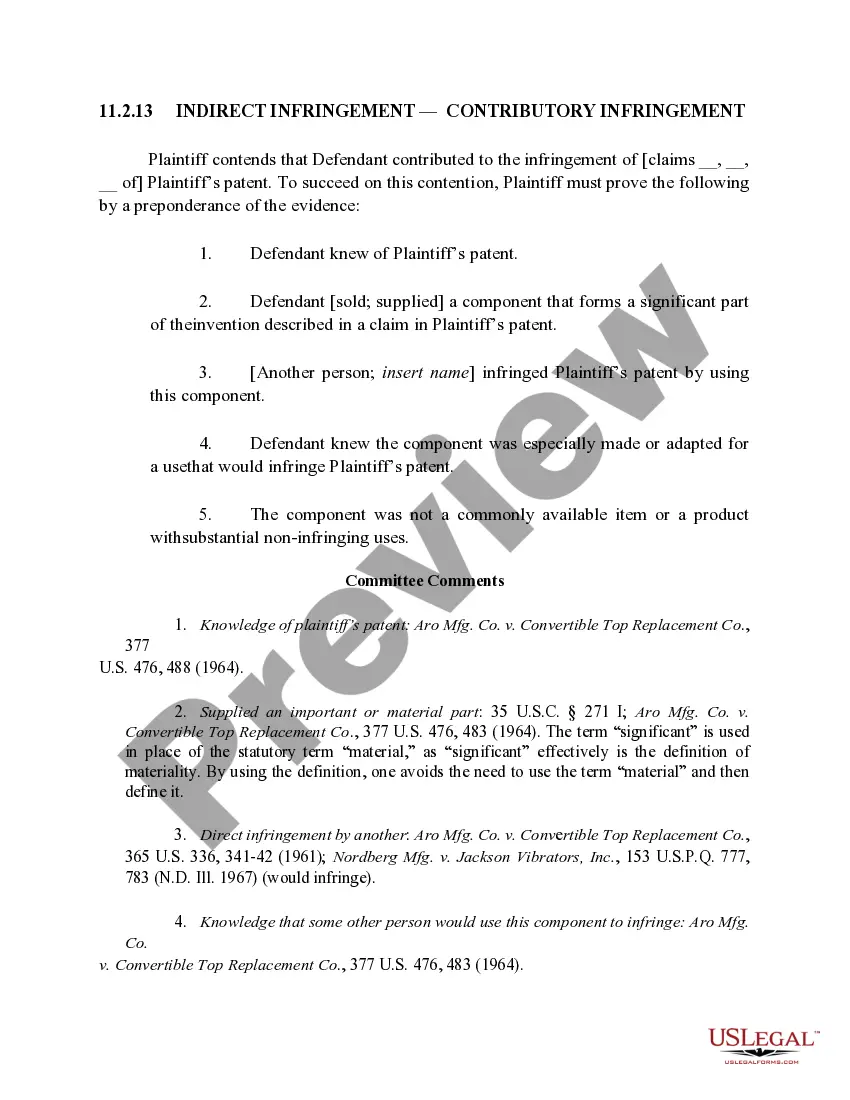
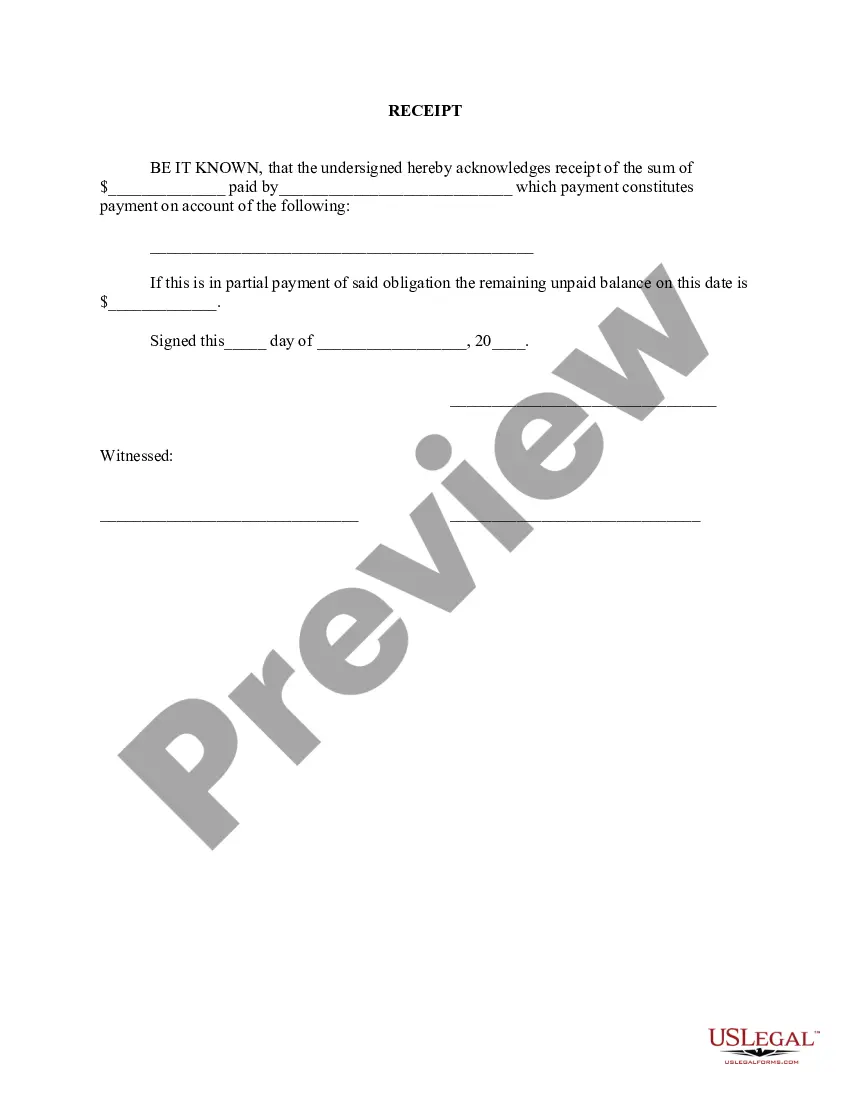
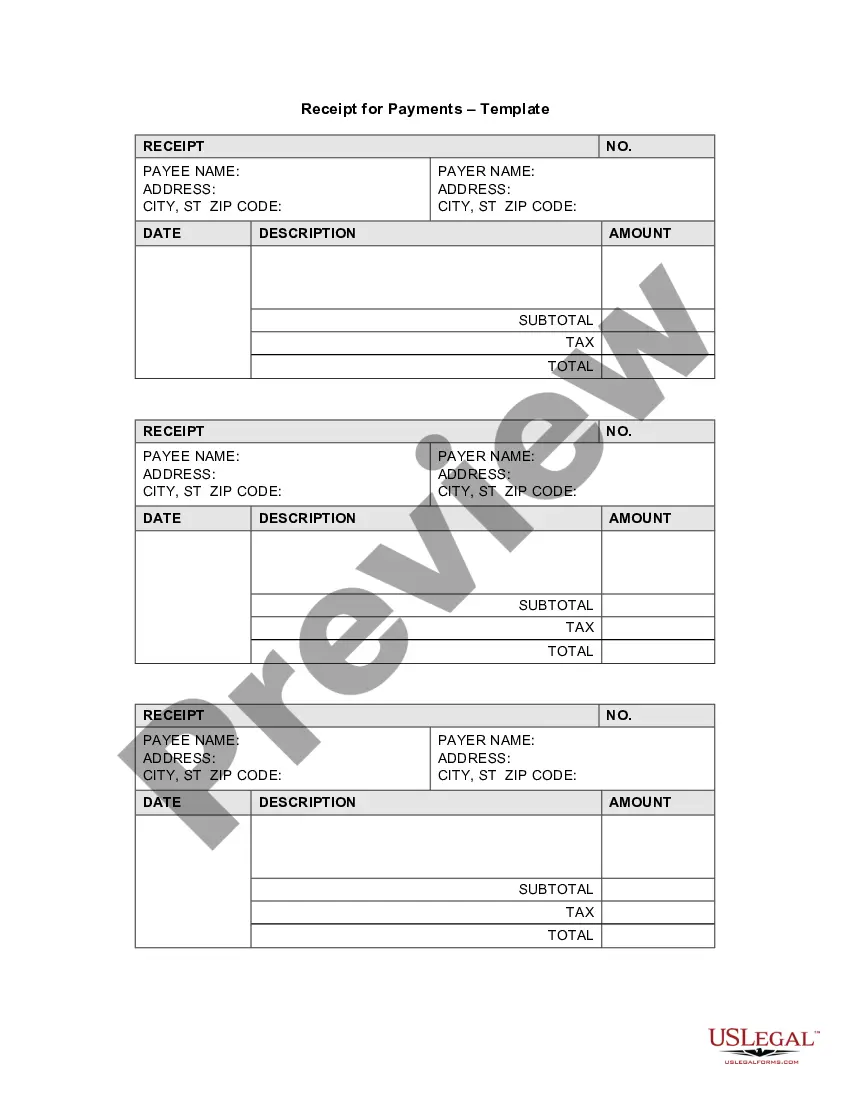
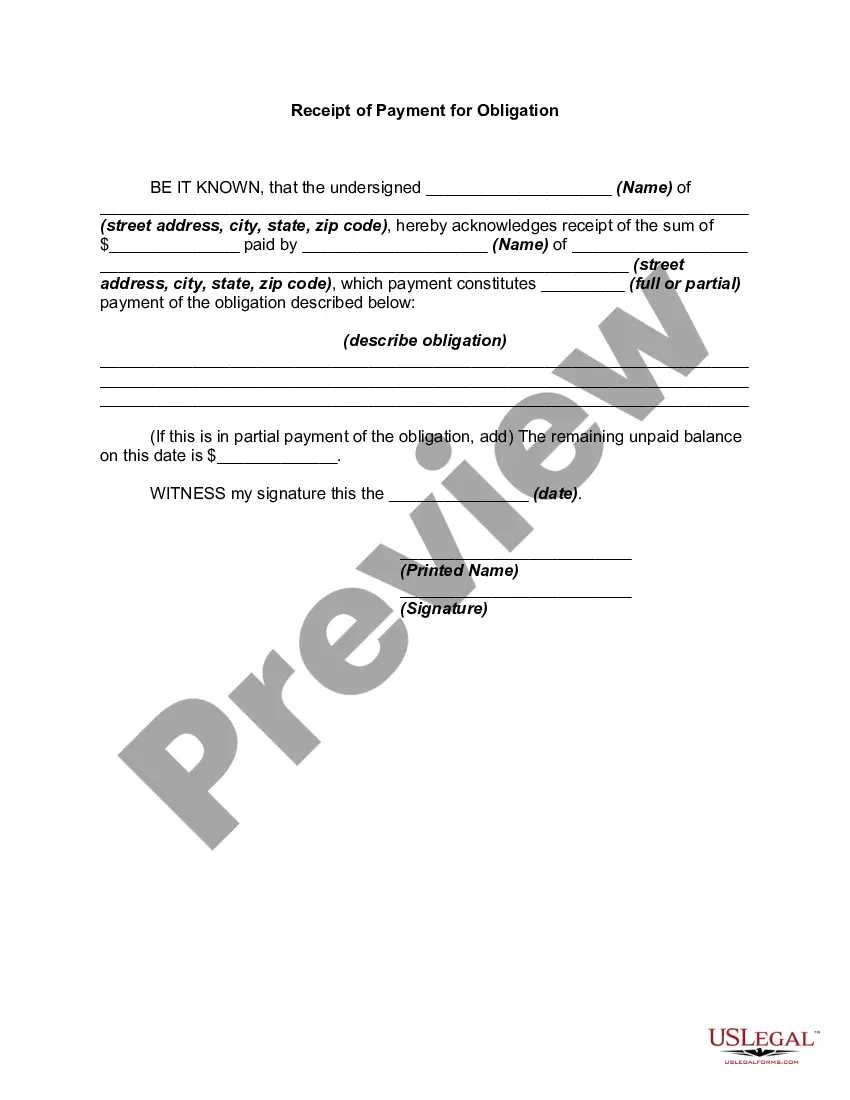
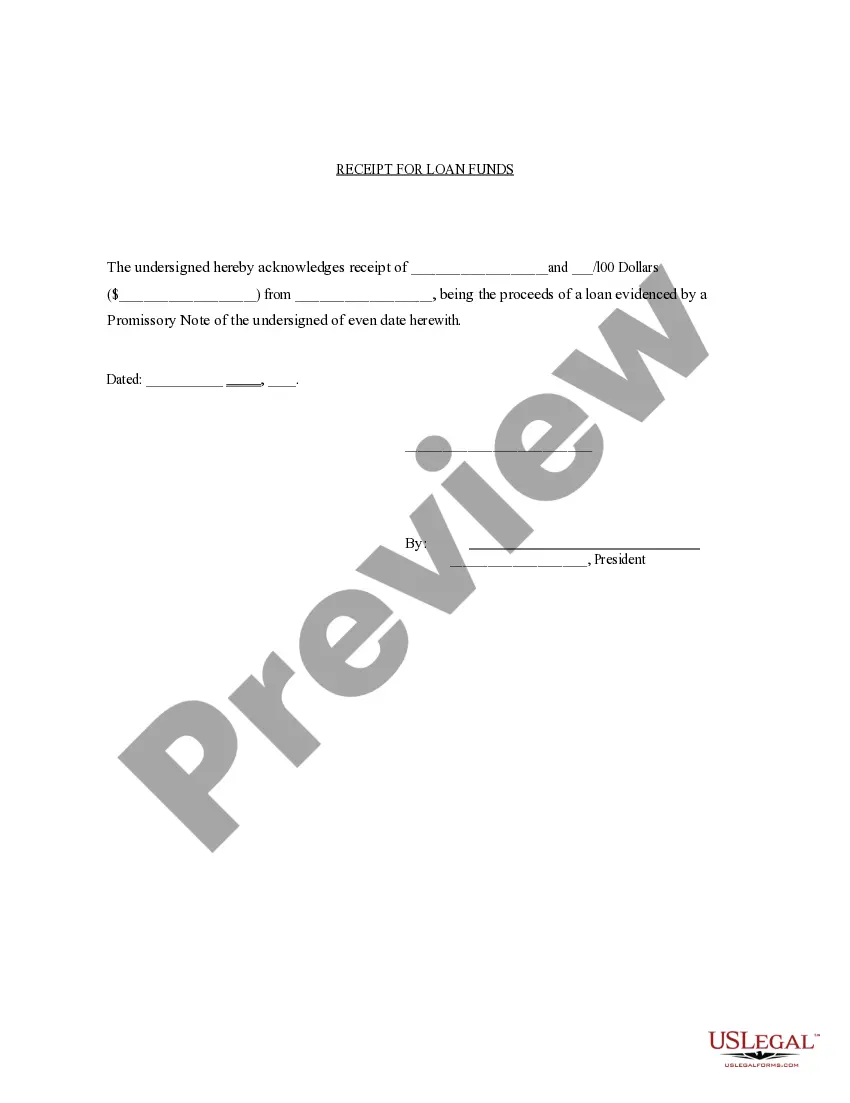
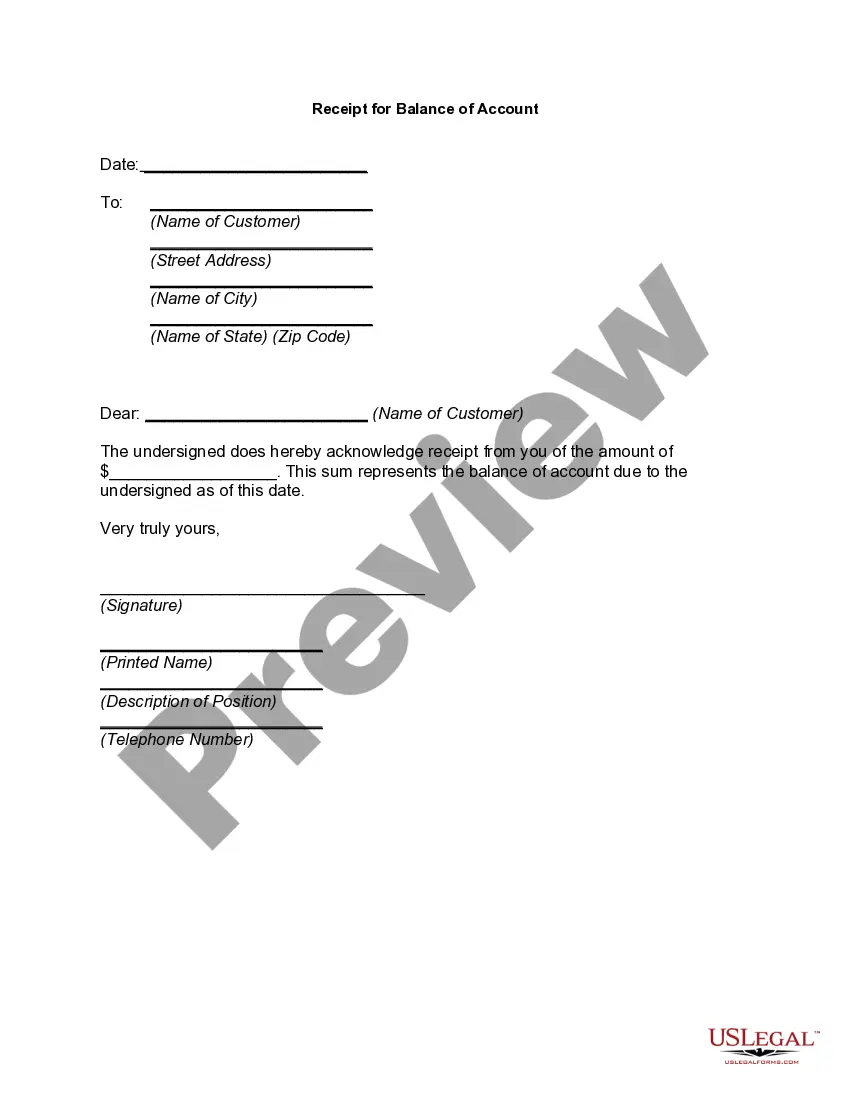
This form is a Receipt. The form provides that the undersigned acknowledges the receipt of a certain sum of money which constitutes payment on the account named in the receipt. The receipt also lists the balance remaining on the account, if applicable.
West Virginia Receipt for Payment of Account
Category:
State:
Multi-State
Control #:
US-01792
Format:
Word;
Rich Text
Instant download
Description
Get your form ready online
Our built-in tools help you complete, sign, share, and store your documents in one place.
Built-in online Word editor
Make edits, fill in missing information, and update formatting in US Legal Forms—just like you would in MS Word.
Export easily
Download a copy, print it, send it by email, or mail it via USPS—whatever works best for your next step.
E-sign your document
Sign and collect signatures with our SignNow integration. Send to multiple recipients, set reminders, and more. Go Premium to unlock E-Sign.
Notarize online 24/7
If this form requires notarization, complete it online through a secure video call—no need to meet a notary in person or wait for an appointment.
Store your document securely
We protect your documents and personal data by following strict security and privacy standards.

Make edits, fill in missing information, and update formatting in US Legal Forms—just like you would in MS Word.

Download a copy, print it, send it by email, or mail it via USPS—whatever works best for your next step.

Sign and collect signatures with our SignNow integration. Send to multiple recipients, set reminders, and more. Go Premium to unlock E-Sign.

If this form requires notarization, complete it online through a secure video call—no need to meet a notary in person or wait for an appointment.

We protect your documents and personal data by following strict security and privacy standards.
Looking for another form?
How to fill out Receipt For Payment Of Account?
It is feasible to spend hours online looking for the official document template that fulfills the federal and state requirements you possess. US Legal Forms offers a vast array of legal forms that are reviewed by experts.
You can effortlessly download or print the West Virginia Receipt for Payment of Account from the service. If you already have a US Legal Forms account, you may Log In and click the Obtain button. After that, you can complete, modify, print, or sign the West Virginia Receipt for Payment of Account.
Every legal document template you obtain is yours permanently. To get another copy of the purchased form, navigate to the My documents section and click the corresponding button.
Select the format of your document and download it to your device. You can make changes to the document if applicable. You are able to complete, edit, sign, and print the West Virginia Receipt for Payment of Account. Download and print numerous document templates using the US Legal Forms site, which provides the largest selection of legal forms. Utilize professional and state-specific templates to address your business or personal needs.
- If you are using the US Legal Forms website for the first time, follow the simple instructions below.
- First, make sure that you have selected the correct document template for the area/city of your preference. Review the form details to ensure you have chosen the right one.
- If available, utilize the Preview button to view the document template as well.
- If you wish to obtain an additional copy of your form, use the Search field to find the template that suits your requirements.
- Once you have found the template you desire, click Acquire now to proceed.
- Choose the pricing plan you prefer, enter your details, and register for a US Legal Forms account.
- Finalize the purchase. You can use your Visa or Mastercard or PayPal account to pay for the legal form.
Form popularity
FAQ
How can I check the status of my refund? You can check the status of your refund online by using our Where's My Refund? web service. In order to view status information, you can visit our website at Tax.WV.Gov and click on the Where's My Refund? banner at the top of the page.
If the West Virginia Tax Division needs to verify information reported on your return or request additional information, the process will take longer. Math errors in your return or other adjustments. You used more than one form type to complete your return. Your return was missing information or incomplete.
Step 1: Go to the e-Filing portal homepage. Step 2: Enter the user ID and password. Step 3: Go to e-File tab > Income Tax Returns > View Filed Returns. Step 4: Now you can check the refund status for the desired Assessment year. Status 1: When refund is issued: Status 2: When refund is partially adjusted:
To obtain a six-month payment plan, you can use the CD-6 Web Application. Payments may be submitted electronically at . No tax lien will be filed on a payment plan of six months or less, unless there is a default on the plan.
West Virginia has a graduated individual income tax, with rates ranging from 3.00 percent to 6.50 percent. There are also jurisdictions that collect local income taxes. West Virginia has a flat 6.50 percent corporate income tax rate and permits local gross receipts taxes.
How do I check the status of my state refund? If you filed your return electronically, you can likely check the status of your refund online or by phone. If you sent your return through the mail, you may have to wait longer for a status check. You may also call or email your state's department of taxation.
You can check the status of your Virginia refund 24 hours a day, 7 days a week using our ?Where's My Refund?? tool or by calling our automated phone line at 804.367. 2486. Tax Tips - Where Is My Virginia Refund?
You can use the Pay Personal Income Tax link on the MyTaxes Website. website to begin remitting payments electronically using the ACH Debit method. Credit Cards ? All major credit cards accepted.