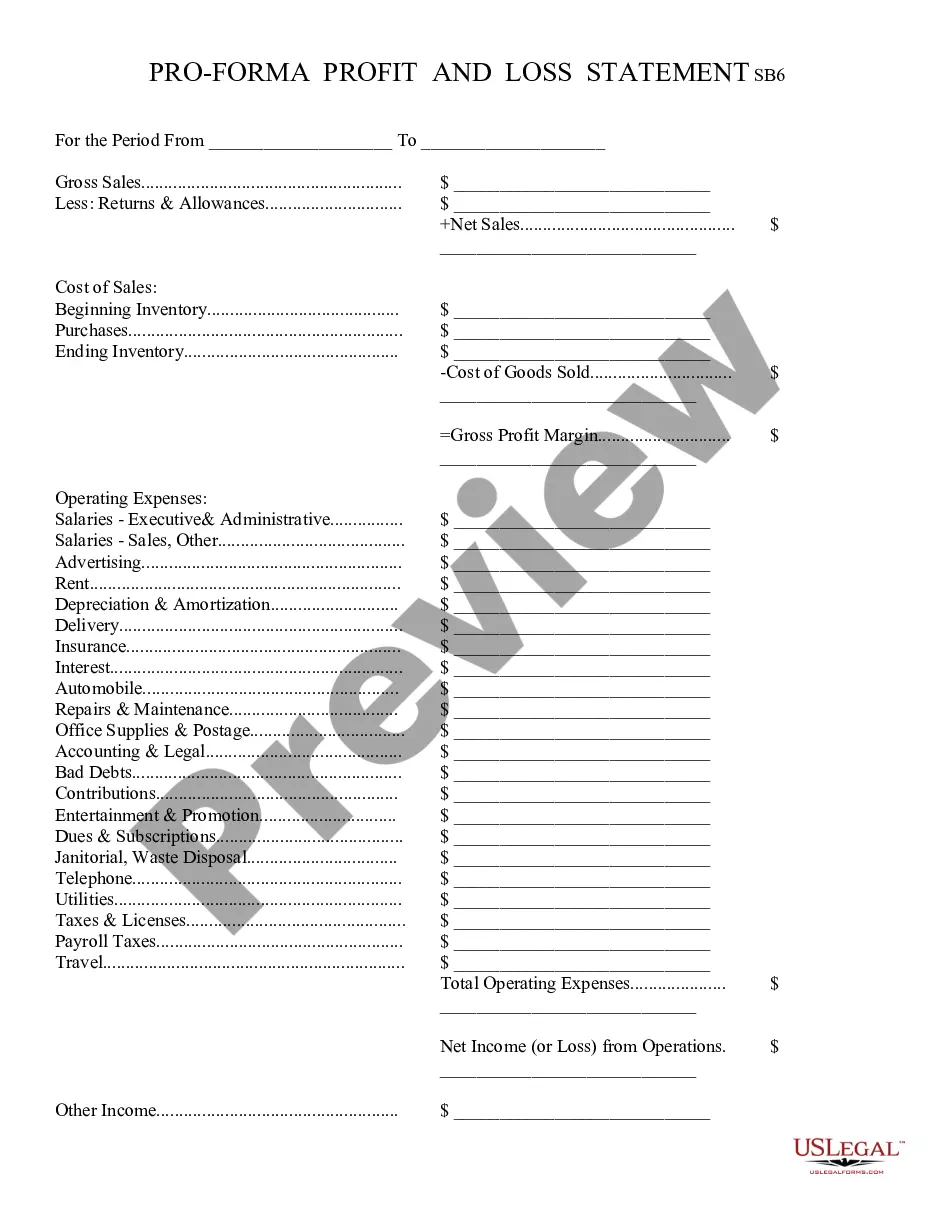
Riverside California Profit and Loss Statement
Description
Get your form ready online
Our built-in tools help you complete, sign, share, and store your documents in one place.
Make edits, fill in missing information, and update formatting in US Legal Forms—just like you would in MS Word.
Download a copy, print it, send it by email, or mail it via USPS—whatever works best for your next step.
Sign and collect signatures with our SignNow integration. Send to multiple recipients, set reminders, and more. Go Premium to unlock E-Sign.
If this form requires notarization, complete it online through a secure video call—no need to meet a notary in person or wait for an appointment.
We protect your documents and personal data by following strict security and privacy standards.

Make edits, fill in missing information, and update formatting in US Legal Forms—just like you would in MS Word.

Download a copy, print it, send it by email, or mail it via USPS—whatever works best for your next step.

Sign and collect signatures with our SignNow integration. Send to multiple recipients, set reminders, and more. Go Premium to unlock E-Sign.

If this form requires notarization, complete it online through a secure video call—no need to meet a notary in person or wait for an appointment.

We protect your documents and personal data by following strict security and privacy standards.
Looking for another form?
How to fill out Profit And Loss Statement?
Creating documents, like Riverside Profit and Loss Statement, to handle your legal issues is a demanding and time-intensive task.
Many situations necessitate the involvement of an attorney, which makes this endeavor quite costly.
Nonetheless, you can take control of your legal matters and manage them independently.
The process of onboarding new users is quite straightforward! Here’s what you should do before obtaining the Riverside Profit and Loss Statement: Ensure that your document complies with your state/county, as the regulations for drafting legal documents may differ from state to state. Explore more details about the form by previewing it or reviewing a brief introduction. If the Riverside Profit and Loss Statement isn’t what you expected, utilize the search bar in the header to find an alternative. Sign in or create an account to begin using our service and obtain the form. Do everything look satisfactory on your end? Click the Buy now button and choose the subscription plan. Choose the payment method and input your payment information. Your form is ready for download. It’s a simple process to find and purchase the required template with US Legal Forms. Thousands of businesses and individuals are already reaping the benefits of our extensive library. Subscribe now to discover what additional advantages you can access with US Legal Forms!
- US Legal Forms is here to assist you.
- Our website offers over 85,000 legal forms designed for a variety of scenarios and life events.
- We ensure that each document complies with the laws of each state, alleviating your concerns regarding potential legal issues related to compliance.
- If you're already acquainted with our platform and hold a subscription with US, you understand how simple it is to acquire the Riverside Profit and Loss Statement form.
- Feel free to Log In to your account, download the template, and customize it to fit your needs.
- Have you misplaced your document? No problem. You can retrieve it from the My documents section in your account - accessible on desktop or mobile.
Form popularity
FAQ
It's easy to change your name in social settings, all you have to do is introduce yourself with your desired name. It's changing all your documents that is the hard part which includes your identification card, social security card, birth certificate and credit cards.
To prove your legal name change, you must show one of the following documents: Marriage document. Divorce decree. Certificate of naturalization showing a new name. Court order for a name change.
An individual or a business entity must file a fictitious business name (FBN) statement with the Registrar-Recorder/County Clerk's office in the county where the business will be located when the name of the business does not include the owner's last name.
Contact the County Clerk to file a fictitious business name, at (951) 486-7000 or find the nearest office location.
The fee for filing a fictitious business name statement is $66.00 for the fictitious business and first registrant plus $2.00 for each additional business name on the statement doing business at the same address, and each additional registrant. This fee includes one certified copy of the statement.
To publish: Contact any of the listed legally adjudicated newspaper companies and choose to publish with ONE of them. Inform them you just filed a Fictitious Business Name Statement and must satisfy the publication requirement. Provide them with a copy of the FBN filing.
You can legally change your name by filing papers in court. If a judge agrees, they will give you a court order that states your new legal name. You need this order to change your name on identity documents, like your driver's license, passport, or social security card.
How long does it take to legally change your name in California? The process takes at least 6 weeks, but usually 2-3 months and could be even longer depending on the availability and caseload of the court and the publishing schedule of the newspaper.
In California, you can ask for a court order to change your legal name. To do this, you file a petition with the court and publish a notice in a newspaper. Then, you'll either have a court date (a hearing) where a judge will make a decision, or the judge may make a decision without a hearing.
Visit the Conducting Business in Riverside page on this site or contact the Business Tax Section of the Finance Department at 951-826-5465 to complete and submit a Business License Application.